Many homes have the same frustrating problem: one room is always too hot, another is always too cold, and the hallway thermostat claims everything is fine. Smart thermostat remote sensors give your thermostat a more complete picture of your home, so it can heat and cool the rooms you actually use, more evenly and more efficiently.
The best part is you usually don’t need to replace your furnace, AC, or ductwork to see an improvement. By adding a few well-placed sensors and adjusting how your smart thermostat makes decisions, you can often fix most hot and cold spots with a weekend project and a bit of fine-tuning.
This guide walks through what smart thermostat remote sensors are, how they work, where to put them, and how to use them to balance your home’s temperatures without an expensive HVAC overhaul.
What Are Smart Thermostat Remote Sensors?
How remote room sensors differ from the main smart thermostat
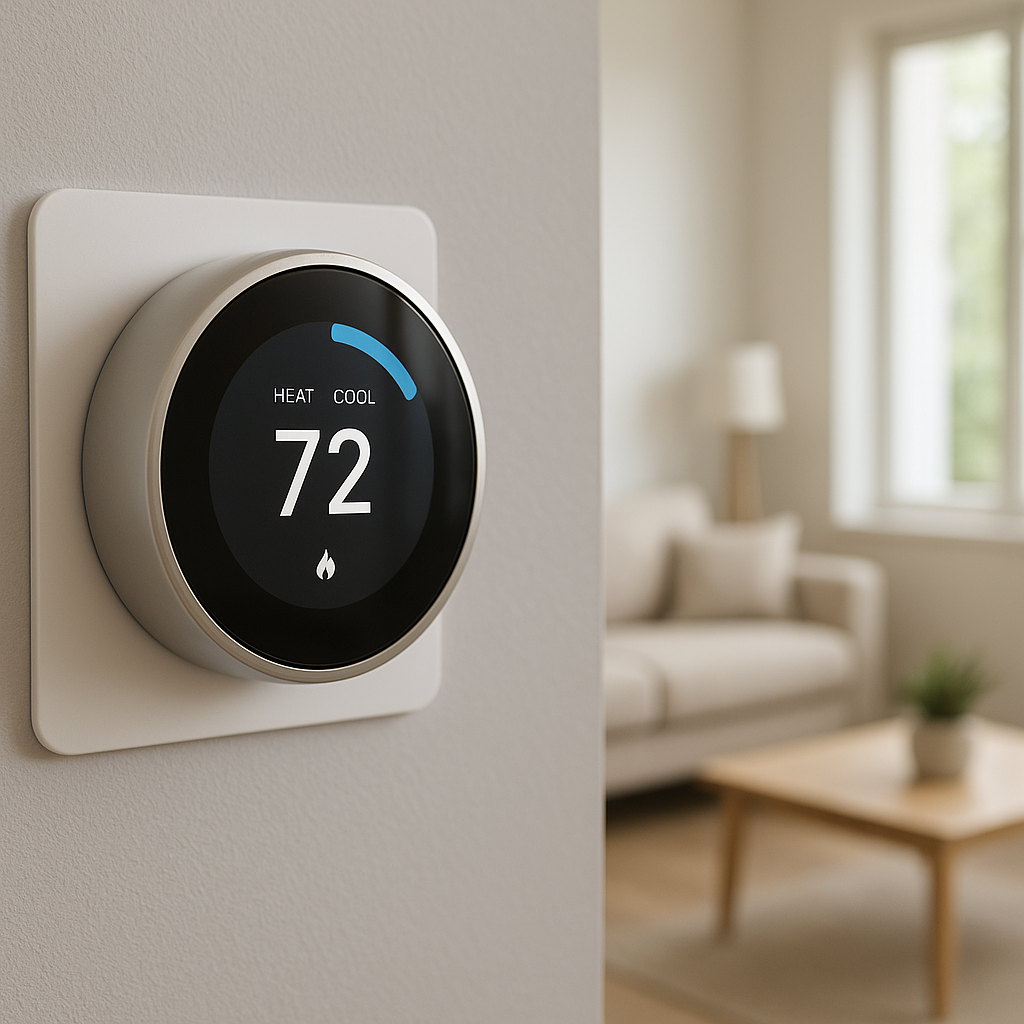
Your main smart thermostat is usually mounted in a central hallway or near a living space. It measures temperature (and sometimes humidity and occupancy) right at that spot and tells your HVAC system when to turn on or off. The problem is that this single location rarely represents the conditions in the rest of your home.
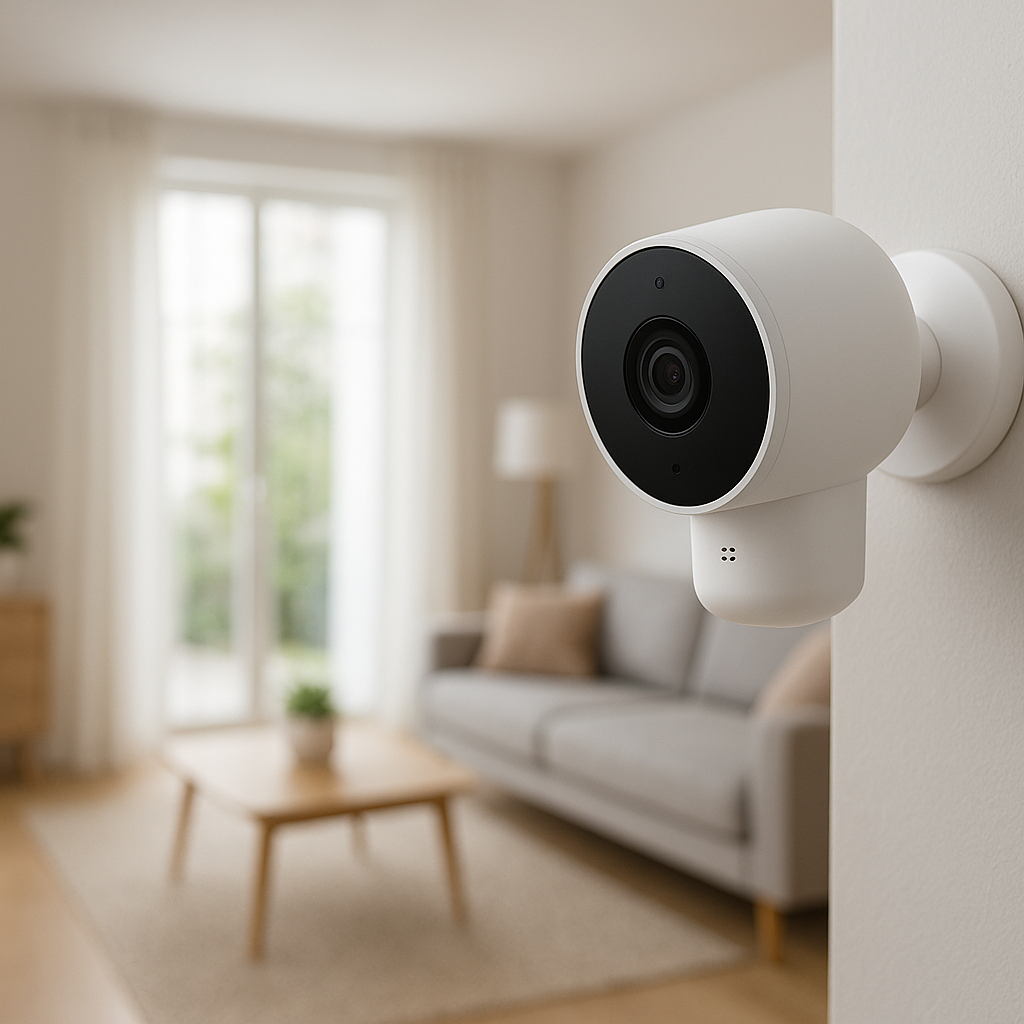
Smart thermostat remote sensors are small wireless devices you place in other rooms. They send temperature and sometimes motion or humidity data back to the main thermostat. Instead of guessing what your bedroom or office feels like based on a hallway reading, the thermostat can use sensor data to:
- Average temperatures across several rooms
- Prioritize certain rooms at specific times (like bedrooms at night)
- Recognize whether someone is actually in a room before conditioning it
Physically, remote sensors are usually battery-powered, about the size of a key fob or small night-light, and either sit on a shelf or mount to a wall.
Common brands and models that support remote sensors
Most major smart thermostat brands now offer remote sensors, though features vary. Popular examples include:
- Ecobee: Ecobee SmartThermostat and ecobee3 lite use Ecobee SmartSensors (earlier models used Room Sensors). These support temperature and occupancy.
- Google Nest: The Nest Learning Thermostat and Nest Thermostat work with Nest Temperature Sensors, which measure temperature only (no motion).
- Honeywell Home / Resideo: Models like the T9 and T10 Pro work with Smart Room Sensors that measure temperature and occupancy.
- Other ecosystems: Some Z-Wave and Zigbee thermostats (e.g., from Radio Thermostat, GoControl) can pair with third-party multi-sensors through a hub such as SmartThings or Hubitat.
Each ecosystem has its own app and rules for how many sensors you can use and how they factor into temperature control, so it’s worth checking the specs before you buy.
When adding sensors makes more sense than replacing your HVAC
Remote sensors are especially helpful when:
- Your HVAC equipment is in good condition but comfort is inconsistent from room to room.
- You have a two-story home where upstairs is always warmer than downstairs.
- Your thermostat is in a hallway that stays comfortable while bedrooms or a home office are often too hot or cold.
- Certain rooms matter more at specific times (nursery at night, home office during the day).
If your system is old, unreliable, or sized incorrectly, you may eventually need new equipment. But in many homes, remote sensors and some airflow tweaks are enough to deliver a noticeable comfort upgrade at a much lower cost.
Why Your Home Has Hot and Cold Rooms in the First Place
Typical causes of uneven temperatures (layout, insulation, vents, sunlight)
Before blaming your thermostat, it helps to understand why uneven temperatures happen at all. Common causes include:
- Home layout: Long duct runs, far-away rooms, and added-on spaces (like finished attics or sunrooms) often get less effective airflow.
- Insulation differences: Poorly insulated exterior walls, attics, or crawlspaces let heat in or out faster than other areas. Rooms over garages are especially prone to extremes.
- Supply and return vent placement: Some rooms simply don’t have enough supply vents, or lack a proper return path for air to get back to the system.
- Sun exposure: South- or west-facing rooms with lots of glass can heat up quickly on sunny days, while shaded rooms stay cooler.
- Air leakage: Drafty windows, doors, or recessed lights let conditioned air escape and outdoor air leak in.
All of this means your hallway may be comfortable while other rooms are several degrees off, even though the HVAC system is doing exactly what the thermostat is asking it to do.
Signs that your thermostat location is causing comfort problems
The location of your thermostat matters more than many people realize. Signs that its placement is part of the problem include:
- The thermostat is near a large window, exterior door, or drafty area.
- The thermostat is directly in the path of a supply vent, causing it to think the whole home reached the setpoint quickly.
- You have to set the thermostat higher or lower than you really want just to make a specific room comfortable.
- The area around the thermostat feels fine, but bedrooms or an office are consistently off by 3–5°F (or more).
Remote sensors help overcome a poorly located thermostat by shifting control to the rooms that matter to you, not just the wall where the thermostat happens to be mounted.
When you may need an HVAC pro instead of just sensors
Remote sensors improve how your system runs, but they can’t fix serious underlying issues. Consider bringing in an HVAC professional if:
- Some rooms never reach a reasonable temperature, even after long run times.
- You notice very weak airflow from vents, whistling ducts, or visible duct damage.
- Your system short-cycles (turns on and off rapidly) or runs almost nonstop.
- You have very old equipment or frequent breakdowns.
In these cases, duct balancing, sealing, or resizing — or in some cases new equipment — may be necessary alongside smart controls.
How Smart Thermostat Remote Sensors Actually Work
Temperature vs. occupancy vs. humidity sensing
Different remote sensors measure different things:
- Temperature: The core function. This tells your thermostat how warm or cool each room is.
- Occupancy / motion: Some sensors (Ecobee SmartSensor, Honeywell T9 sensor) detect motion or presence, letting the thermostat know if a room is being used.
- Humidity: Less common in simple remote sensors, but some multi-sensors or thermostat models monitor humidity to help control comfort and reduce issues like dry air or excess moisture.
The thermostat receives these readings over a low-power wireless connection (often proprietary RF, sometimes Bluetooth or Wi‑Fi) and uses them in its control algorithms.
How your thermostat averages or prioritizes sensor readings
Once sensors are paired, you typically choose which rooms should “count” toward comfort at different times. Common approaches include:
- Simple averaging: The thermostat averages temperatures from selected sensors and the thermostat itself, then heats or cools until the average hits your setpoint.
- Room-based prioritization: You can tell the system to focus on one or more rooms, such as “use only bedroom sensors at night” or “prioritize living room and office during the day.”
- Occupancy-based inclusion: With occupancy-capable sensors, some thermostats only include rooms that detect motion recently, so you aren’t conditioning empty spaces.
Inside the app, this usually appears as “comfort settings” or “sensor groups” that you can enable or disable per schedule.
Single-sensor vs multi-sensor control strategies
There are two main strategies you can use at any given time:
- Single-sensor control: The thermostat relies on one primary sensor (for example, a master bedroom at night). This is great when one room’s comfort is more important than overall average.
- Multi-sensor control: The thermostat uses several sensors together, typically by averaging them. This is useful for open-concept spaces or when you want multiple rooms to stay close to the same temperature.
Many households switch between these strategies based on time of day, using multi-sensor control during the day and single-sensor control in bedrooms overnight.
Choosing the Right Smart Thermostat and Remote Sensors
Popular options: Ecobee, Nest, Honeywell, and others
Here are some popular choices for smart thermostats with remote sensors:
- Ecobee SmartThermostat / ecobee3 lite: Strong sensor features, occupancy-aware comfort modes, and good multi-room control. Works well for homes with big temperature differences.
- Google Nest + Nest Temperature Sensors: Simple temperature-only sensors, good if you’re already in the Google ecosystem and don’t need occupancy-based control.
- Honeywell Home T9 / T10 Pro: Includes Smart Room Sensors with occupancy detection and solid scheduling tools.
- Pro-installed systems: Some higher-end HVAC systems (e.g., Carrier, Trane, Lennox) offer their own proprietary smart thermostats and zoning controls with room sensors, often installed by contractors.
The best choice often comes down to which ecosystem (Google, Alexa, Apple Home, etc.) you already use, and whether you want occupancy-aware features.
Compatibility with your existing HVAC system and wiring
Before buying a smart thermostat and sensors, check:
- System type: Most smart thermostats support standard forced-air systems, heat pumps, and boilers, but advanced features (like multi-stage or dual-fuel) may require specific models.
- Wiring: Many smart thermostats need a C-wire (common wire) for power. If you don’t have one, some models include a power extender kit, or you may need an electrician or HVAC tech to run new wire.
- Existing controls: If you have true zoning with multiple thermostats, or a communicating system from a major HVAC brand, you may be limited to that manufacturer’s smart thermostat.
Checking your current thermostat wiring labels (R, C, W, Y, G, etc.) and system manual will tell you what’s compatible.
How many remote sensors you really need for a typical home
You don’t need a sensor in every room. For most homes:
- Small apartments / condos: 1–2 sensors, often for the bedroom and living room.
- Average single-family home: 2–4 sensors, focusing on key bedrooms, main living area, and a problem room (like a hot upstairs office).
- Larger or multi-story homes: 3–6 sensors, with at least one on each floor and in the main gathering spaces.
Start with a few in the most-used or most-problematic rooms and add more only if needed.
Where to Place Remote Sensors to Fix Hot and Cold Spots
Best rooms to prioritize (bedrooms, home office, living areas)
Place your first sensors in rooms where comfort matters most and where you notice temperature problems:
- Bedrooms: Especially primary bedrooms and nurseries. Overnight comfort is where sensors often make the biggest difference.
- Home office: If you work from home, having your office at the right temperature during your workday can be more important than a perfectly conditioned hallway.
- Main living areas: Family rooms, living rooms, or open-concept spaces where people spend a lot of time.
- Known hot/cold rooms: Any room you consistently find uncomfortable despite adjusting the thermostat.
Ideal mounting height and locations within each room
For the most accurate readings, try to mimic where people actually feel the temperature:
- Mount or place sensors about 4–5 feet (1.2–1.5 m) above the floor, roughly at chest height.
- Put them on an interior wall or stable surface away from direct sun and drafts.
- Keep them in the open — not hidden behind furniture, curtains, or inside cabinets.
- Position them near typical sitting or sleeping areas if possible.
This helps ensure the thermostat is reacting to air temperatures that match your experience in the room.
Places to avoid: near vents, windows, electronics, or exterior doors
Bad placement can make your sensors misread the room and cause the system to over- or under-condition. Avoid placing sensors:
- Right next to or directly above supply vents or radiators
- In direct sunlight or very close to windows
- Near exterior doors that open frequently
- On exterior walls that get very hot or cold
- Next to TVs, computers, or other electronics that emit heat
If you have to place a sensor in a tricky spot, be prepared to adjust its calibration in the app if readings are consistently off.
Step-by-Step: Setting Up Smart Thermostat Remote Sensors
Pairing sensors with your smart thermostat
The exact steps vary by brand, but the general process looks like this:
- Make sure your thermostat is installed, powered, and connected to Wi‑Fi.
- Open the thermostat’s app and find the section for adding a new sensor.
- Pull the battery tab or insert batteries in the sensor to power it on.
- Follow the on-screen instructions to put the sensor into pairing mode (often automatic on first power-up).
- Confirm the sensor appears in the app and is reporting a temperature.
Once paired, move the sensor to its intended room and check that the signal remains strong.
Naming and organizing sensors in the app
Clear naming makes life easier later. In the app:
- Name sensors after their rooms: “Master Bedroom,” “Nursery,” “Home Office,” etc.
- Group sensors logically if the app allows it (e.g., “Upstairs,” “Downstairs,” “Bedrooms”).
- Verify each sensor’s reading makes sense compared to how the room feels.
Good organization helps when you’re building schedules, debugging issues, or making seasonal adjustments.
Creating comfort settings for different times of day
Most smart thermostat apps let you create different comfort modes or schedules. A typical setup might be:
- Morning: Prioritize bedrooms and bathrooms.
- Daytime (home): Focus on living areas and home office sensors.
- Daytime (away): Use occupancy detection and geofencing to reduce conditioning for the whole home.
- Evening: Prioritize living room and kitchen where family gathers.
- Night: Focus on bedroom sensors, possibly ignoring main living areas.
Assign which sensors are active in each mode and set your desired temperatures. Over a week or two, adjust until the schedule matches your routine.
Smart Strategies to Use Remote Sensors for Maximum Comfort
Using occupancy-aware comfort modes (home, away, sleep)
If your sensors support occupancy, take advantage of it:
- Enable “follow me” or similar features so the system focuses on rooms where motion is detected.
- Combine occupancy with “Home” and “Away” modes, so the thermostat automatically relaxes temperature targets when nobody’s around.
- Use “Sleep” modes that automatically prioritize occupied bedrooms at night.
This approach keeps comfort where you are, not where you aren’t, and can also reduce wasted energy.
Balancing comfort in upstairs vs downstairs rooms
Two-story homes often struggle with hot upstairs / cool downstairs in summer and the reverse in winter. Remote sensors help by:
- Placing at least one sensor upstairs and one downstairs in key rooms.
- Using multi-sensor averaging during the day to prevent the system from overcooling the downstairs just to satisfy a hot upstairs hallway.
- At night, prioritizing upstairs bedroom sensors so sleep spaces stay comfortable, even if downstairs drifts a bit.
Pair these strategies with simple airflow adjustments (like slightly closing downstairs vents if recommended) for better balance.
Seasonal adjustments: winter vs summer sensor priorities
Your problem rooms may change with the seasons. Revisit your sensor settings a couple of times a year:
- Summer: Give more weight to sunny, upstairs, or west-facing rooms that tend to overheat.
- Winter: Focus on drafty rooms, over-garage bedrooms, or areas that get too cold.
- Adjust setpoints slightly between seasons to balance comfort and energy use.
A few small changes in which sensors are active and what temperatures you target can prevent months of annoyance.
Fixing Common Issues With Smart Thermostat Remote Sensors
Sensor not connecting or dropping offline
If a sensor keeps disconnecting:
- Move it closer to the thermostat or reduce obstacles (metal appliances, thick walls).
- Replace the sensor batteries if they’re low.
- Remove and re-add the sensor in the app to refresh the connection.
- Check for firmware updates for the thermostat and app.
In larger homes, you may need to re-position the thermostat or place sensors more centrally for reliable communication.
Inaccurate readings and calibration tips
If a room feels fine but the sensor reads several degrees off:
- Make sure it’s not near a vent, window, or electronics.
- Leave it for at least 30–60 minutes after moving; readings can take time to stabilize.
- Compare with a separate, reliable room thermometer.
- Use the app’s calibration or offset feature (if available) to correct small, consistent differences.
A degree or two of variation between different thermometers is normal, but larger differences may indicate a placement issue.
When sensors aren’t fixing your hot and cold rooms (what to try next)
If, after careful placement and scheduling, your home is still very uneven:
- Check that supply vents are open and not blocked by furniture or rugs.
- Verify that interior doors are open during heating and cooling cycles so air can circulate.
- Look for obvious insulation or air leakage issues (drafty windows, uninsulated attic hatches).
- Consider an HVAC assessment to check duct sizing, balancing, and equipment performance.
Remote sensors are part of the solution, but severe imbalances often require some physical changes to your HVAC system or building envelope.
How Remote Sensors Can Help You Save Energy and Money
Reducing over-heating and over-cooling unused rooms
Without remote sensors, your system often runs until the hallway reaches the setpoint, even if that means over-conditioning other rooms. With sensors and smart scheduling, you can:
- Ignore sensors in unused rooms or guest bedrooms most of the time.
- Use occupancy-based modes to focus energy only where motion is detected.
- Let less-used spaces drift a few degrees away from your main setpoint.
Those small differences add up over long seasons of heating and cooling.
Using schedules and geofencing with remote sensors
Combine sensors with features like schedules and geofencing (phone location) to automate savings:
- Set broader temperature ranges when you’re away, then tighten them when the app detects your return.
- Use weekday vs weekend schedules that match your actual time at home.
- Adjust which sensors are active based on time and occupancy so you never waste energy conditioning empty rooms.
Modern smart thermostats can do much of this automatically once you set up the initial rules.
Tracking comfort vs energy use over time
Most smart thermostat apps provide usage history and, in some cases, basic analytics. Use these to:
- See how often your system runs and how changes to schedules affect run time.
- Experiment with slightly wider temperature ranges and watch for changes in total runtime.
- Note any spikes in usage during extreme weather and adjust your settings accordingly.
For more background on how insulation, heating, and cooling work together to impact energy use, the article on building insulation is a helpful reference.
When Remote Sensors Aren’t Enough: Other Fixes to Consider
Simple airflow tweaks: vents, doors, and fans
Sometimes, small airflow changes plus remote sensors are all you need:
- Make sure supply and return vents are open and not blocked.
- Adjust (not fully close) vents in rooms that run too hot or cold to nudge more air elsewhere.
- Use ceiling fans to gently mix air, especially in rooms with high ceilings.
- Keep interior doors open during heating and cooling cycles to avoid trapping air.
Always avoid closing too many vents; that can increase duct pressure and stress your system.
Zoning, dampers, and ductwork improvements
If your home has persistent hot and cold rooms, especially across floors or additions, you may benefit from:
- Zoning systems: Motorized dampers and multiple thermostats or sensors that control different sections of the home separately.
- Duct balancing: An HVAC pro adjusts manual dampers or modifies ducts so each room gets the right amount of airflow.
- Duct sealing and insulation: Sealing leaks and insulating ducts, especially in attics or crawlspaces, to prevent losses before air reaches distant rooms.
These improvements can complement smart thermostats and sensors, giving the system more precise ways to direct airflow where it’s needed.
When it makes sense to upgrade your HVAC system
There are times when sensors and tweaks just can’t make up for aging or mis-sized equipment. Consider upgrading your HVAC system if:
- Your furnace or AC is near the end of its typical lifespan.
- It struggles to keep up in extreme weather despite long run times.
- You’ve already addressed duct issues and insulation but comfort is still poor.
- Energy bills are consistently high compared to similar homes.
Modern HVAC systems often pair well with smart thermostats and sensors, giving you both efficient equipment and smarter control.
Summary: A Practical Plan to Even Out Your Home’s Temperatures
Quick checklist to deploy remote sensors effectively
To pull everything together, here’s a simple plan:
- Confirm your current HVAC system is generally working and not severely undersized or failing.
- Choose a smart thermostat that supports remote sensors and works with your wiring.
- Start with 2–4 sensors in key rooms: main bedroom(s), home office, and main living area.
- Place sensors at chest height, away from vents, windows, doors, and electronics.
- Pair, name, and organize sensors clearly in the app.
- Build comfort schedules that reflect your real routine: morning, day, evening, night.
- Enable occupancy-based features if available to avoid conditioning empty rooms.
How to test and fine-tune your setup over a few weeks
Expect to spend a couple of weeks dialing things in:
- Spend a few days in each mode (day, evening, night) and note how each room feels.
- Check sensor readings against how you actually feel; adjust offsets if needed.
- Move a sensor or two if a room still feels consistently off.
- Make small changes to setpoints and which sensors are active rather than big swings.
- Monitor your system’s runtime and comfort over at least one full weather cycle (warm and cool days) to see the impact.
With some thoughtful placement and smart scheduling, smart thermostat remote sensors can turn an uneven, frustrating home into a much more comfortable and efficient space — all without replacing your entire HVAC system.
FAQ
Do I need a smart thermostat to use remote sensors?
Yes. Remote sensors are designed to work with specific smart thermostat models or ecosystems. A traditional non-connected thermostat won’t know how to communicate with or use data from these sensors.
Will remote sensors shorten the life of my HVAC system?
Used correctly, remote sensors should not harm your system. In many cases, they can reduce unnecessary run time by avoiding over-heating or over-cooling certain areas. Problems usually come from severe duct restrictions or closed vents, not from sensors themselves.
Can I move sensors around after I install them?
Absolutely. You can experiment with sensor locations to see what works best. Just give each new placement some time and check readings to ensure they make sense for that room.
Do remote sensors work with radiant heat or baseboard heaters?
They can, as long as your heating system is controlled by a compatible smart thermostat. The sensors still provide room temperature data, and the thermostat adjusts the heating just as it would with forced-air systems.
How often do I need to replace remote sensor batteries?
Battery life varies by brand and how often the sensor reports data, but many last 1–2 years or more. Your thermostat app typically alerts you when a sensor’s battery is low so you can replace it before it drops offline.