Smart refrigerators have moved past being a novelty gadget. The best models in 2026 can show you what’s inside without opening the door, suggest recipes based on what you already have, remind you about expiration dates, and even help you shave money off your energy bill.
If you’re trying to cut food waste, stay on top of family schedules, or just get more organized in the kitchen, a smart fridge can be a surprisingly helpful hub. This guide walks through the key features, the best use cases, and practical tips to help you decide whether a smart refrigerator belongs in your home—and how to get real value from it.
Why Choose a Smart Refrigerator for Your Modern Kitchen?
How smart fridges go beyond basic cooling
A traditional refrigerator keeps food cold. A smart refrigerator treats food, energy, and information as part of the same system. Most connect to Wi‑Fi and a companion app, and many include touchscreens on the door, built‑in cameras, and integration with voice assistants and other smart home devices.
Modern examples include Samsung Bespoke Family Hub models, LG InstaView ThinQ fridges, and GE Profile smart refrigerators. These can:
- Show a live or recent image of the inside of your fridge from your phone.
- Maintain shared shopping lists across multiple family members.
- Suggest recipes from saved favorites or online sources.
- Track door openings and temperature changes to improve efficiency.
- Sync calendars, notes, and timers for a central kitchen hub.
Common pain points they solve: food waste, forgotten items, and high energy bills
Smart fridges tackle several everyday frustrations:
- Food waste: Internal cameras and inventory features help you see what’s going bad soon, and recipe suggestions encourage you to use ingredients before they spoil.
- Forgotten items at the store: Shared shopping lists and in‑store access to your fridge camera make it easier to check whether you’re really out of milk or eggs.
- Overstuffed, disorganized fridges: Adjustable shelves, smart compartments, and labeled zones in the app help you create a repeatable system.
- High energy bills: Energy monitoring, eco modes, and smarter compressor control reduce unnecessary power usage while keeping food safe.
Who actually benefits most from a smart refrigerator
Not everyone needs a smart fridge. They tend to make the most sense for:
- Busy families juggling school, work, and activities who need a central communication and planning hub.
- Meal preppers who batch cook, freeze, and rotate large quantities of food each week.
- Tech‑forward homeowners already using smart speakers, smart ovens, and automation platforms.
- People focused on cutting food waste and optimizing grocery spending.
- High electric rate areas where incremental energy savings add up quickly.
Key Features to Look For in the Best Smart Refrigerators
Built‑in cameras and internal inventory views
Internal cameras let you check your fridge contents from your phone, usually via the manufacturer’s app. Some models capture images each time you close the door; others support live viewing with door‑knock features (like LG InstaView) so you can see inside without opening the door.
Look for:
- Clear, wide‑angle coverage of all shelves.
- The ability to zoom in or tag items in the app.
- Good image quality in typical kitchen lighting.
Meal planning and recipe recommendation tools
Many smart fridges offer built‑in recipe apps that can suggest meals based on what’s in your fridge or what you’ve favorited. Samsung Family Hub fridges, for example, surface recipes on the door display that match your tagged ingredients.
Useful capabilities include:
- Filtering by dietary needs (vegetarian, gluten‑free, etc.).
- Portion adjustments for different family sizes.
- Automatic shopping list generation from chosen recipes.
Grocery tracking, shopping lists, and expiration date alerts
More advanced models let you log items and their expiration dates. Some can detect items visually, while others rely on manual input or barcode scanning. Either way, you can get alerts when foods are nearing their best‑by date and generate shopping lists based on low‑stock or frequently used ingredients.
This works best if you keep the system simple: track your main perishables (meat, dairy, produce) and key staples rather than every single jar and condiment.
Energy monitoring, Eco modes, and Energy Star ratings
Energy‑aware smart fridges can show you estimated power usage over time and adapt their behavior. Look for:
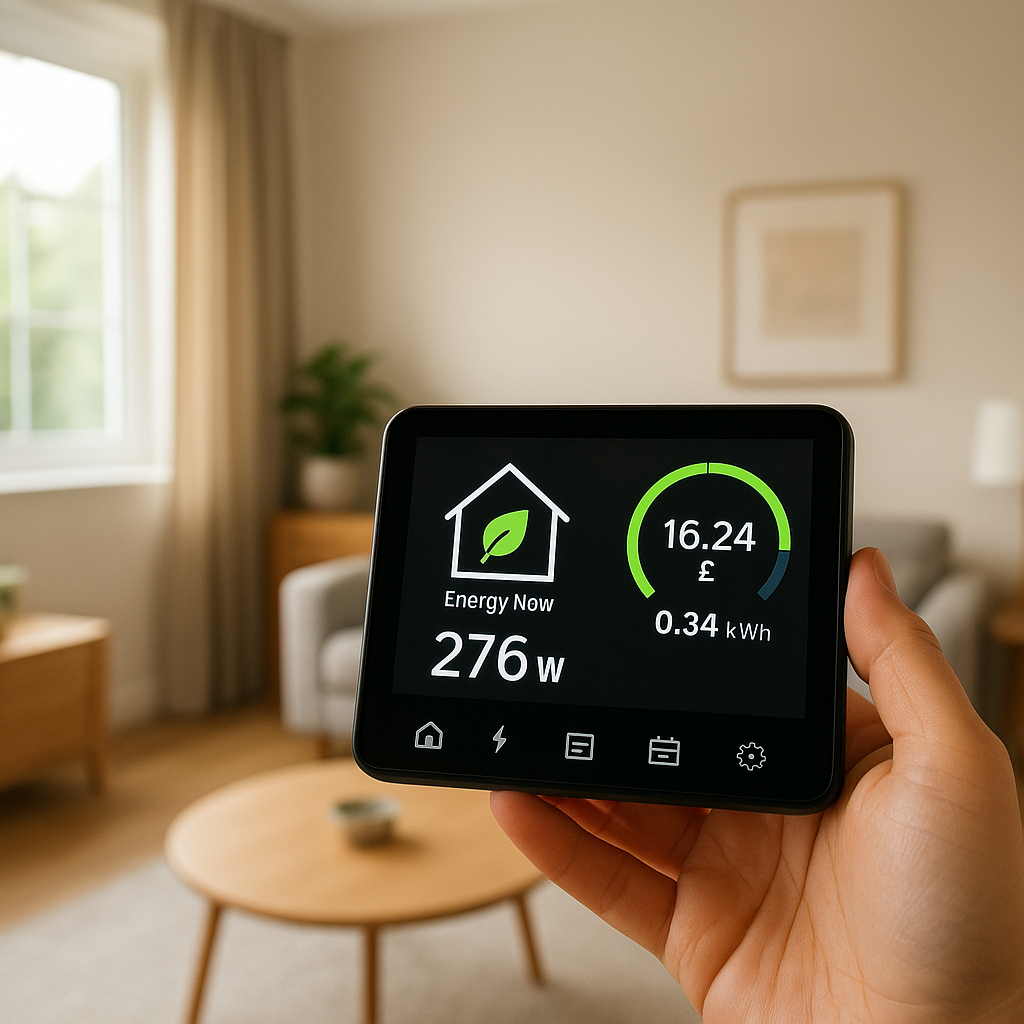
- Energy usage graphs in the app to spot spikes.
- Eco or power‑save modes that slightly relax temperature precision when the doors stay closed for long periods.
- Vacation mode to save power while you’re away without risking spoilage.
- Energy Star certification, which indicates tested efficiency compared with standard models. You can see current refrigerator criteria on the official ENERGY STAR refrigerator page.
Smart home integrations: Alexa, Google Assistant, HomeKit, and IFTTT
Most leading smart fridges support Alexa and Google Assistant. You can:
- Add items to a shared shopping list by voice.
- Ask about the fridge temperature or door status.
- Trigger routines when the door is left open.
Apple HomeKit support is rarer; many homeowners instead use platforms like IFTTT or SmartThings to bridge between devices. If you rely heavily on a particular ecosystem, check compatibility before you buy.
Touchscreens, family hubs, and calendar/notes features
Door‑mounted touchscreens turn the fridge into a digital bulletin board. Typical features include:
- Shared calendars that sync with Google or Microsoft accounts.
- Digital notes and to‑do lists.
- Timers and cooking reminders.
- Photo slideshows and music streaming.
For families, this can replace paper calendars and sticky notes while tying everything into your smart home apps.
Cooling performance, storage flexibility, and noise levels
Smart features only matter if the fridge itself is solid. Pay attention to:
- Even cooling across shelves and door bins.
- Adjustable shelves and door bins for tall bottles, wide platters, and meal‑prep containers.
- Dedicated zones for deli, produce, or convertible drawers that switch between fridge and freezer modes.
- Noise ratings; quieter compressors are especially valuable in open‑plan kitchens.
Best Smart Refrigerators for Meal Planning and Family Organization
Top pick: Family‑hub style smart refrigerator for calendars, notes, and recipes
Family‑hub style models, such as Samsung’s Bespoke Family Hub range, are ideal if you want your fridge to be the central organizing tool in your kitchen. Their large touchscreens let you:
- Pin weekly meal plans and recipes to the door.
- Display shared calendars for school, work, and activities.
- Leave digital notes (“defrost chicken tonight”) that sync to phones.
- Watch recipe videos or listen to music while cooking.
This category suits households that already check a central board or calendar each day and want that experience upgraded and connected.
Best for busy families: Shared shopping lists and multi‑user profiles
Look for models and apps that support multi‑user accounts and permissions. That way:
- Each family member can add to the shopping list from their phone.
- Kids can check whether their lunch items are stocked without opening the door repeatedly.
- Notifications (like “milk is low”) can go to multiple people instead of just the account owner.
Samsung SmartThings, LG ThinQ, and GE SmartHQ all support multi‑user access in different ways, which is invaluable in larger households.
Best for meal preppers: Large capacity with smart compartments and presets
Meal preppers benefit from French‑door or four‑door smart fridges with:
- High capacity main compartments for bulk containers and sheet pans.
- Convertible drawers that switch between chill, soft‑freeze, and deep‑freeze modes.
- Presets in the app for “marinating,” “quick chill,” or “soft freeze” to match different prepping tasks.
For example, some LG and Samsung models let you dedicate a drawer to meal‑prep containers at slightly colder than fridge temperature, helping meals last longer without fully freezing them.
Best Smart Refrigerators for Grocery Tracking and Food Waste Reduction
Models with advanced internal cameras and AI food recognition
Higher‑end smart fridges now use AI to identify common ingredients from camera images. They can auto‑tag items like milk, eggs, or produce and suggest recipes based on what’s detected.
AI recognition is not perfect, so it works best as a starting point. You can correct tags in the app, which improves future accuracy and keeps your inventory realistic.
Fridges that integrate with grocery delivery services and shopping apps
Some manufacturers partner with grocery services so you can:
- Export your shopping list directly to a delivery or pickup service.
- Reorder frequently purchased items with a couple of taps.
- Sync staple lists between your fridge app and your preferred grocery app.
Check whether your usual grocery provider is supported in your region before counting on this feature; availability can vary widely by country and store.
How barcode scanning and manual item logging actually work in daily use
In practice, barcode scanning is most useful for packaged items like yogurt, sauces, or freezer meals. You scan an item with your phone, the app identifies it, and you optionally enter an expiration date or quantity.
To keep this manageable day‑to‑day:
- Only log items that are expensive or easy to forget.
- Skip tracking every condiment; focus on meats, dairy, prepared meals, and key snacks.
- Set a weekly 5–10 minute “fridge check” to clean up the digital inventory.
Best Energy‑Efficient Smart Refrigerators for Lower Utility Bills
Smart fridges with real‑time energy monitoring and usage reports
Some models include built‑in energy dashboards that show estimated kWh usage over days or weeks. Others rely on integration with smart plugs or whole‑home energy monitors.
These reports help you spot patterns, such as frequent door openings in the afternoon or temperature spikes when you load in warm groceries, and then tweak habits or settings accordingly.
Eco modes, vacation settings, and intelligent temperature optimization
Eco features typically:
- Reduce compressor cycling when doors stay closed for long periods.
- Relax temperature precision slightly to save power while remaining food‑safe.
- Adjust freezer temperature in vacation mode when you have fewer items stored.
Some fridges learn your household patterns and pre‑cool slightly before busy periods, then coast during quieter hours to save energy.
Comparing Energy Star labels, inverter compressors, and insulation quality
Beyond smart features, efficiency depends on hardware:
- Energy Star label: Indicates tested efficiency compared with baseline models of similar size.
- Inverter compressors: Can run at variable speeds, using less power than older on/off compressors and reducing temperature swings.
- Insulation and door seals: Better insulation keeps temperatures stable and reduces compressor work.
When comparing models, weigh the efficiency gain against the added cost to see how long payback might take in your area.
Smart Refrigerator Comparison Table (Quick Overview)
Side‑by‑side spec comparison: capacity, features, smart integrations, price range
The exact models change each year, but here’s an example of how to compare typical 2026 smart fridges:
| Model Type (Example) | Approx. Capacity | Key Smart Features | Smart Integrations | Typical Price Range (USD) |
|---|---|---|---|---|
| Samsung Bespoke Family Hub French Door | 25–29 cu. ft. | Large touchscreen, camera, recipes, calendar | SmartThings, Alexa, Google Assistant | $$$–$$$$ |
| LG InstaView ThinQ 4‑Door | 22–28 cu. ft. | Knock‑to‑view, camera, ThinQ app | LG ThinQ, Alexa, Google Assistant | $$$–$$$$ |
| GE Profile Smart French Door | 22–27 cu. ft. | Wi‑Fi, voice control, temperature presets | GE SmartHQ, Alexa, Google Assistant | $$–$$$ |
| Bosch 800 Series Smart Counter‑Depth | 20–22 cu. ft. | Home Connect app, efficiency focus | Home Connect, some voice support | $$$ |
Feature matrix: meal planning, grocery tracking, and energy tools at a glance
When shopping, build a simple checklist like this to compare models:
- Meal planning: Built‑in recipes, calendar, weekly planning view, guided cooking.
- Grocery tracking: Internal camera, AI recognition, barcode scanning, expiration alerts.
- Energy tools: Usage reports, eco modes, vacation settings, Energy Star label.
Mark each feature as must‑have, nice‑to‑have, or unnecessary based on how your household actually works.
Smart Fridge Apps and Smart Home Integrations
Using Alexa and Google Assistant for fridge status, shopping lists, and reminders
Link your fridge to Alexa or Google Assistant and you can:
- Say “Add yogurt to my shopping list” while looking in the fridge.
- Ask “Is the fridge door closed?” or “What’s the freezer temperature?” (supported models only).
- Set reminders like “Check leftovers on Friday” that ping your phone or smart speaker.
Connecting your fridge to smart plugs, lighting, and smart speakers
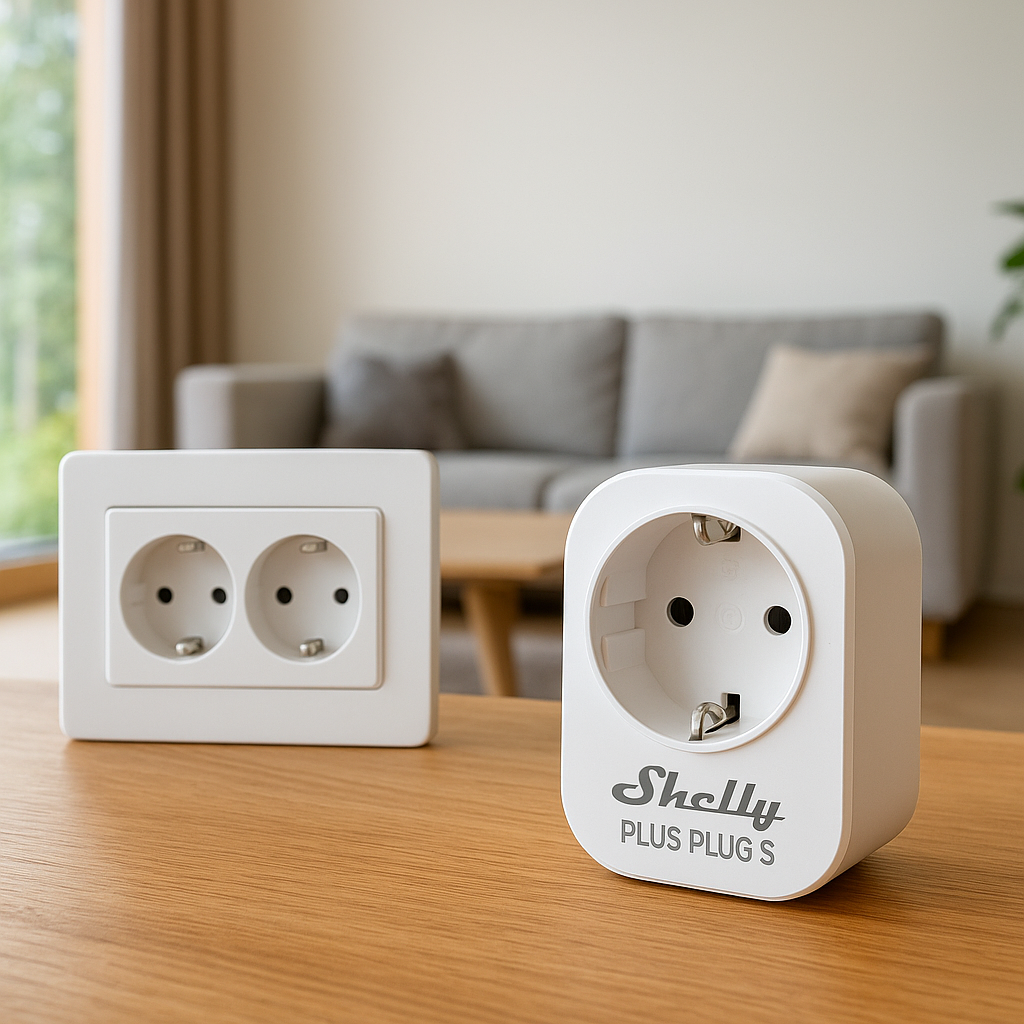
Most smart fridges should not be controlled by cutting power with a smart plug (it can damage the compressor), but you can still integrate them with other devices:
- Link fridge door sensors to under‑cabinet lights so they brighten slightly when you open the door at night.
- Use smart speakers or displays in the kitchen to show fridge camera feeds or recipe steps.
- Combine with smart pantry lights that turn on when you open the fridge or pantry door.
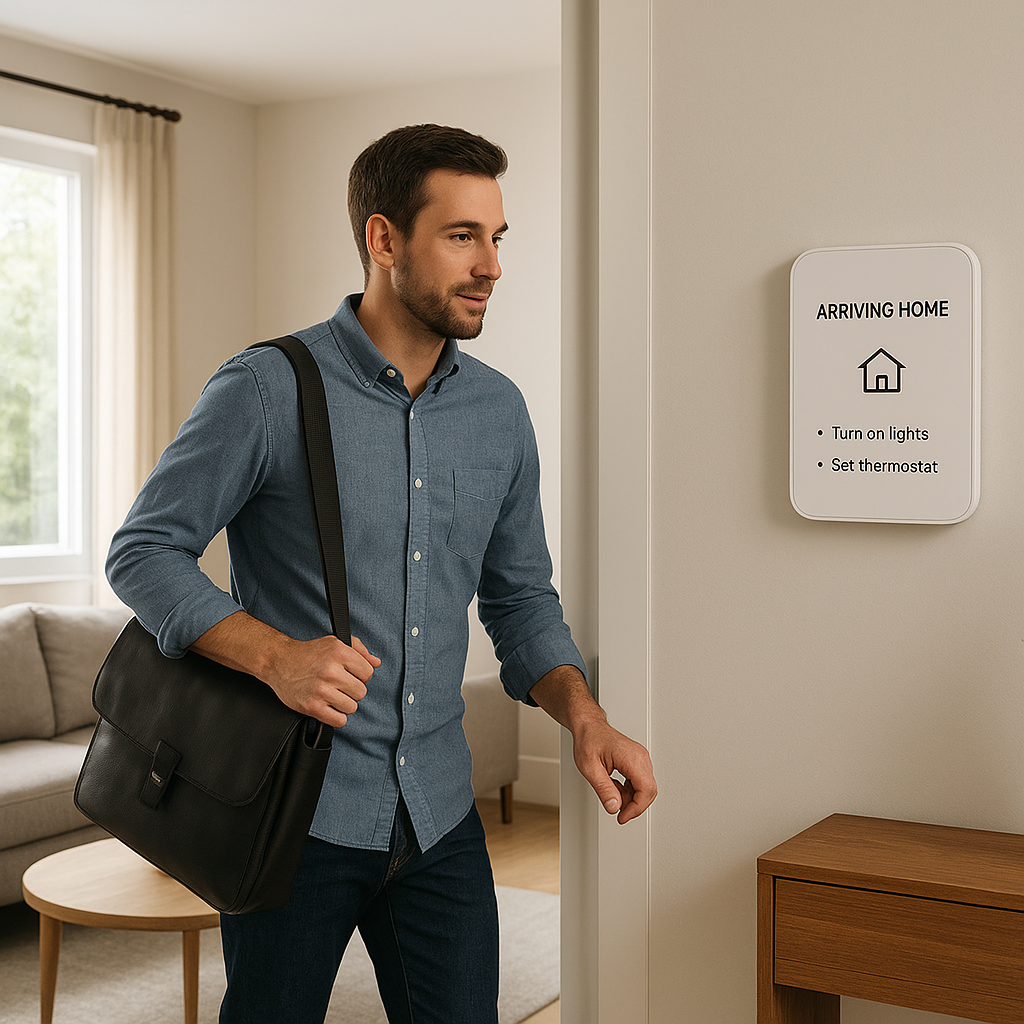
Using routines and automation: fridge door alerts, vacation mode, and night‑time energy saving
Through platforms like SmartThings, Google Home, or Alexa Routines, you can create small automations, such as:
- Send a notification if the fridge door is open longer than 3 minutes.
- Enable vacation mode when your home security system is set to “Away for extended trip.”
- Dim nearby smart lights and reduce display brightness on the fridge after 10 p.m.
Practical Setup Tips for Your New Smart Refrigerator
Wi‑Fi setup, firmware updates, and account creation
During installation:
- Connect the fridge to your 2.4 GHz Wi‑Fi network (most models prefer this band).
- Create a manufacturer account and add all household members who need access.
- Run any pending firmware updates before loading food, so reboots happen while the fridge is empty.
Positioning, ventilation, and power requirements for optimal efficiency
Smart or not, a fridge needs space to breathe. Leave the manufacturer‑recommended clearance around the sides, top, and back so heat can escape. Avoid placing it next to ovens or direct sunlight when possible.
Plug the fridge directly into a dedicated outlet, not a power strip or switchable smart plug. This keeps voltage stable and avoids accidental shutoffs.
Initial configuration: creating food categories, lists, and notifications that aren’t annoying
When first setting up:
- Create broad categories: dairy, meat, produce, leftovers, drinks, condiments.
- Turn on just a few key alerts—like “door open,” “temperature too high,” and “expiring soon” for meats and dairy.
- Disable or reduce frequency of non‑critical notifications (for example, promotional recipe suggestions) so you don’t ignore the important ones.
How to Use a Smart Refrigerator for Weekly Meal Planning
Building a weekly meal plan based on what’s already in your fridge
Once your fridge inventory is roughly accurate:
- Open the app’s inventory or camera view and list the items that need to be used soon.
- Use the built‑in recipe suggestions or your favorite meal‑planning app to build a 5–7 day plan that prioritizes those ingredients.
- Generate a shopping list only for missing items, then sync that list to your phone.
This approach cuts waste and prevents multiple trips to grab forgotten ingredients.
Syncing recipes to your fridge and using guided cooking features
On models with a display, you can often pin recipes, step‑by‑step instructions, or videos directly on the fridge door. Many fridges also sync with recipe services through the manufacturer’s app.
During cooking, hands‑free controls via voice or touch gestures help you move through steps without smearing screens with food.
Coordinating with smart ovens, cooktops, and smart speakers for hands‑free cooking
Some ecosystems allow your fridge to send cook settings directly to compatible ovens. For example, a recipe selected on the fridge can preheat an associated smart oven to the correct temperature.
Even without direct integration, you can:
- Ask a smart speaker to set timers based on the recipe shown on the fridge.
- Use multi‑room audio to hear timers and alerts from anywhere in the house.
Grocery Tracking Strategies to Actually Reduce Waste
Creating a simple system for logging items and expiration dates
Overly complex tracking systems fail quickly. Start simple:
- Log only high‑value items (meat, fish, cheese, prepared meals).
- Enter “use by” dates when you load groceries, not later.
- Use broad dates (like “end of week”) if you don’t want to enter exact days.
Setting up useful (not overwhelming) notifications for low‑stock and expiring foods
Focus alerts on:
- Items that are unsafe if spoiled (meats, seafood, dairy).
- Things you buy weekly and hate to run out of (milk, lunch meat, yogurt).
Configure notifications to bundle alerts—for example, a single daily summary of “expiring soon” foods—rather than constant pings throughout the day.
Using fridge data to plan bulk buys, leftovers, and batch cooking
Review your inventory history every month or two. If you see certain items constantly expiring, buy smaller quantities or plan recipes that use them earlier in the week.
Conversely, if some staples never run out and rarely spoil, consider buying those in bulk, freezing portions, and using your smart fridge’s inventory to remind you what’s in storage.
Maximizing Energy Savings with Your Smart Refrigerator
Ideal temperature settings for different compartments
Most guidance, including resources from food safety agencies and standards bodies, recommend around 37–40°F (3–4°C) for the fridge and 0°F (‑18°C) for the freezer. Check your model’s recommendations and avoid setting temperatures colder than necessary, as that wastes energy and can damage produce.
Use specialized drawers for meat or produce when available, since they’re tuned for those items and can reduce spoilage.
Using energy dashboards and reports to change habits
Review your fridge’s energy graphs after a couple of weeks. Look for patterns like:
- Spikes every evening when everyone is home and grazing.
- Unusual peaks that might indicate a seal problem or door not closing fully.
- Changes after enabling eco mode or adjusting temperatures.
Small habit tweaks—like loading groceries in batches instead of many small trips—can reduce compressor runtime.
Automations for off‑peak hours, vacation mode, and door‑left‑open alerts
If your utility charges time‑of‑use rates, coordinate your fridge with your broader energy strategy:
- Schedule deep‑freeze or rapid‑freeze modes during off‑peak hours if your model supports it.
- Use smart home routines to automatically enable vacation mode based on your presence settings.
- Ensure door‑left‑open alerts trigger both on your phone and on nearby smart speakers, so they’re hard to miss.
Privacy, Security, and Reliability Concerns with Smart Fridges
What data your smart refrigerator collects and how it’s used
Smart fridges may collect:
- Usage data (door openings, temperature logs, error codes).
- Content tags (if you use inventory and camera features).
- Account details and Wi‑Fi information.
Manufacturers typically use this for diagnostics, feature improvements, and, in some cases, personalized suggestions. For a general overview of what “smart refrigerators” are and why connectivity matters, the Smart refrigerator article on Wikipedia is a useful introduction.
Securing your fridge on the home Wi‑Fi network
To keep your smart fridge secure:
- Use a strong, unique Wi‑Fi password and WPA2 or WPA3 security.
- Consider placing IoT devices, including the fridge, on a guest or separate VLAN network.
- Enable automatic firmware updates where available.
- Disable remote access features you don’t actually use.
Offline functionality: what still works if the internet goes down
Cooling and basic controls continue even without internet access. Most fridges store your temperature settings locally. You usually lose:
- Cloud‑backed inventory sync and recipe updates.
- Remote camera viewing and app‑based controls.
- Voice assistant integrations and some calendar functions.
Once the connection returns, your fridge typically syncs pending data back to the cloud.
Smart Refrigerator Buying Checklist
Questions to ask before you buy: space, doors, noise, and power
Before you commit:
- Measure doorways, hallways, and final placement, including clearance for door swing.
- Decide between French door, side‑by‑side, top‑freezer, or four‑door layouts.
- Check noise ratings and read user reviews about hums or compressor sounds if you have an open kitchen.
- Verify your electrical circuit can handle the load and that the outlet location fits the cord length.
Matching your fridge to your existing smart home ecosystem
List the platforms you already rely on: Alexa, Google Home, Apple Home, SmartThings, Home Assistant, etc. Then:
- Prioritize fridges that integrate natively with those platforms.
- Check whether advanced features (like camera access) are available through your ecosystem or only through the manufacturer app.
- Look for IFTTT or open APIs if you’re planning custom automations.
Warranty, software support, and long‑term reliability considerations
Smart fridges combine complex hardware with connected software, so longevity matters:
- Compare compressor and parts warranties across brands.
- Look for clear statements about how long the manufacturer will support software updates.
- Check user forums and reviews for patterns of app abandonment or long‑standing bugs.
Are Smart Refrigerators Worth It for Meal Planning and Energy Savings?
Cost vs. benefit: upfront price compared to long‑term savings
Smart fridges usually cost more than similar non‑smart models. Potential returns include:
- Reduced food waste from better tracking and meal planning.
- Lower energy bills from more efficient hardware and smarter operation.
- Time saved on planning, shopping, and coordination.
If you regularly throw away spoiled food or pay high electricity rates, the long‑term value can offset at least part of the premium.
Who should invest now and who should wait
You’re a good candidate to buy now if:
- Your current fridge is near the end of its life anyway.
- You already use smart home devices and are comfortable with apps and routines.
- You’re actively trying to cut food waste and streamline meal planning.
You might wait if your current fridge is fairly new, your internet is unreliable, or you’re not interested in managing another connected device.
Future‑proofing your smart kitchen for new features and integrations
Smart kitchen tech is still evolving. To keep your setup flexible:
- Favor brands with a track record of updating apps and adding integrations.
- Rely on open ecosystems (like SmartThings, Google Home, or Home Assistant bridges) instead of brand‑locked features when possible.
- Choose a fridge with strong fundamentals—cooling, storage, efficiency—so it remains useful even if you later turn off some smart features.
Conclusion
The best smart refrigerators in 2026 blend solid cooling performance with tools that genuinely help: better meal planning, easier grocery management, and lower energy use. If you match the features to how your household actually shops, cooks, and eats, a smart fridge can become more than a fancy screen on a door—it can be the quiet organizer behind a smoother, less wasteful kitchen.
FAQ
Do smart refrigerators still work as normal fridges if I never use the smart features?
Yes. Cooling, basic temperature controls, and storage work even if you never connect the fridge to Wi‑Fi or install the app. You can treat it like a standard refrigerator and enable smart tools later if you change your mind.
Will a smart fridge save me enough on energy to pay for itself?
The energy savings alone rarely cover the full price difference, though efficient models can reduce your electric bill. The bigger value often comes from reduced food waste and improved organization, which are harder to quantify but noticeable over time.
Can I access my smart fridge with multiple phones?
Most major brands support multiple users through their apps. You typically create a primary account, then invite other household members or let them log in with shared credentials, depending on the platform’s options.
What happens if the smart features break or the app is discontinued?
The fridge should still operate as a conventional appliance. You may lose remote control, cameras, inventory tracking, or integrations, but cooling and physical controls will continue to work as long as the hardware is functioning.
Is a smart fridge a security risk?
Like any internet‑connected device, a smart fridge adds some security considerations. Using strong Wi‑Fi security, keeping firmware updated, and placing IoT devices on a separate network go a long way toward reducing risk.