Renters often assume smart home tech is only for homeowners who can drill into walls and swap out wiring. The good news: you can still build a surprisingly capable smart home in an apartment or rental house without risking your security deposit.
This guide walks through 10 practical smart home ideas for renters that require no drilling, no rewiring, and are fully reversible. You’ll see how to use smart bulbs, plugs, sensors, portable speakers, and more to make your place more comfortable, secure, and efficient—while keeping your landlord happy.
Why Smart Home Ideas for Renters Need to Be Landlord-Safe
Common rental restrictions (no drilling, no rewiring, no wall damage)
Most leases restrict permanent changes to the property. That usually means:
- No drilling into walls, doors, or window frames for mounting devices.
- No replacing built-in hardware like light switches, thermostats, or door locks without written approval.
- No painting or modifying surfaces in a way that can’t be easily restored.
Smart home gear that relies on hardwiring (like in-wall smart switches or door locks that replace the deadbolt) often violates these rules. As a renter, focus on devices that attach with adhesive, plug into outlets, or simply sit on furniture or shelves.
What “easily reversible” really means in a smart home setup
“Easily reversible” is the key idea for renter-friendly smart homes. In practice, that means:
- You can remove the device without visible damage or leftover hardware.
- You can restore everything to its original condition in a few minutes.
- Your setup doesn’t depend on changes to the landlord’s infrastructure or accounts.
Examples of reversible installs include smart bulbs that screw into existing sockets, peel-and-stick sensors, clamp-on curtain motors, and smart plugs. When you move, you just unscrew, unstick, and unplug—then take everything with you.
Budget considerations for renters vs. homeowners
Renters often think on shorter timelines than homeowners, so the math is a bit different:
- Prioritize portable gear you can use in your next place to spread the cost over several years.
- Avoid over-customizing a layout you might only live in for 12–24 months.
- Start small and modular: a couple of smart bulbs, a speaker, and a few plugs can already automate a lot.
It’s usually smarter to buy devices that aren’t tied to a specific landlord-provided system or brand-new wiring. Think of your smart home as a kit you can pack and reassemble in your next apartment.
Choosing a Renter-Friendly Smart Home Ecosystem
Best ecosystems for renters (Alexa, Google Home, HomeKit, SmartThings)
Before buying devices, pick an ecosystem so your gear works together smoothly:
- Amazon Alexa: Great for voice control, works with a huge range of low-cost devices (smart plugs, bulbs, cameras).
- Google Home (Google Assistant): Strong for media and casting if you already use YouTube, Chromecast, or Nest devices.
- Apple HomeKit: Best if you live in the Apple ecosystem and want tight privacy controls and local control where possible.
- SmartThings: Helpful if you want a more advanced automation hub that works with many third-party sensors and devices.
As a renter, you don’t need to go all-in on one ecosystem forever, but choosing a primary one now will make routines and voice control simpler.
Going hub-free vs. using a hub in an apartment
Many renter-friendly devices now work hub-free over Wi‑Fi, Bluetooth, or Thread/Matter. Pros and cons:
- Hub-free devices: Easier to start with, fewer boxes, ideal for small apartments. Great for smart plugs, bulbs, and simple sensors.
- Hub-based setups: A hub (like an Echo with Zigbee, a SmartThings hub, or an Apple TV for HomeKit) can improve reliability, battery life on sensors, and allow more complex automations.
In most rentals, starting hub-free and adding a hub only when you hit limits is a good approach.
Devices to avoid in rentals (hardwired switches, built-in panels, etc.)
Some smart devices are better left to homeowners:
- Hardwired smart switches and dimmers that replace wall switches.
- Built-in wall panels or in-wall tablets for control.
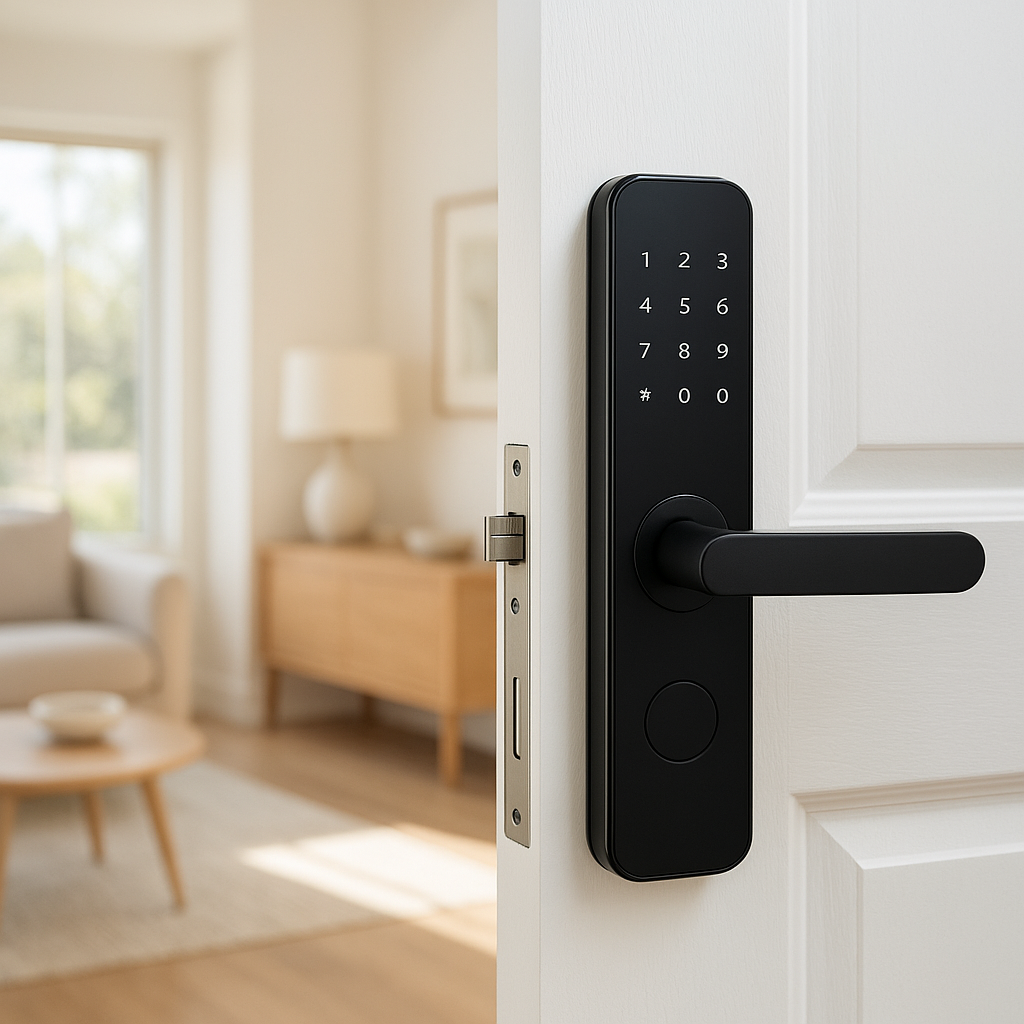
- Smart door locks that replace the landlord’s hardware, unless explicitly approved.
- Recessed smart lighting requiring new fixtures or cutouts.
These devices are harder to reverse, can void your lease, and aren’t practical to take to your next place.
Smart Bulbs and Lamps: Instant Lighting Upgrades Without New Wiring
Swapping in smart bulbs with no permanent changes
Smart bulbs are one of the easiest smart home ideas for renters. You simply unscrew the existing bulb and replace it with a smart LED bulb. No wiring, no tools, and you can reinstall the original bulb when you move.
Popular examples include Philips Hue, TP-Link Kasa, and Wyze bulbs. Many now support Matter, making them more future-proof across ecosystems.
With smart bulbs you can:
- Dim lights even if the switch doesn’t have a dimmer.
- Change color temperature from warm to cool for productivity or relaxation.
- Control everything via app, voice, or automation.
Using smart lamp dimmers and plug-in lamp modules
If you can’t or don’t want to replace bulbs, smart lamp dimmers and plug-in lamp modules are a good alternative. You plug your lamp into the module, then the module into the wall.
Benefits:
- No need to buy special bulbs; works with many standard LEDs.
- Often supports physical dimming buttons and app/voice control.
- Completely portable—ideal for renters who move often.
Just check that your lamp bulbs are dimmable and compatible with the dimmer type.
Real-world ideas: wake-up lights, movie scenes, and schedule-based control
Once your lamps are smart, you can build small “lighting scenes” that make daily life nicer:
- Wake-up lights: Gradually brighten your bedroom lamp 20–30 minutes before your alarm.
- Movie scene: Dim living room lamps to 20% when you start your streaming device or say a voice command like “movie time.”
- Schedule-based control: Turn on hallway or entry lights at sunset and off at midnight for safety without wasting energy.
All of this is fully reversible—unscrew bulbs or unplug modules when you move.
Smart Plugs for Appliances: Automation Without Touching the Wiring
Best uses: coffee makers, fans, space heaters, humidifiers (with safety tips)
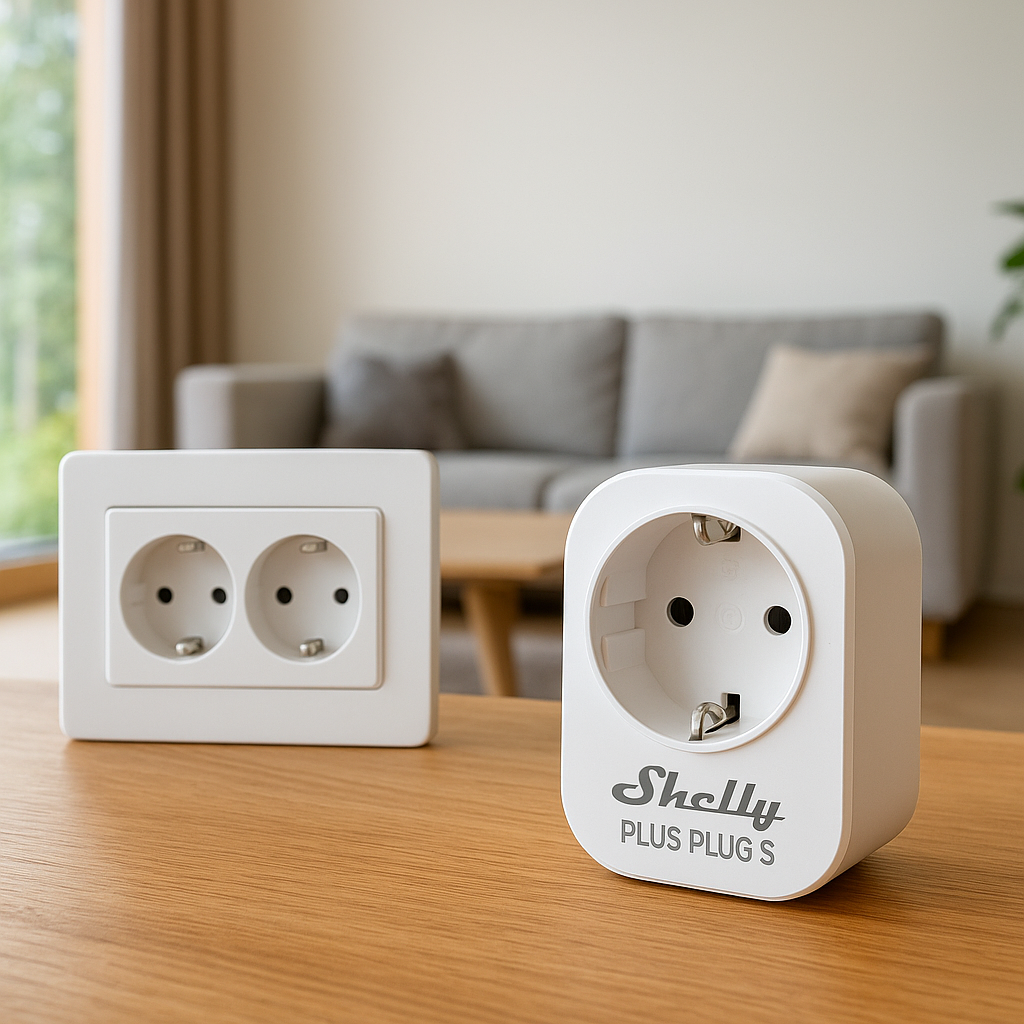
Smart plugs sit between your appliance and the outlet. They’re powerful because they can turn almost any “dumb” device on or off on a schedule or via voice.
Good uses in rentals include:
- Coffee makers (with physical on/off switches that stay on): Have coffee ready when you wake up.
- Fans: Pre-cool your bedroom before you get home.
- Humidifiers/dehumidifiers: Keep air comfortable based on time or humidity sensors.
- Lamps: Especially ones with difficult-to-reach switches.
For higher-draw devices like space heaters, only use smart plugs rated for the proper current, follow manufacturer guidance, and avoid leaving them unattended for long periods. Some heaters aren’t recommended for smart plugs at all—always check both manuals.
Creating schedules and routines with smart plugs
Most smart plug apps let you set:
- Basic schedules: Turn devices on/off at fixed times.
- Sunrise/sunset rules: Adjust automatically as seasons change.
- Away modes: Randomize lights in the evening so the place looks occupied.
If your plugs integrate with Alexa, Google Home, or HomeKit, you can also trigger them as part of routines—for example, turning off all living room plugs when you say “goodnight.”
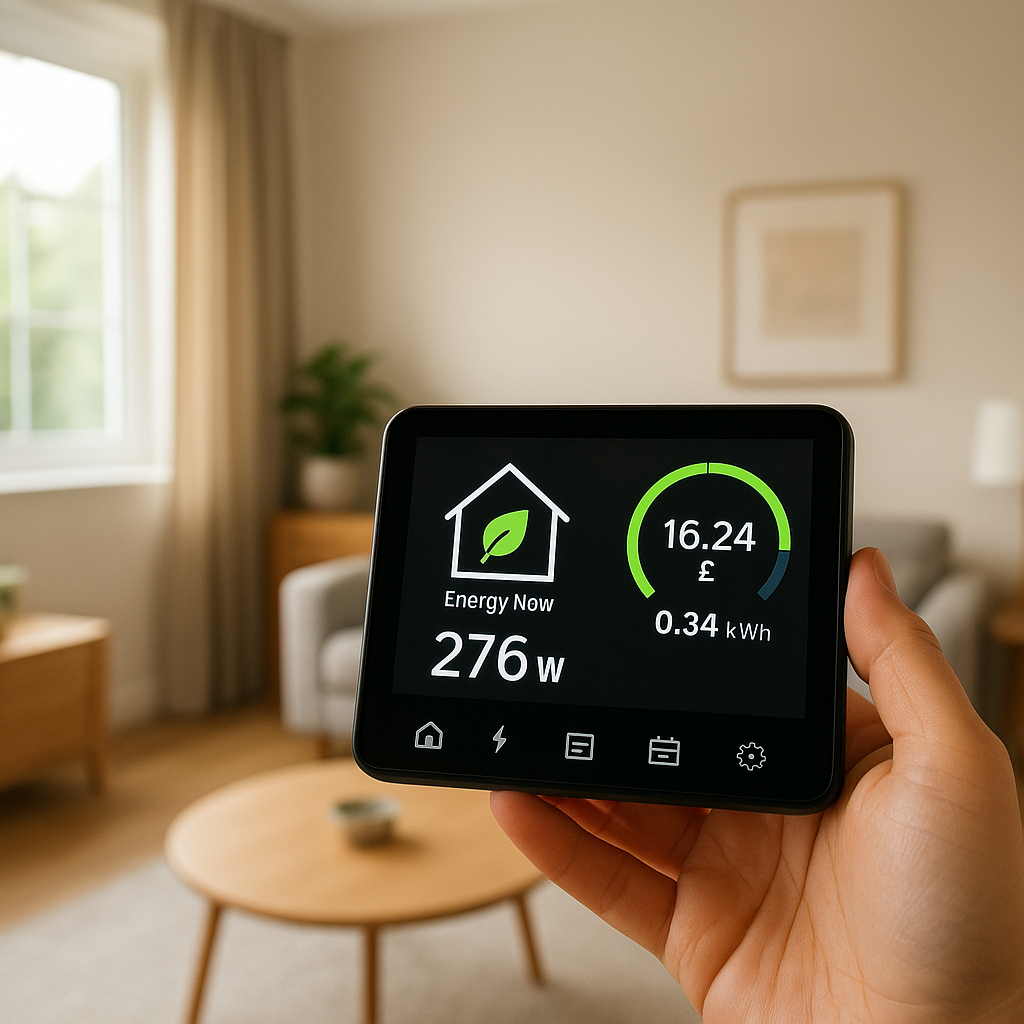
Energy monitoring plugs to cut your utility bills in a rental
Some smart plugs provide energy monitoring, showing real-time and historical power usage. They’re especially useful for identifying energy hogs among televisions, game consoles, or window AC units.
By seeing which appliances use the most power, you can make informed choices about what to unplug, automate, or replace—very helpful if utilities aren’t included in your rent.
If you’re curious how these devices work, the smart plug article on Wikipedia has a solid technical overview.
Portable Smart Speakers and Displays for Voice-Controlled Rentals
Where to place smart speakers in a small apartment
Smart speakers (Amazon Echo, Google Nest, HomePod mini) are renter-friendly because they just plug into outlets and sit on surfaces. For small spaces:
- Place one central speaker in the living area where you spend most of your time.
- A second small speaker on the bedroom nightstand can double as alarm clock and white noise machine.
- A smart display in the kitchen is handy for recipes, timers, and viewing compatible cameras.
Avoid placing speakers behind TVs or inside cabinets; microphones hear better in open spaces.
Using voice to control lights, media, and routines hands-free
Once you’ve connected your bulbs, plugs, and other devices, voice control becomes the glue that makes the apartment feel truly smart:
- “Turn on the living room lights” as you walk in the door.
- “Play jazz in the kitchen” while cooking.
- “Goodnight” to turn off lights, lower blinds, and start a sleep sound playlist.
In small rentals, a handful of well-named devices and scenes can dramatically cut down on walking around flipping switches.
Privacy tips for renters using smart speakers
If you share walls or live with roommates, be mindful of privacy:
- Review the assistant’s voice recording settings and disable saving audio if you prefer.
- Use the physical mic mute button when you’re having private conversations.
- Limit personal calendar or email access on shared devices in common areas.
- Set up separate voice profiles and household accounts if roommates will also use the speaker.
Battery-Powered and Adhesive Smart Sensors (Doors, Windows, Motion)
Contact sensors with removable adhesive for doors and windows
Battery-powered contact sensors consist of two small pieces: one on the door or window, and one on the frame. Many come with removable adhesive strips rather than screws.
Use them to:
- Get notifications when the front door opens.
- Trigger a lamp when the entry door opens after dark.
- Know if a balcony or patio door was left open.
Choose sensors that specify removable adhesive and test on a hidden area first if you’re worried about paint.
Motion sensors for hallways, closets, and bathrooms without wiring
Battery-powered motion sensors can be stuck to walls or placed on shelves. Good locations in rentals include:
- Hallways: Turn on dim lights at night for safe trips to the bathroom.
- Closets or pantries: Turn lights on when you open the door, off after a few minutes.
- Bathrooms: Trigger a fan or small light without touching the switch.
Because they’re wireless and adhesive-backed, you can reposition them as you fine-tune detection.
Automation ideas: lights that follow you, notifications when doors open
With a mix of contact and motion sensors, you can create:
- Follow-me lighting: Motion sensors in a hallway and bathroom that bring lights up gently at night and turn them off after inactivity.
- Door alerts: Notifications when a storage unit door or shared-entry door opens, especially useful in multi-tenant buildings.
- Window open reminders: If a window contact sensor stays open after sunset, blink a nearby lamp or send a push alert.
Renter-Friendly Smart Security: Cameras and Video Doorbells
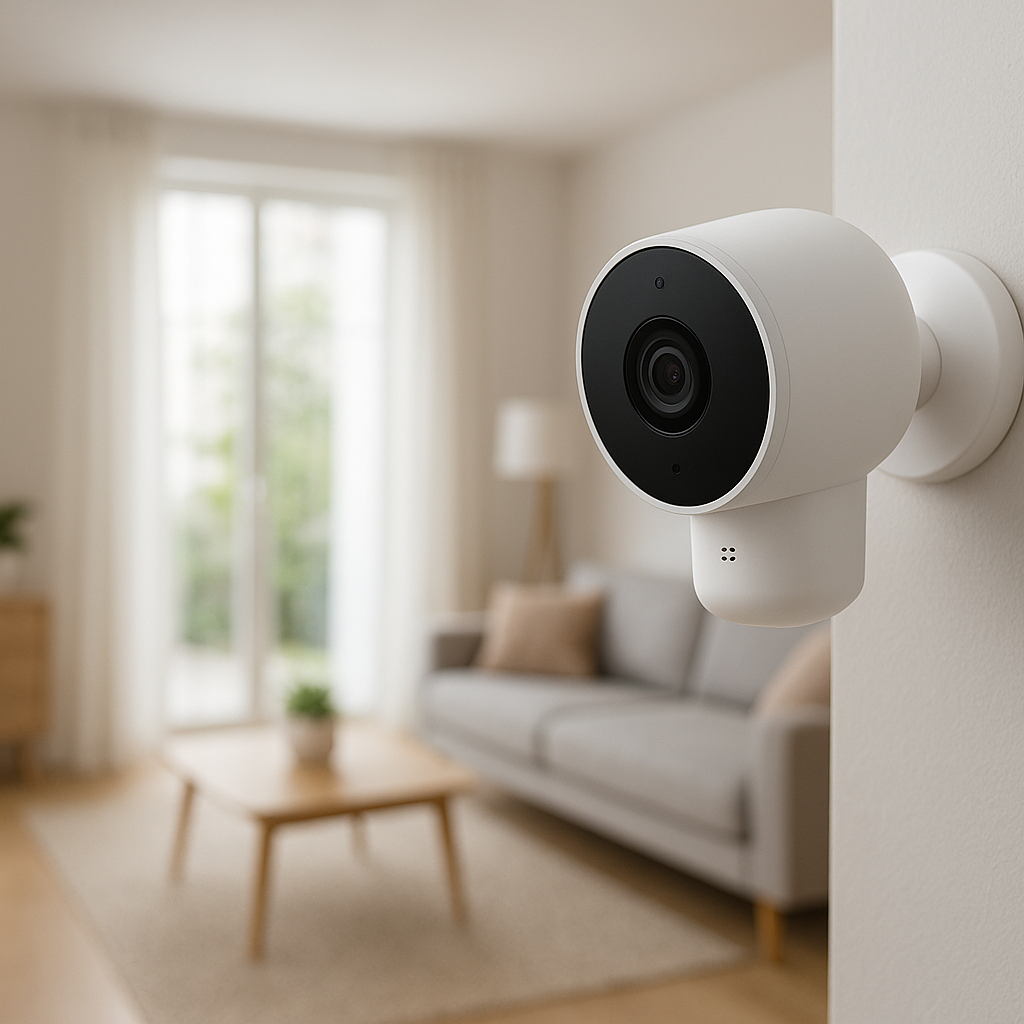
No-drill mounting options for indoor and outdoor cameras
Many smart cameras can be mounted without drilling using:
- Adhesive plates or 3M strips (for lightweight indoor models).
- Clamp mounts for shelves or balcony railings.
- Free-standing bases on shelves or furniture.
For outdoor use, always confirm with your landlord and building rules, and ensure the camera does not damage surfaces or violate shared-space policies.
Using peephole or adhesive video doorbells in apartments
Peephole doorbells replace the existing peephole viewer without drilling new holes, making them highly renter-friendly. Some adhesive video doorbells mount beside the door with removable tape and use battery power.
They let you:
- See who’s at the door from your phone.
- Talk to delivery drivers if packages must be left in a lobby.
- Review motion-activated clips in common hallways (where permitted).
Always check your building’s rules about recording in shared spaces.
Privacy zones and rules when sharing walls with neighbors
Most modern cameras let you define privacy zones that block recording in specific parts of the frame. Use them to avoid capturing:
- Neighbors’ doors or windows.
- Shared hallways beyond your immediate entry area.
- Public sidewalks where local laws restrict recording.
Major platforms like Google Nest and Ring document how to configure these zones; for example, Google covers it in their Nest camera activity zones help article.
Smart Thermostat Alternatives for Renters Who Can’t Replace the Main Unit
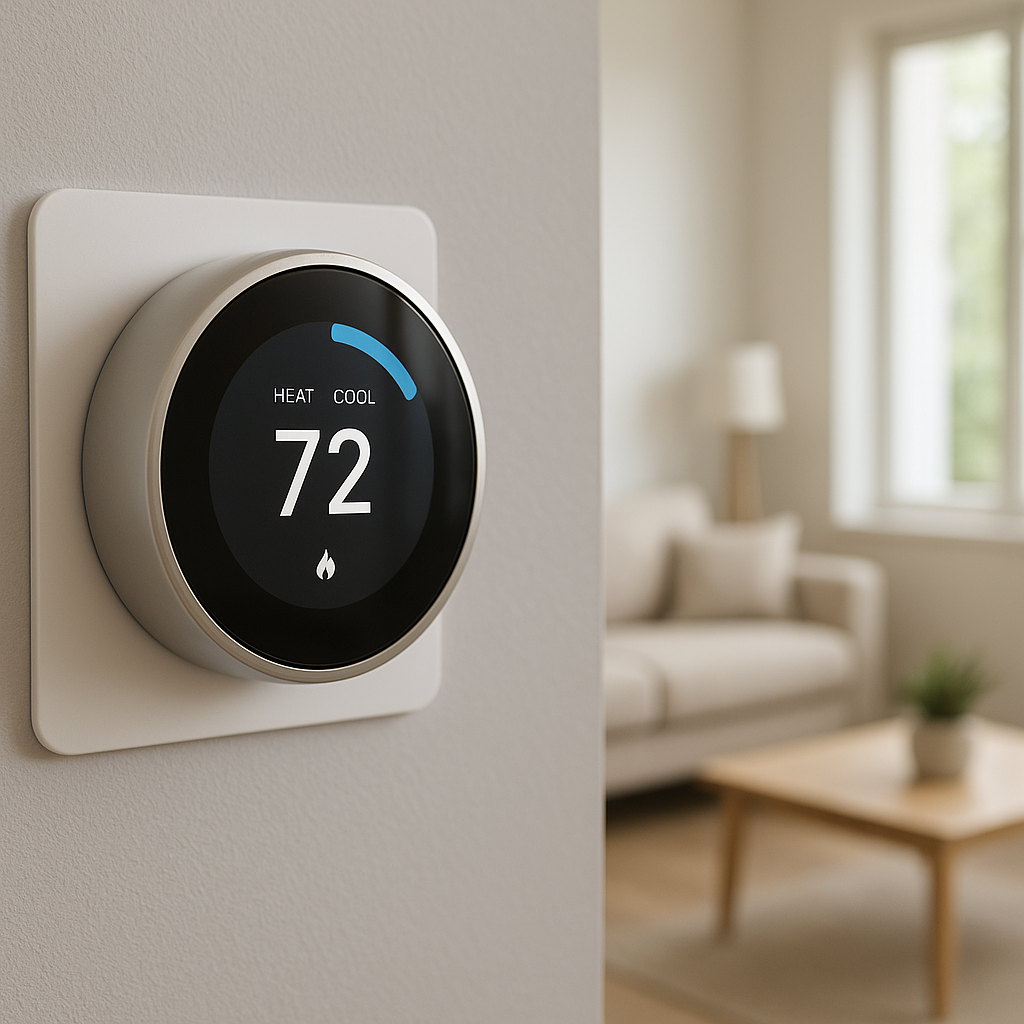
Smart radiator valves and portable AC controllers
If you have radiators with manual valves, smart radiator valves can control heat in each room without touching the building’s boiler. They typically replace just the manual knob on your radiator.
For window or portable AC units, infrared (IR) smart AC controllers can mimic the remote control, letting you adjust temperature and mode from your phone or via voice.
Smart room sensors and mini-split controllers as workarounds
In buildings where you can’t change the central thermostat temperature, placing room sensors around your rental helps you understand which rooms run hot or cold. Some ecosystems let you base automations on room temperature and humidity, even if you can’t change the building setpoint.
If you have a mini-split AC/heat pump with a remote, IR-based mini-split controllers can add scheduling and remote access—again, without any wiring changes.
Automation ideas for comfort without touching the building’s HVAC
Combine these devices with plugs and sensors for:
- Automatically turning on a window AC if the room exceeds a set temperature.
- Running a fan when humidity spikes in the bathroom or bedroom.
- Pre-heating your bedroom with a smart radiator valve before you get home (while respecting heater safety rules).
Smart Curtains and Blinds Without Drilling Into the Frame
Clamp-on, tension-rod, and adhesive smart curtain solutions
Some smart curtain motors clamp onto existing curtain rods or work with tension rods that fit inside the window frame without screws. Others use adhesive brackets that stick to the wall or frame.
These systems can open and close curtains on a schedule or via voice without making permanent holes. They’re ideal for blackout curtains in bedrooms or privacy curtains in street-facing windows.
Retrofit blind controllers that work with existing chains or cords
Retrofit blind controllers attach to the existing pull chain or cord on your blinds. The motor turns the chain, raising or tilting the blinds as needed. Most mount with adhesive or removable brackets.
Because you’re not replacing the blinds themselves, you can remove the controller and leave everything as you found it when your lease ends.
Automation ideas for privacy and passive cooling/heating
Smart window treatments can also help with comfort and bills:
- Close blinds during the hottest midday hours to reduce solar gain.
- Open blinds in the morning on sunny winter days to warm the room naturally.
- Automatically close curtains at dusk for privacy and security.
Scene and Routine Ideas Built Specifically for Renters
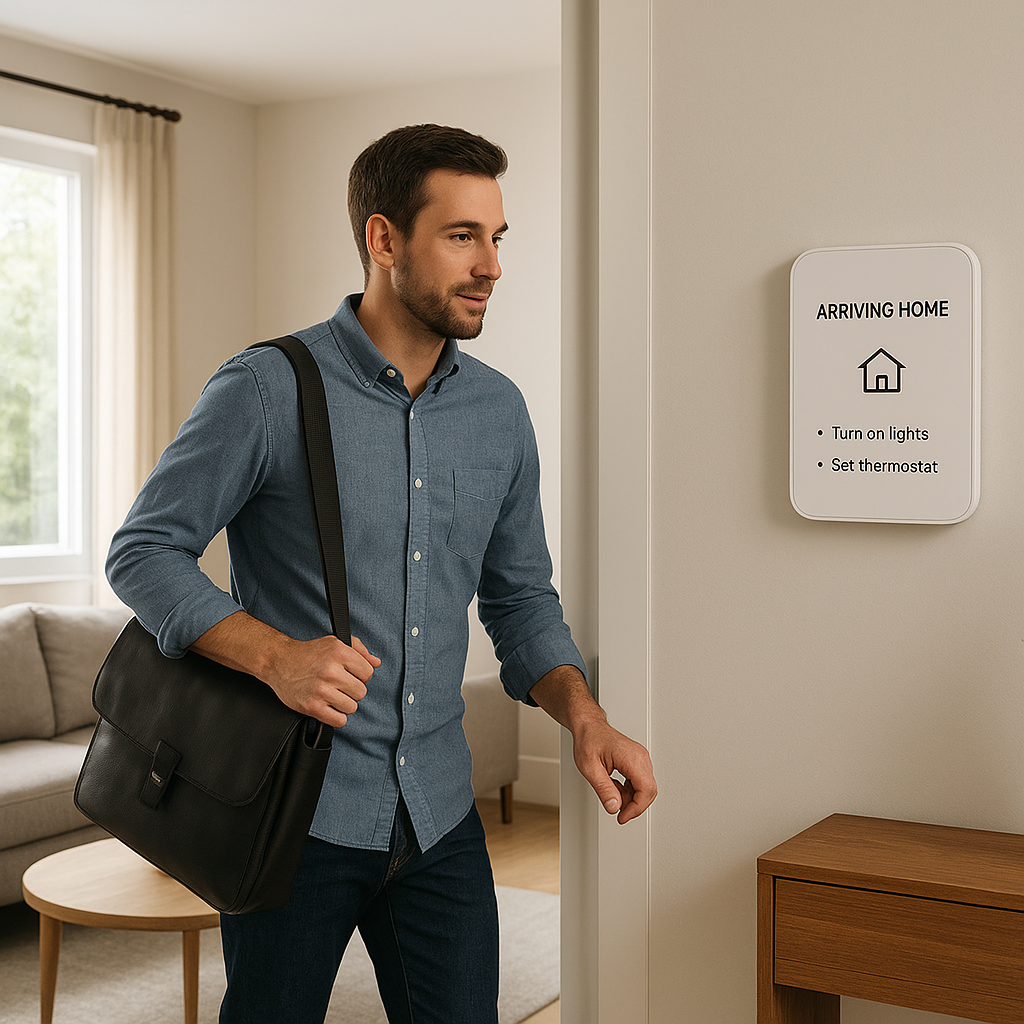
Morning and bedtime routines that work in a small space
In a compact apartment, a few well-designed routines go a long way:
- Morning routine: Bedroom lamps fade on, coffee maker starts via smart plug, bathroom light turns to a bright cool white.
- Bedtime routine: Living room lights dim, TV smart plug turns off, bedroom lamp switches to warm low light, white noise starts on a speaker.
Because you’re mostly using portable gear, you can recreate similar routines easily in your next place.
Travel and security routines for when you’re away
Even in a rental, you can set up simple away modes:
- Randomized living room lamps in the evening via smart plugs or bulbs.
- Notifications from door/window sensors and cameras (if allowed by building rules).
- Automatically turning off nonessential plugs to avoid phantom power draw.
Room-by-room renter-friendly automation examples (studio, 1BR, shared house)
Some quick layouts:
- Studio: One smart speaker, 2–3 smart bulbs, a couple of smart plugs, and a door sensor on the main entry.
- One-bedroom: Add a second speaker for the bedroom, a motion sensor for the hallway or bathroom, and a smart curtain motor for the main window.
- Shared house: Keep smart devices limited to your private room (smart bulbs, speaker, plugs) plus possibly a shared kitchen speaker and plug if roommates agree.
Moving Out: How to Remove Smart Devices Cleanly and Take Them With You
Safely removing adhesive mounts and sensor tape
To protect your deposit, remove devices carefully:
- Use adhesive strips designed for damage-free removal where possible.
- Peel tape slowly at a low angle; don’t yank straight out.
- For stubborn residue, use a plastic card and a bit of mild adhesive remover, testing on a hidden area first.
Keep original screws, plates, and bulbs in a labeled bag so you can restore everything.
Factory-resetting devices before moving
Before packing up, factory-reset your smart devices:
- Prevents old Wi‑Fi and account data from lingering.
- Makes setup in your new place cleaner.
- Reduces confusion if you gift or resell any devices.
Check each manufacturer’s instructions—resets usually involve holding a button or toggling power in a pattern.
Creating a checklist so your smart setup is ready for the next place
A simple moving checklist helps:
- List every device and where it was installed.
- Note which ones need new adhesive strips or mounts.
- Export or note your favorite routines so you can recreate them later.
- Label power adapters and cables so nothing gets mixed up.
Renter Smart Home Buying Checklist
Questions to ask before buying any new smart device as a renter
Before you click “buy,” ask:
- Can I install and remove this without tools or damage?
- Will it work in my next place, or is it tied to this specific layout?
- Does it support my chosen ecosystem (Alexa, Google, HomeKit, etc.)?
- Does the building or landlord have any rules that affect this device (cameras, doorbells, etc.)?
Features to prioritize: wireless, battery-powered, adhesive, hub-optional
For renter-friendly smart home ideas, prioritize devices that are:
- Wireless (no rewiring required).
- Battery-powered or plug-in rather than hardwired.
- Adhesive-mounted with damage-free removal options.
- Hub-optional so they can work with just Wi‑Fi or Bluetooth if needed.
- Matter-compatible where possible, to give you more flexibility if you switch ecosystems later.
Example renter starter kits at different budget levels
Here are a few sample bundles to consider:
- Basic (~$75–$100): One smart speaker, 2–3 smart bulbs, 1–2 smart plugs.
- Intermediate (~$150–$250): Add a door sensor kit, a motion sensor, and an energy monitoring plug.
- Advanced (~$300–$500): Include a peephole or adhesive doorbell, a camera, smart curtain/blind controller, and a smart AC controller if you use window or mini-split units.
Build gradually—start with the devices that will impact your daily routines the most, then add sensors and extras later.
Conclusion
You don’t need to own a house—or touch a single wire—to enjoy a capable smart home. By focusing on portable, adhesive, and plug-in gear, you can build a setup that respects your lease, improves comfort and security, and moves with you to your next place.
Start with a few essentials like smart bulbs, plugs, and a speaker, then add sensors, curtains, and security gear as needed. Over time, you’ll refine a renter-friendly system that feels personal and powerful, without leaving a trace when it’s time to move on.
FAQ
Can I install smart home devices in a rental without asking my landlord?
Most portable devices—like smart bulbs, plugs, speakers, and adhesive sensors—don’t require landlord approval because they don’t permanently change the property. However, anything mounted on the exterior, in shared spaces, or that replaces existing hardware (like locks or thermostats) should be cleared with your landlord and follow building rules.
Will smart home devices work when I move to a new apartment?
Yes, if you choose portable devices. Smart bulbs, plugs, sensors, cameras, speakers, and curtain controllers can all be removed and reinstalled. You’ll just need to connect them to the new Wi‑Fi network and recreate or adjust your routines to match the new layout.
Do I need fast internet for smart home devices in an apartment?
Most devices use very little bandwidth, but you do need a stable connection, especially for cameras and video doorbells. For a typical renters’ setup (a few bulbs, plugs, sensors, and one or two cameras), most standard broadband or fiber plans are more than enough.
Are smart home devices safe to use with older wiring in rentals?
Because renter-friendly devices are usually plug-in or battery-powered, they rarely interact directly with older wiring. Still, use reputable brands, check device ratings, and avoid overloading outlets or daisy-chaining power strips. If you notice flickering, warm outlets, or tripped breakers, consult a qualified electrician.
What’s the easiest smart home upgrade for renters on a tight budget?
A small smart speaker and a couple of smart bulbs or plugs is a strong starting combo. You’ll get voice control, simple routines, and better lighting and convenience for well under $100, and you can expand from there as your budget allows.