Direct sunlight can quietly ruin your favorite sofa, artwork, and flooring. By the time you notice fading or cracking, the damage is already done. Smart blinds and automated curtains give you a way to block harsh rays automatically, without living in a cave or constantly running around closing shades.
This guide walks you through how to automate curtains with smart blinds specifically to protect furniture from sun damage. You’ll learn how UV rays actually harm surfaces, what kind of gear you need, how to set up sensors and routines, and how to keep natural light and views while shielding your home’s interior.
Why Sunlight Damages Your Furniture (and How Smart Blinds Help)
How UV rays fade fabrics, wood, and artwork over time
Sunlight carries ultraviolet (UV) radiation, which breaks down chemical bonds in dyes, finishes, and fibers. Over time, this photodegradation leads to:
- Faded upholstery and curtains
- Dry, cracked leather
- Bleached wood floors and furniture
- Washed-out artwork and photographs
Even if the light doesn’t feel hot, UV rays are still at work. Both UVA and UVB contribute to fading and material breakdown. You can read more about how UV radiation interacts with materials in this overview of ultraviolet light and its effects.
Smart blinds help by automatically blocking or filtering light during the most intense hours, especially on windows that get direct sun. Instead of relying on memory or being home at the right time, your shades react on a schedule or based on sensor data.
The difference between direct sun, glare, and ambient light
Not all light in a room is equally harmful or annoying:
- Direct sun: The beam of sunlight that hits a specific spot. This is the main culprit for fading and heat buildup.
- Glare: Bright, often reflected light that hits your eyes or screens. Annoying for work and TV, but not always the most damaging to furniture.
- Ambient light: Diffused, bounced light that makes a room bright without visible beams. Much gentler on surfaces.
Your goal is to block or soften direct sun and reduce glare while still enjoying ambient light. Smart blinds make this possible by closing partially or tilting slats instead of simply fully open or fully closed.
Benefits of automating curtains vs. manual shading
Manual blinds work in theory, but they rely on habits. Most people forget to close them at midday or leave them closed all the time, which wastes daylight and makes spaces feel gloomy.
Automation offers specific advantages:
- Consistent protection: Shades close at the same time every sunny day, even when you’re away.
- Room-by-room control: Only the sun-exposed windows adjust, not the entire house.
- Better comfort: Less heat gain reduces hot spots and HVAC load.
- Less wear on fabrics: Furniture and floors see fewer hours of harsh light across the year.
Planning Your Smart Curtain and Blind Automation Strategy
Identify sun-exposed rooms and vulnerable furniture
Before buying devices, walk your home and take notes:
- Which rooms get strong sun in the morning, midday, and afternoon?
- Are there south- or west-facing windows with long periods of direct light?
- Which items sit in those paths: sofas, dining tables, rugs, pianos, artwork?
Check for signs of existing damage: uneven rug colors, faded cushions, or light patches on wood. Those areas deserve priority automation. A quick way to map this is to check each key room three times in a single sunny day—morning, noon, late afternoon—and note exactly where light hits.
Choosing between smart curtains, smart blinds, and retrofit motors
You have three main options for automation:
- Smart blinds/shades: Roller shades, cellular shades, and Venetian blinds with built-in motors. Great if you’re replacing old window coverings or doing a remodel. Examples: IKEA Fyrtur roller blinds, Lutron Serena shades.
- Smart curtain tracks: Motorized tracks that open/close traditional curtains. Ideal for wide windows or sliding doors where you like the look of drapes.
- Retrofit motors: Devices that clip onto existing chains, cords, or curtain rods (e.g., SwitchBot Curtain, Soma Smart Shades, Aqara roller shade drivers). Perfect for renters or budget-friendly upgrades.
Choose based on your current hardware and what you want the window to look like, not just the tech specs. For heavy drapes and wide spans, a motorized curtain track or robust roller shade motor will be more reliable than a very small retrofit unit.
Key features to look for: UV protection, scheduling, sensors, integrations
To focus on sun protection and automation, prioritize:
- UV-filtering fabrics or films: Many solar shades are rated to block a high percentage of UV while still letting some view through.
- Flexible scheduling: Per-day and per-room schedules, not just a single global time.
- Sensor inputs: Native support for light/temperature sensors or integration via your hub.
- Smart home integrations: Compatibility with your ecosystem (Alexa, Google Home, HomeKit, SmartThings, etc.).
- Position control: Ability to set shades to 20%, 50%, etc., for partial coverage.
Choosing the Right Smart Blinds and Curtain Motors
Battery vs. wired motors and what works best for large windows
Power is a big decision for long-term reliability:
- Battery-powered: Easier to install; no electrician required. Good for standard-sized windows. Expect to recharge or replace batteries every 6–18 months depending on use.
- Plug-in (low-voltage) motors: Use a nearby outlet or low-voltage power supply. More robust than battery for frequent movements.
- Hardwired: Best for large, heavy shades or new construction. Clean look and virtually maintenance-free power, but typically requires professional installation.
For large south-facing windows with heavy fabrics that will move multiple times daily, wired or plug-in motors are usually more dependable than battery-only options.
Compatibility with Alexa, Google Home, HomeKit, and other platforms
Check how your blinds will talk to the rest of your smart home:
- Alexa / Google Home: Most Wi‑Fi or hub-based shades now support these for voice control and routines.
- Apple HomeKit: Slightly fewer options, but brands like Lutron and Eve offer strong HomeKit support.
- Smart hubs: Devices using Zigbee or Z‑Wave often integrate via hubs like SmartThings, Hubitat, or Home Assistant.
- Matter support: Emerging standard that simplifies multi-platform compatibility and local control.
Match the blind’s ecosystem to what you already own, especially if you plan to use combined automations with lighting or thermostats.
Recommended smart blind and curtain motor options for sun protection
Some commonly used options for sun-focused automation include:
- Lutron Serena shades: Reliable, quiet, and well-integrated with major platforms. Their Serena roller and honeycomb shades are popular for precise scheduling and scene control.
- IKEA Fyrtur / Kadrilj: Budget-friendly, battery-powered roller shades that block light well and integrate with IKEA’s Dirigera hub.
- SwitchBot Curtain / SwitchBot Blind Tilt: Retrofit solutions for existing curtains and blinds, controlled via Wi‑Fi or Bluetooth with optional hub.
- Aqara Roller Shade Driver: Retrofit driver for bead-chain shades that works with Aqara hubs and popular assistants.
Use these as starting points and compare fabric openness (for solar shades), noise levels, and integration options before buying.
Sensors and Data You Need for Automatic Sun Protection
Using light (lux) sensors to react to brightness and UV exposure
Light sensors measure brightness in lux, which roughly correlates with how intense the sunlight is in a room. While most consumer sensors don’t directly measure UV, lux readings are usually enough to trigger meaningful protection.
Typical setup:
- Place a smart light sensor (e.g., Aqara, Hue, or Zigbee lux sensor) in the room.
- Create an automation like: “If lux > 15,000 at the sofa sensor, close blinds to 20%.”
- Use different thresholds for workspaces (to reduce glare) and living areas.
Combining temperature and light data to reduce heat and fading
Combine light and temperature for smarter behavior:
- On bright but cool days, you might allow more sunlight for passive heating.
- On hot days, blinds can close earlier to prevent the room from overheating.
An example rule: “If lux > 15,000 AND room temperature > 24°C (75°F), close blinds to 10%.” This not only protects furniture but also cuts down on cooling costs.
Where to place sensors for accurate sunlight detection
Placement matters more than most people expect:
- Put sensors near the vulnerable furniture or surfaces, not in the darkest corner.
- Avoid direct beams of sun hitting the sensor; that can spike readings unrealistically.
- Mount at roughly the same height as tabletops or sofa backs for consistent data.
- Keep sensors away from lamps and artificial light that could confuse readings.
How to Automate Curtains with Smart Blinds Step by Step
Installing smart blind motors or retrofitting existing curtains
The physical install depends on your product, but general steps are similar:
- Remove existing blinds or prepare curtain rods if replacing hardware.
- Mount brackets and motorized tracks or roller systems according to the manufacturer’s template.
- Snap or hook shades/curtains into place.
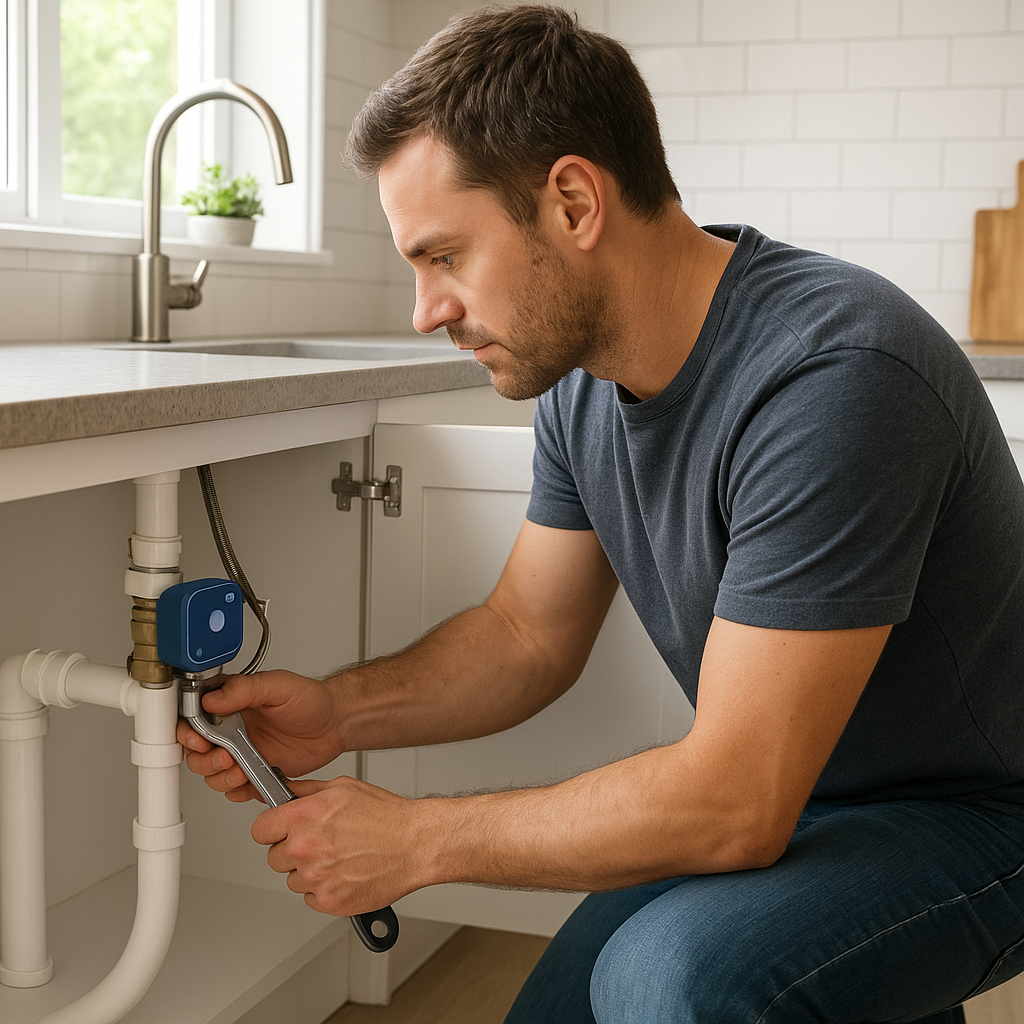
- For retrofits, attach the motor to the bead chain, wand, or curtain rod.
- Set upper and lower limits so the system knows fully open and fully closed positions.
Take your time with the limits—accurate calibration is key to reliable partial openings later.
Connecting your blinds to a smart hub or Wi‑Fi
Next, bring your blinds into your network:
- Download the manufacturer’s app.
- Put the shade or motor into pairing mode (usually by holding a button).
- Connect to Wi‑Fi or pair it with your Zigbee/Z‑Wave/Matter hub.
- Assign each blind to a room and give it a clear name (e.g., “Living Room South Window”).
Once connected, link the blinds to your voice assistant or smart home platform so they’re available for scenes and automations.
Setting up basic open/close schedules based on time of day
Start simple before adding sensors:
- Morning: Open east-facing blinds after your typical wake-up time.
- Midday: Close or partially close south-facing windows during peak sun.
- Afternoon: Close west-facing blinds before the sun starts hitting your key furniture.
- Evening: Open blinds again for views and to make the home feel open.
Fine-tune exact times over a week or two as you observe when light hits specific spots.
Smart Routines to Protect Furniture from Sun Damage
Time-based routines that track the sun’s path through your home
Once you know how the sun moves across your windows, you can set staggered routines:
- 8:30 a.m.: Close or tilt east-facing blinds to 40%.
- 11:00 a.m.: Adjust south-facing blinds to 30% to protect the sofa.
- 3:30 p.m.: Close west-facing blinds to 20% to protect the dining table and artwork.
Some platforms allow automations based on sunrise/sunset offsets (e.g., “2 hours after sunrise”). This keeps your routines accurate as daylight hours change.
Light-triggered automations that close blinds when it’s too bright
Next, add lux-based rules so your blinds react to actual brightness, not just the clock:
- “If lux at sofa sensor > X, close blinds to Y%.”
- “If lux drops below X for 15 minutes, open blinds slightly.”
Use a short delay (like 5–15 minutes) so blinds don’t move constantly when clouds pass.
Seasonal routines for summer vs. winter sun angles
Sun angles change significantly between seasons. Consider two sets of automations:
- Summer profile: Earlier closing times, lower open percentages, and more emphasis on cooling.
- Winter profile: Later closing times, more openness to capture warmth while still blocking direct beams from sensitive surfaces.
Many platforms let you enable/disable groups of routines, making it easy to switch profiles twice a year.
Balancing Natural Light, Views, and Furniture Protection
Partial opening rules to keep views without direct sun on furniture
You don’t have to choose between total darkness and full exposure. Use partial positions:
- Roller shades at 40–60% to block the sun’s lower angle but keep the upper view.
- Venetian blinds tilted upward so light bounces off the ceiling instead of hitting sofas.
- Sheer curtains paired with blackout blinds; close blackout shades only when lux exceeds a high threshold.
Test a few positions at peak sun and note where the bright patch ends; set those as your default protective positions.
Using different automation rules for weekdays and weekends
Weekday habits often differ from weekends, so your blinds should too:
- Weekdays: Earlier opening in home offices, more aggressive glare reduction during working hours.
- Weekends: Later morning opening in bedrooms, slightly more relaxed rules for living areas where you may enjoy sun.
Most apps support separate weekday/weekend schedules so you can balance protection with comfort.
Allowing manual overrides without breaking your automations
People will still tug curtains or use wall switches. To prevent frustration:
- Use automations that only trigger at specific moments (e.g., 3–4 times a day), not every few minutes.
- Some platforms allow “manual override” periods—after a manual adjustment, automations pause for a set time.
- Teach family members simple voice commands (“Alexa, open living room blinds 50%”) so they don’t fight the system.
Integrating Smart Curtains with Other Smart Home Devices
Pairing blinds with smart thermostats for energy savings
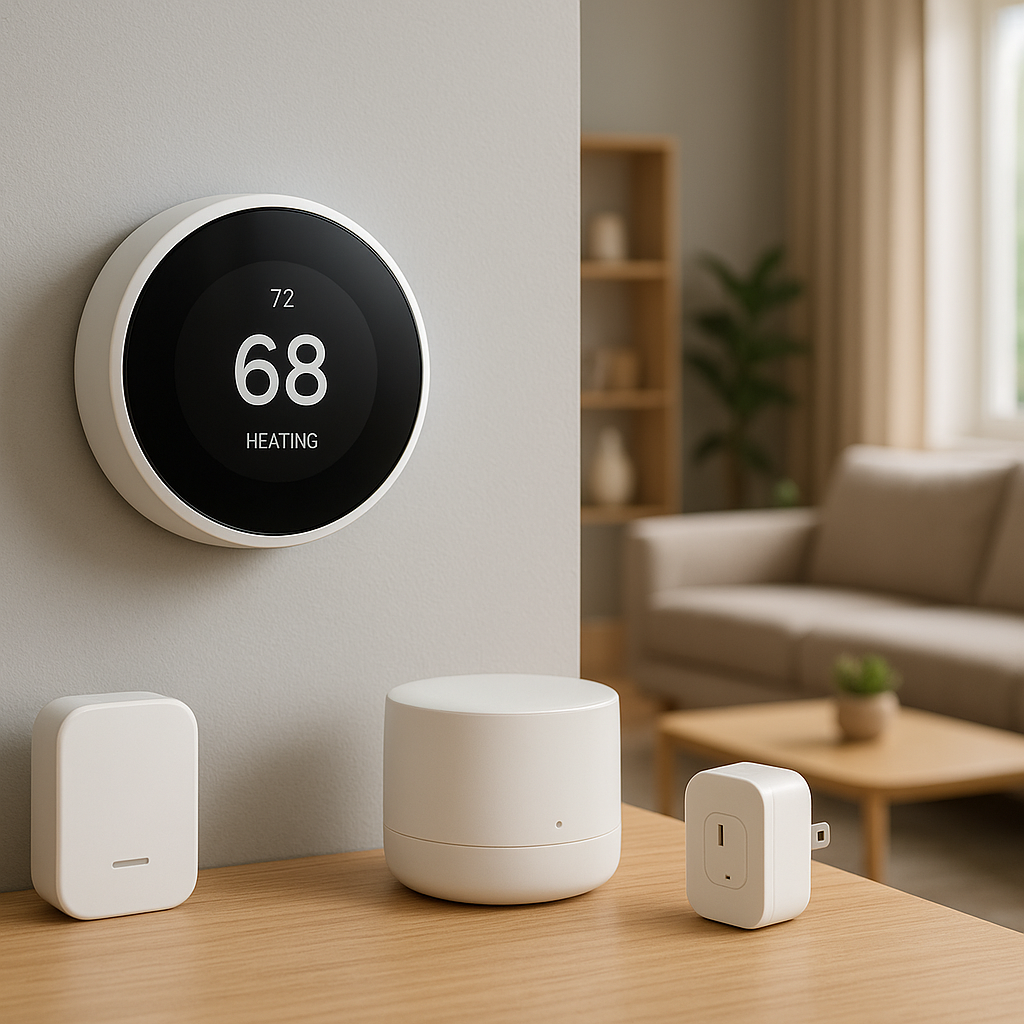
Smart thermostats like Nest or Ecobee can work with blinds to reduce HVAC load:
- When the thermostat detects rising indoor temperatures, it can trigger blinds to close on sunny windows.
- In winter, blinds can open when heating is on and sun is available to help warm the room.
This synergy protects furniture, stabilizes temperatures, and can lower energy bills.
Using scenes that combine lighting, blinds, and security modes
Create scenes that adjust multiple devices with one tap or command:
- “Away – Daytime”: Close sun-exposed blinds, turn off lights, arm security system.
- “Movie Night”: Close living room blinds fully, dim smart bulbs, pause sun-triggered automations.
- “Work Mode”: Tilt blinds to reduce screen glare, set desk lamp to cool white, mute doorbell cameras indoors.
Voice control and smartphone shortcuts for quick adjustments
Voice assistants and widgets make manual tweaks painless:
- “Hey Google, close the south blinds to 30%.”
- Use smartphone shortcuts to quickly toggle between “Protection Max” and “Open View” scenes.
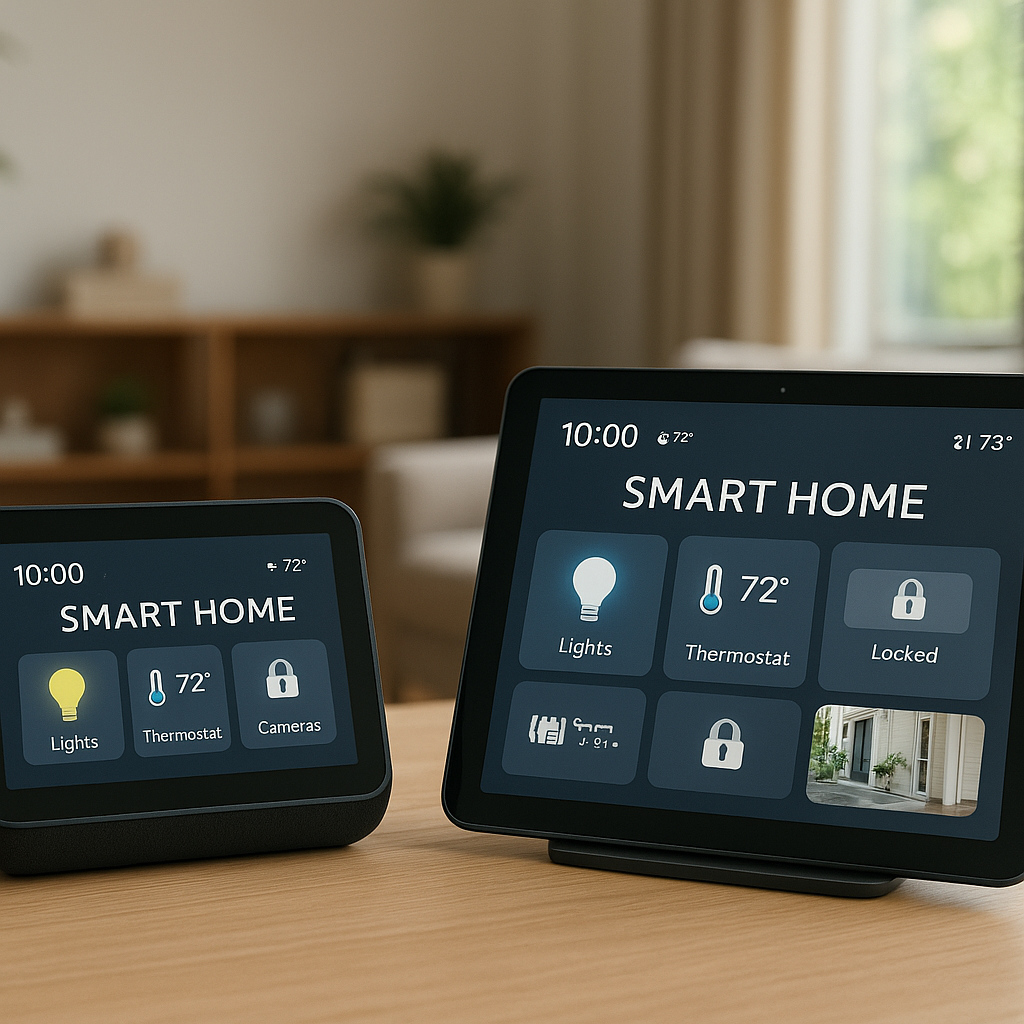
- Add wall-mounted scene buttons for guests or family who don’t use the apps.
Troubleshooting Common Smart Blind Automation Issues
Fixing blinds that don’t respond or lose calibration
If blinds stop moving correctly or don’t reach the same open/close position:
- Recalibrate end limits using the app or motor buttons.
- Check for obstructions in the track or fabric snagging.
- Replace or recharge batteries if movement is weak or inconsistent.
- Power-cycle the motor and hub if commands are ignored.
Dealing with Wi‑Fi, hub, or cloud connectivity problems
Common connectivity fixes include:
- Ensuring blinds are within range of your router or hub.
- Separating 2.4 GHz and 5 GHz Wi‑Fi networks if pairing issues occur.
- Checking cloud service status if the app or voice control suddenly fails.
- Using repeaters or additional Zigbee/Z‑Wave devices to strengthen mesh networks.
When to use local automation (Matter, Zigbee, Z‑Wave) instead of cloud
Cloud-dependent blinds stop responding to automations if the internet or vendor servers go down. Local automation:
- Runs rules inside your hub or devices, so schedules and sensor triggers still work offline.
- Reduces latency, making blinds respond faster.
- Is easier to trust for long-term protective routines.
If sun protection is critical—say, for expensive artwork—consider shades that support local control via Matter, Zigbee, Z‑Wave, or a strong local automation platform.
Maintenance Tips to Maximize Furniture and Blind Lifespan
Cleaning fabrics and slats without damaging coatings
Many sun-protective fabrics have special coatings. To avoid stripping them:
- Dust regularly with a soft brush attachment on a vacuum.
- Spot-clean with mild soap and water on a cloth; avoid harsh chemicals.
- For wood or faux-wood blinds, use a slightly damp microfiber cloth, then dry.
- Check manufacturer guidance for dry-cleaning or specialized cleaning services.
Checking motor batteries, limits, and firmware updates
Once every few months:
- Check battery levels in your app; recharge or replace before they’re fully drained.
- Run blinds fully open and fully closed to confirm limits are still accurate.
- Install firmware updates for motors, hubs, and apps to improve reliability.
Reviewing automation rules as your room layout or seasons change
Sun patterns and furniture layouts evolve:
- If you move a sofa, rug, or art piece, revisit your routines to protect the new positions.
- Adjust seasonal profiles at least twice a year.
- Check historical sensor data (if available) to refine lux thresholds.
Example Setups for Different Rooms and Window Types
Living room with a leather sofa and large south-facing windows
Goals: Protect leather from cracking and fading while keeping the room inviting.
- Install motorized solar roller shades with high UV blocking.
- Set midday automation: close to 25–30% whenever lux > 15,000 near the sofa.
- Link to thermostat so shades close earlier on very hot days.
- Create a “Guests” scene that opens shades more while still blocking direct beams hitting the sofa.
Bedroom blackout routines to block morning sun on fabrics
Goals: Protect bedding and floors while supporting better sleep.
- Use motorized blackout shades with sheer curtains in front for daytime softness.
- Schedule shades to stay fully closed until your chosen wake time.
- Open to 50% automatically after you wake, then to 80–100% once direct morning sun passes.
- Add a weekend schedule with later opening times.
Home office setups to prevent screen glare and desk fading
Goals: Reduce glare on monitors and protect desktops from bleaching.
- Install motorized blinds or roller shades with mid-level openness (5–10%).
- Use a lux sensor near the monitor to trigger blinds whenever glare becomes noticeable.
- Create a “Focus Work” scene that tilts blinds upward and sets task lighting to comfortable brightness.
- Let blinds open slightly outside working hours to keep the room bright and pleasant.
Budget and DIY vs. Professional Installation
Cost breakdown: smart motors, hubs, sensors, and accessories
Costs vary widely, but a rough breakdown per window or area:
- Retrofit motor for existing blinds/curtains: $60–$150
- New motorized roller/solar shade: $150–$500+ depending on size and fabric
- Smart hub (if needed): $50–$200
- Light/temperature sensors: $20–$60 each
- Optional wall switches or scene controllers: $30–$100
Prioritize the most sun-exposed, high-value areas first; you can expand later.
When a DIY retrofit makes sense vs. new smart shades
DIY retrofits are a good fit when:
- You rent and can’t replace existing blinds.
- Your current shades are in good condition and sized well.
- You want a lower-cost trial before committing to a full-house upgrade.
New smart shades are better when:
- Existing blinds are worn out or poorly sized.
- You want maximum UV protection from specialized fabrics.
- You’re renovating and can run power or choose custom designs.
What a professional installer can optimize for sun protection
A professional can help with:
- Choosing fabrics with the right openness and UV ratings for each room.
- Planning wiring routes for clean, hidden power connections.
- Precisely mounting wide or tall shades to avoid sagging or binding.
- Setting up and testing complex multi-room automations from day one.
Final Checklist: Automating Curtains with Smart Blinds for Sun Protection
Quick audit of windows, furniture risk, and chosen devices
Before you finalize your setup, confirm:
- Which windows get the strongest sun and at what times.
- Which pieces of furniture, rugs, and artwork need protection.
- Which blinds/curtains you’ll automate now versus later.
- That your chosen motors and fabrics match window size and usage patterns.
Testing your automations over a full sunny day
After setup, run a real-world test:
- On a bright day, watch how blinds behave from morning to evening.
- Check that direct beams no longer hit vulnerable areas.
- Adjust times and positions if rooms feel too dark or still get hot spots.
Adjusting settings for comfort, protection, and energy efficiency
Finally, tweak settings to balance all your goals:
- Raise blinds slightly where rooms feel gloomy; rely on UV-filtering fabrics.
- Lower blinds more in rooms that overheat easily.
- Refine lux thresholds and temperature triggers over several weeks.
Conclusion
Automating curtains with smart blinds turns sun protection from a daily chore into a background system that quietly preserves your furniture, floors, and artwork. With the right mix of motors, fabrics, sensors, and routines, you can keep natural light and views while blocking the most damaging rays.
Start with your most sun-exposed rooms, layer in light and temperature sensors, and gradually refine your schedules. Over time, you’ll have a home that looks better for longer, feels more comfortable, and makes smarter use of daylight.
FAQ
Do I need UV-blocking window film if I have smart blinds?
Not necessarily. Many solar shades already block a high percentage of UV. However, combining UV film on the glass with smart blinds offers the strongest protection, especially for very valuable artwork or flooring. Film also protects when blinds are open for views.
Will smart blinds still work if my Wi‑Fi goes down?
Most motorized shades will still respond to their physical remotes or wall switches even without Wi‑Fi. If you choose systems that support local control through Zigbee, Z‑Wave, or Matter, schedules and some automations can continue without internet access.
How often should I expect to replace batteries in motorized blinds?
Battery life varies by brand, window size, and how often shades move. For light to moderate daily use, many systems last 6–18 months per charge or battery set. Larger, heavier shades and frequent movement will shorten this window.
Can smart blinds completely prevent furniture fading?
No solution can stop fading 100%, because some reflected and ambient light will always reach surfaces. However, reducing direct sun exposure dramatically slows the process and can extend the fresh look of fabrics and finishes by many years.
Are smart blinds worth it if I’m planning to move in a few years?
Retrofit motors and battery-powered smart shades are easy to remove and take with you, so they can still make sense. In addition to protecting your current furniture, they can be a selling point that adds appeal to your home while you live there.