Smart lights, thermostats, and voice assistants get most of the attention, but your bed might be the most powerful smart home trigger you’re not using yet. Smart bed and sleep sensors know exactly when you’re in bed, out of bed, or in light vs. deep sleep – and that makes them perfect for automating lights, climate, and morning routines without you touching a button.
This guide walks through how smart bed and sleep sensors work, what to look for, and the best options available. You’ll also see practical automation ideas and setup tips so your bedroom can quietly take care of itself while you rest.
Overview: Why Smart Bed and Sleep Sensors Are the Missing Piece in Your Smart Home
What a smart bed sensor actually does (beyond tracking sleep)
Most people think of sleep tech as a way to get a score every morning. A true smart bed sensor goes further by turning your presence and sleep state into usable triggers for your smart home.
Depending on the model, a smart bed or sleep sensor can:
- Detect when someone lies down or gets up (bed occupancy).
- Measure heart rate and breathing to determine sleep stages.
- Track movement and restlessness throughout the night.
- Identify snoring or unusual patterns that might signal health issues.
The key difference from a basic sleep tracker is that many smart bed sensors expose these events (in-bed, out-of-bed, asleep, awake) to your smart home platform. That means you can use them like motion sensors, but with much more context.
How sleep sensors integrate with lights, thermostats, and routines
Once your sensor is connected to a platform like Apple Home, Alexa, Google Home, SmartThings, or Home Assistant, it becomes another automation trigger. Common integrations include:
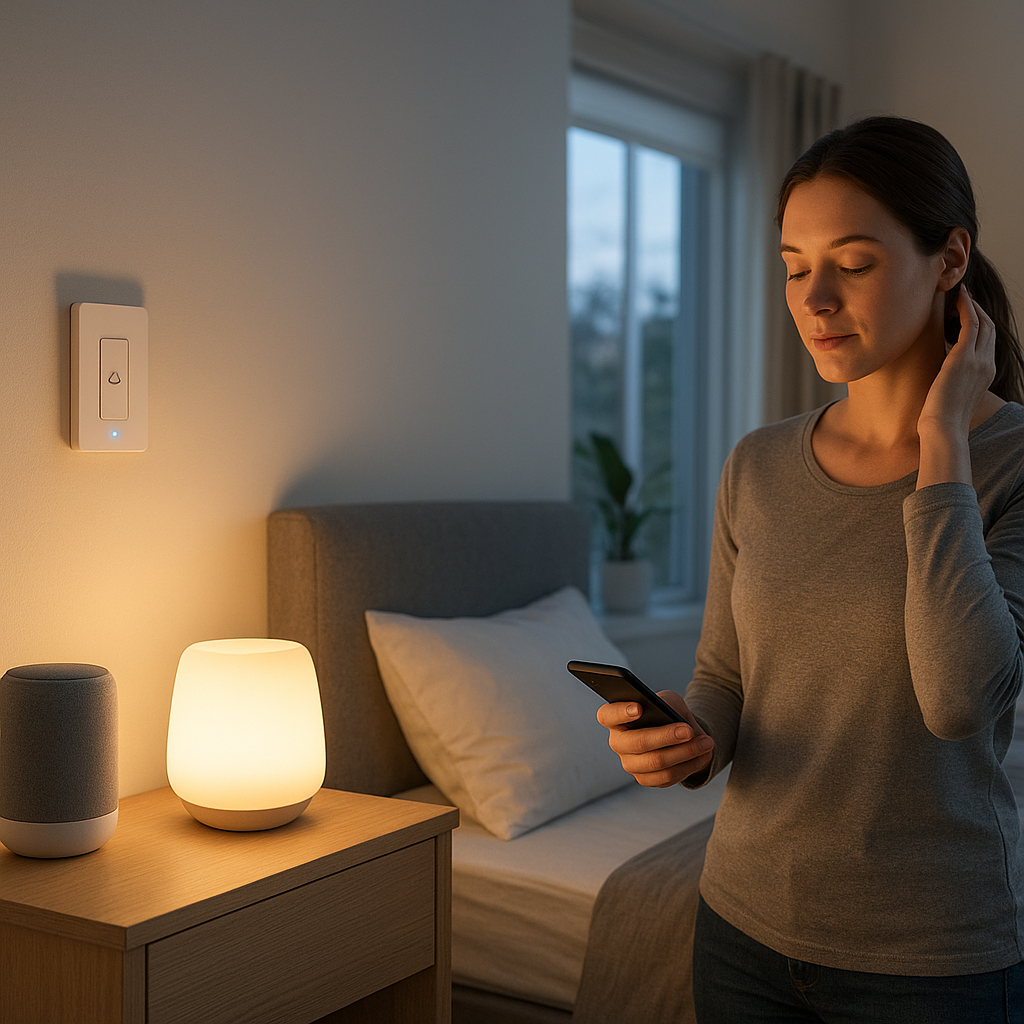
- Lights: Turn off overhead lights when you fall asleep, dim bedside lamps when you get into bed, or turn on a low nightlight when you get up at 3 a.m.
- Thermostats: Lower the temperature once you’re asleep, then warm the room before you wake up – based on actual sleep, not just a fixed schedule.
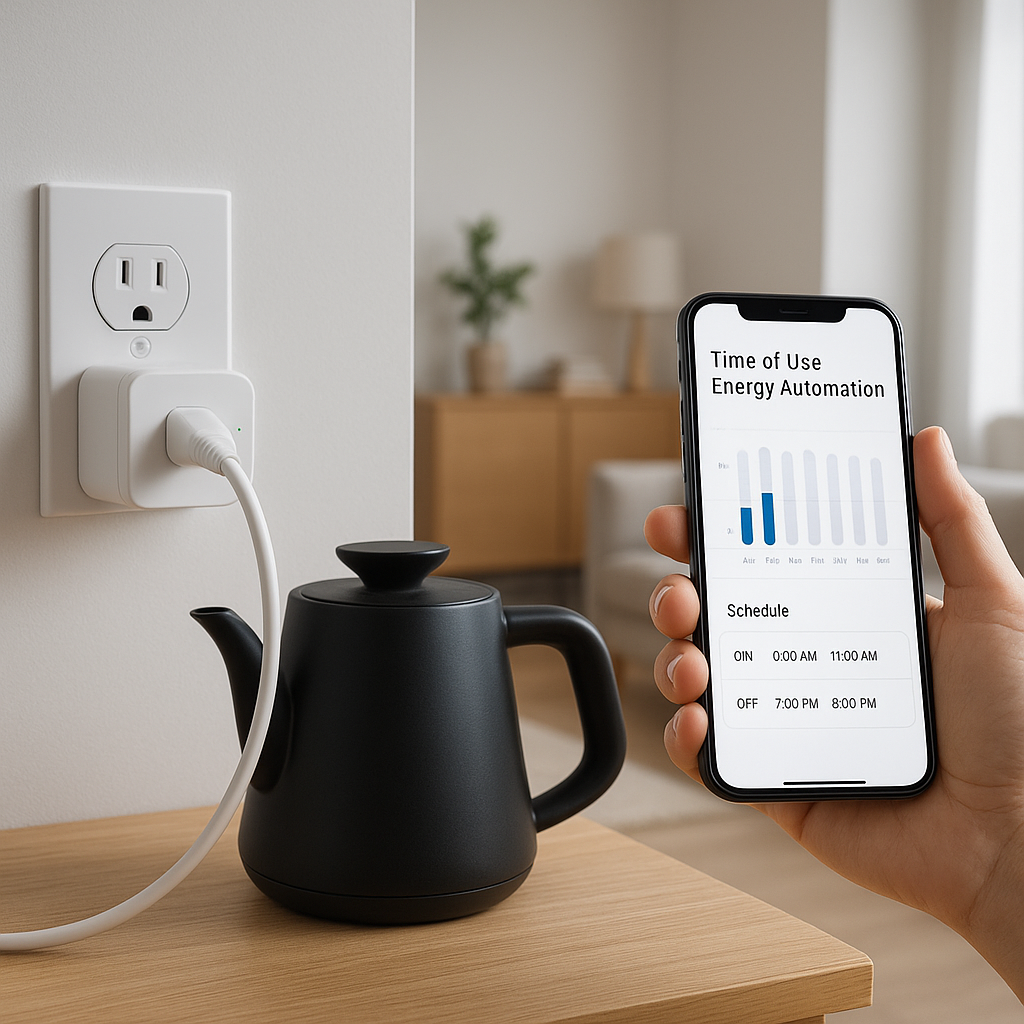
- Morning routines: Start your wake-up playlist, open smart blinds, turn on a coffee maker plug, and adjust lights only once you’re in light sleep or actually out of bed.
Because these triggers are based on what you’re doing, not just the clock, your automations feel less “robotic” and more natural.
Who benefits most from smart bed and sleep sensors
Smart bed sensors can help almost any smart home, but they’re especially useful if you:
- Have an existing ecosystem of lights, plugs, and thermostats but want them to respond automatically to your sleep.
- Live with a partner who has a different schedule, and you need separate routines that don’t disturb each other.
- Care for older relatives and want subtle alerts if they leave bed at unusual hours.
- Travel frequently and want more accurate “away” automations based on whether beds are actually used.
- Dislike wearing a watch or ring to bed but still want sleep-aware automations.
Key Features to Look For in the Best Smart Bed Sensor
Under-mattress vs. wearable vs. bed-frame sensors
Smart bed and sleep sensors come in a few main styles, and each has trade-offs:
- Under-mattress strips or pads (e.g., Withings Sleep Analyzer, under-mattress piezo sensors): Invisible once installed, no need to wear anything, and great at detecting occupancy and breathing. Best choice if you want a “set and forget” solution.
- Wearables (smartwatches, rings, fitness bands): Apple Watch, Fitbit, Oura Ring, and similar devices often support basic smart home integrations. They’re excellent for personal sleep data but less ideal for precise bed occupancy (you might fall asleep on the sofa).
- Bed-frame or under-leg sensors: Some systems sit under bed legs to detect load changes when someone gets in or out. They’re simple to install but may be less detailed for sleep stages.
For most smart home automations, an under-mattress strip or pad offers the best balance of comfort, accuracy, and automation-friendly signals.
Sleep detection accuracy, heart rate, and breathing monitoring
A good smart bed sensor should reliably detect when you’re:
- In bed vs. away from bed.
- Actually asleep vs. just reading or scrolling.
- In light vs. deep or REM sleep (for advanced wake-up routines).
Sensors that track heart rate and breathing (like many under-mattress pads) usually have better sleep stage estimation than motion-only sensors. You don’t need medical-grade accuracy for automations, but you do want the device to avoid false positives, such as assuming you’re asleep when you’re just lying still.
Automation support: Matter, HomeKit, Alexa, Google Home, SmartThings
Automation support is where many sleep trackers fall short. When evaluating the best smart bed sensor, check for:
- Native integrations: Direct support for Apple HomeKit, Amazon Alexa, Google Home, or SmartThings allows simple routine building without extra hubs.
- Matter support: Emerging devices with Matter support should integrate more easily across ecosystems.
- Open APIs and third-party support: If a sensor has an API or supports platforms like Home Assistant, you can build complex automations even if official integrations are limited.
If automation is your priority, treat ecosystem compatibility as a core feature, not an afterthought.
Trigger capabilities: in-bed, out-of-bed, sleep stage, and movement events
Every sensor exposes different events to your smart home. Look closely at what it can actually trigger:
- In-bed / out-of-bed: The most universally useful triggers for lights and thermostats.
- Asleep / awake: Great for turning off TVs, muting notifications, and locking doors once you’re truly sleeping.
- Sleep stage (e.g., light sleep): Ideal for “smart alarm” routines that wake you gently during a lighter stage.
- Movement / restlessness: Can be used for safety alerts (e.g., unusual thrashing) or to fine-tune lighting changes.
The more granular the events, the smarter your automations can become.
Privacy, local processing, and data security considerations
Sleep data is sensitive. A good smart bed sensor should let you control where and how your data is processed and stored. Look for options to:
- Store data locally or on your own hub when possible.
- Disable features you don’t need, such as audio recording, snore analysis, or cloud analytics.
- Export or delete your data on demand.
Also review how long the vendor keeps your data and whether it’s shared with third parties. Automation should not come at the cost of comfort with your data.
Installation ease and compatibility with different beds and mattresses
Before you buy, check whether the sensor works with your specific bed:
- Mattress type: Some under-mattress sensors struggle with very thick foam mattresses, waterbeds, or adjustable bases.
- Bed size: Make sure the strip length covers the sleeping area. Couples may need two sensors or a model designed for two zones.
- Power and cabling: Many under-mattress sensors are powered via a wall adapter and need a cable run to the side of the bed.
Ideally, setup should take minutes and require little or no ongoing adjustment once calibrated.
Best Smart Bed and Sleep Sensors for Home Automation (Top Picks)
Premium all-rounder smart bed sensor for serious automation
If you want deep sleep insights plus rich automation, a premium under-mattress pad (for example, Withings Sleep Analyzer or similar high-end strips) is usually the best fit. These devices typically offer:
- Detailed sleep stage tracking using heart rate and breathing.
- Snore and breathing disturbance detection.
- API access or integrations with Apple Health, IFTTT, and sometimes HomeKit or Home Assistant via bridges.
They’re ideal for users who want one device that both analyzes sleep and serves as a rock-solid trigger for lighting and climate automations.
Best budget-friendly sleep sensor for simple in-bed/out-of-bed triggers
For straightforward automations, you don’t need every metric under the sun. Budget under-mattress or under-leg occupancy sensors can:
- Detect when someone is on the bed.
- Trigger lights and thermostats through platforms like SmartThings or Zigbee hubs.
- Run on simple pressure or motion sensing with minimal configuration.
These are great for renters, guest rooms, or anyone who cares more about turning lights off automatically than analyzing REM cycles.
Smart mattress and bed frames with built-in sensing and automation
Some smart mattresses and adjustable bed frames integrate sensors directly into the bed. Brands in this category often provide:
- Automatic position presets tied to snoring detection.
- Built-in under-bed lighting that turns on when you get up.
- Native app integrations for scheduling and sometimes third-party smart home links.
This route is more expensive but can simplify your setup: one purchase gets you comfort, sensing, and some built-in automations without extra hardware under the mattress.
Wearable devices that work well as sleep triggers in smart homes
If you already sleep with a smartwatch or ring, you may not need a separate bed sensor. Modern wearables can sometimes act as indirect triggers for automations through:
- Sleep focus modes: For example, Apple’s Sleep focus can be used to trigger HomeKit scenes and shortcuts.
- Third-party integrations: Some wearables sync sleep state to platforms that can then call webhooks or IFTTT applets.
Wearables are ideal if you want personal data following you around (naps, travel), but they’re less accurate for bed occupancy and shared-bed scenarios.
Best smart bed sensor for couples and multi-sleeper beds
In a shared bed, you want separate triggers for each sleeper so routines stay personal. Look for devices that offer:
- Dual zones or two separate strips, one for each side.
- Individual profiles for each person.
- Events that distinguish which side of the bed is occupied.
With that setup, you can build automations like “turn on only the left bedside lamp when the left side occupant gets up” or “start the coffee when either person gets out of bed after 6 a.m.”
Real-World Automations: Using Sleep Sensors to Trigger Lights, Thermostats, and Routines
Turn off bedroom lights automatically when you fall asleep
A classic use case: once the sensor detects that you’re asleep for 10–20 minutes, it can:
- Turn off all bright overhead and accent lights.
- Leave a dim nightlight or under-bed light on if you prefer.
- Power down screens or turn off a smart TV plug.
This solves the “fell asleep with the light on” problem without asking you to set strict schedules.
Gently wake up with light, blinds, and audio based on your sleep stage
With sleep-stage awareness, you can create a wake-up routine that:
- Waits for a light-sleep window near your desired wake time.
- Gradually ramps up smart bulbs to mimic sunrise.
- Opens motorized blinds slightly to let in real daylight.
- Starts a low-volume playlist or radio on a smart speaker.
This feels more natural than a harsh alarm, and because it’s tied to your actual sleep stage, it reduces the chance of waking you from deep sleep.
Nighttime bathroom trips: low-level pathway lighting and safety automations
For middle-of-the-night trips, a smart bed sensor can do better than a motion sensor alone. When it detects you leaving bed during typical sleep hours, it can:
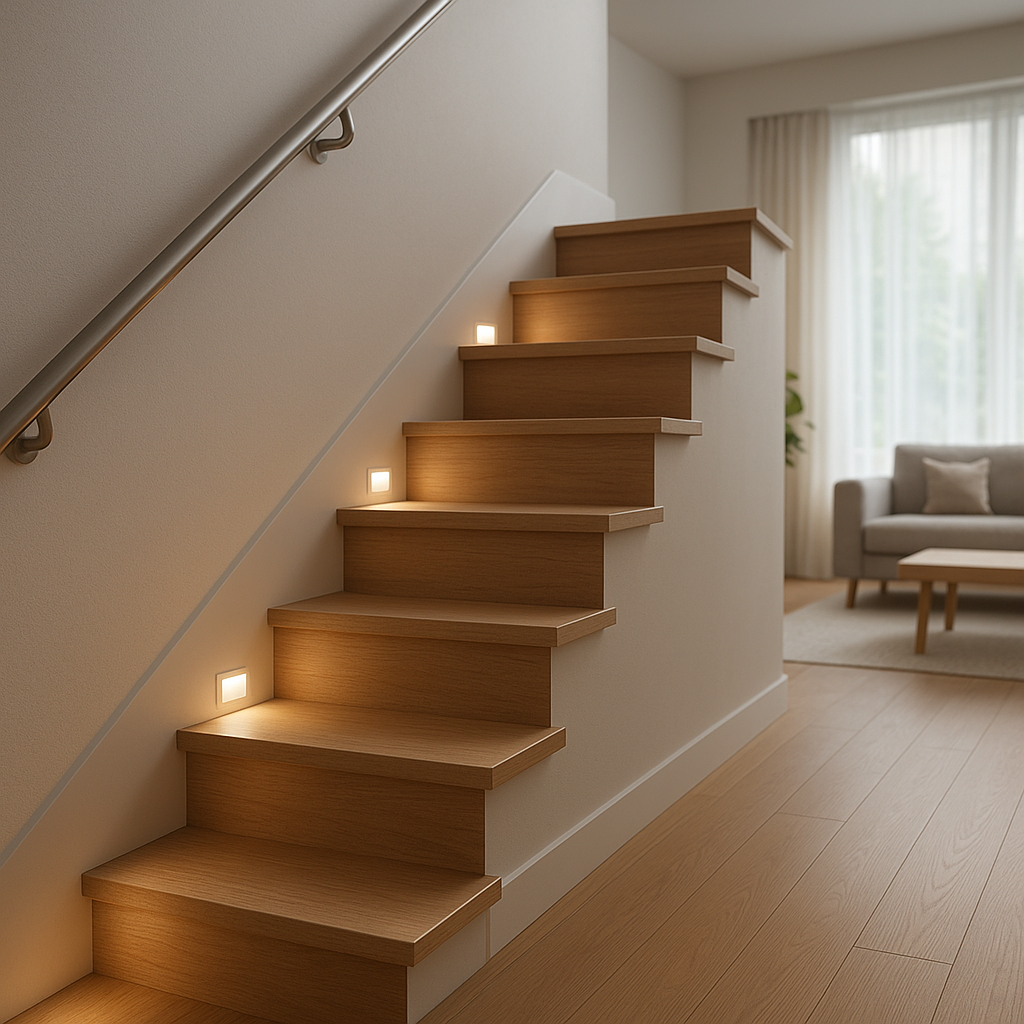
- Turn on dim, warm lights on a pathway to the bathroom.
- Keep overhead lights off to avoid glare and waking your partner.
- Optionally, temporarily pause motion-activated alarms or cameras in that path.
When the sensor detects you back in bed and motion stops, it can slowly fade the lights back down.
Energy-saving thermostat routines tied to your actual sleep and wake times
Instead of rigid schedules, use occupancy and sleep state to manage heating and cooling:
- Lower the bedroom temperature slightly once you’re fully asleep.
- Warm the room 15–30 minutes before your typical wake-up, but only if you’re still in bed.
- Switch the HVAC to an “away” setpoint if no beds are occupied during the night (useful for vacation homes or guest rooms).
This kind of context-aware control can save energy and still keep you comfortable.
Coordinating routines when two people have different sleep schedules
In homes with shift work or early risers, separate sensors or zones allow you to:
- Run a full morning routine (lights, audio, blinds, coffee) only for the person who’s getting up.
- Restrict certain automations to one side of the bed.
- Delay shared actions (like starting the dishwasher or vacuum) until both people are out of bed.
This keeps the home responsive without sacrificing anyone’s sleep.
How to Integrate Smart Bed Sensors With Your Smart Home Platforms
Connecting sleep sensors to Apple HomeKit and using Sleep Focus
Some under-mattress pads integrate directly with HomeKit; others sync data into Apple Health, which you can then combine with focus modes and Shortcuts. A common setup is to:
- Use your iPhone’s sleep schedule and Sleep Focus to represent your intended sleep.
- Use the bed sensor’s “in bed” or “asleep” events as a condition.
- Build automations in the Home app that run scenes only when both Sleep Focus is active and the bed is occupied.
Apple documents how Sleep and Sleep Focus work in detail in their Health support pages, such as this overview of sleep in the Health app, which can help you align your automations with your health data.
Using Alexa Routines with bed sensors for voice and time-based automations
Many Wi‑Fi and Zigbee sleep sensors can appear in Alexa as motion or contact-like devices. Once linked via their skill, you can:
- Trigger Alexa Routines when the sensor reports “in bed” or “out of bed.”
- Combine time conditions (e.g., only after 10 p.m.) for night-specific flows.
- Layer in voice triggers: say “Good night” and have Alexa wait until the sensor confirms you’re in bed before shutting down the house.
Alexa’s routine builder is friendly for beginners and can handle most simple light and plug automations tied to your sleep.
Building advanced flows with Google Home, SmartThings, and Home Assistant
For more complex logic, SmartThings and Home Assistant shine:
- SmartThings: Many Zigbee and Z-Wave occupancy sensors integrate directly, and you can build automations based on presence, time, and mode (Home, Night, Away).
- Home Assistant: Open-source integrations let you pull data from many cloud APIs and local devices, then create detailed automations based on sleep stages, presence, and even sensor confidence levels.
- Google Home: While more limited, it still supports routines triggered by compatible sensors and can tie into Nest thermostats and displays.
If you like tinkering, Home Assistant can turn almost any sensor into a sophisticated automation input.
Bridging non-native devices using IFTTT and virtual switches
If your smart bed sensor doesn’t officially support your platform, you can often bridge the gap using:
- IFTTT applets: Trigger a webhook or virtual switch when your sensor reports an event.
- Virtual devices: Use virtual switches or sensors in SmartThings or Home Assistant as proxies, then have your routines react to those.
- Webhook-based automations: Some sensors can call URLs directly; you can point them at your automation platform’s webhook endpoint.
This adds complexity but lets you keep using a favorite sensor even when native integrations are missing.
Troubleshooting: delayed triggers, missed events, and connectivity issues
If your bed-based routines aren’t firing correctly, check:
- Network quality: Weak Wi‑Fi or Zigbee coverage near the bedroom can delay events.
- Cloud latency: Cloud-only integrations can be slow at busy times; when possible, use local or hub-based connections.
- Sensitivity settings: Overly strict filters may ignore gentle movements or misclassify you as “not in bed.”
- Time conditions: Verify your routines are allowed to run at the hours you’re testing.
Running simple logging automations (e.g., send a notification on every in/out-of-bed event) can help you see what the sensor is actually reporting.
Setup and Placement Tips for Accurate Sleep Detection
Positioning under-mattress strips and pads correctly
Placement has a big impact on accuracy. General guidelines:
- Center the strip under your torso area, not your feet.
- Place it on a solid surface (slats or base), not loose fabric.
- Ensure there’s minimal gap between the mattress and the sensor.
For couples, follow the manufacturer’s instructions for placing dual sensors so they correctly distinguish each side of the bed.
Adjusting sensitivity for pets, kids, and restless sleepers
Pets jumping on the bed or kids visiting at night can confuse sensors. To minimize false triggers:
- Use “adult only” or higher weight thresholds if available.
- Ignore ultra-short presence (like a cat walking across) by adding a delay condition in your automation (e.g., only trigger if in-bed for 2+ minutes).
- For very restless sleepers, set motion sensitivity lower so you’re not repeatedly flagged as “awake.”
A bit of experimentation in the first week usually yields stable settings.
Calibrating wake-up windows and quiet hours
Smart alarms and morning routines should respect your schedule. Most apps let you configure:
- Target wake time + window: For example, wake between 6:30 and 7:00 a.m. during a light sleep stage.
- Quiet hours: Disable certain triggers (like bright lights or loud speakers) between set times.
- Weekday vs weekend behavior: So Sunday mornings stay peaceful.
Start with conservative windows and quiet hours, then adjust once you see how well the sensor estimates your sleep stages.
Reducing Wi‑Fi and Bluetooth interference in the bedroom
Most bed sensors use Wi‑Fi, Bluetooth, or a low-power protocol like Zigbee. For reliable connections:
- Place your router or hub where it can still reach the bedroom without being in the same spot as every other device.
- Avoid stacking too many 2.4 GHz devices in one corner; spread hubs out if possible.
- Update firmware on hubs and sensors to benefit from connection and stability fixes.
If range is an issue, consider adding a mesh Wi‑Fi node or a Zigbee repeater in or near the bedroom.
Safety, Privacy, and Data Security With Sleep Tracking Devices
What data your smart bed sensor collects and how it’s used
Typical data collected includes:
- Bed occupancy and movement patterns.
- Heart rate and breathing rate trends.
- Snoring or audio-derived metrics (if the device has a microphone).
- Derived metrics like sleep stages, sleep score, and time in bed.
Vendors usually combine this data to provide insights and recommendations. For automations, only a subset is needed (like occupancy and basic sleep state), so you can often limit what’s shared with external services.
Opting for local processing and minimal cloud dependence
Devices that support local processing can perform analysis on a hub or inside the sensor itself, sending only essential events to your smart home. Products based on local protocols and standards such as Matter increasingly support this model. The Connectivity Standards Alliance maintains an overview of Matter on its site, for example this page describing the Matter standard, which is helpful when you’re evaluating future-proof devices.
When possible:
- Pick sensors that can function (at least for basic triggers) without an always-on cloud connection.
- Use local hubs or bridges that keep data inside your home network.
- Turn off optional cloud analytics or marketing permissions in the app.
Managing permissions across Alexa, Google, and other ecosystems
Each ecosystem has its own permission model. To keep control of your data:
- Review which skills or services have access to your sleep data and remove ones you no longer use.
- Limit which routines can read detailed metrics; often you only need occupancy or basic sleep state.
- Periodically clear linked accounts in Alexa, Google Home, or HomeKit if you change sensors.
Spending a few minutes in the privacy and security settings of each app goes a long way toward keeping sleep data contained.
Smart Bedroom Use Cases Beyond Morning Routines
Elderly care and fall detection-style alerts from bed activity
For older adults living alone or in a separate part of the house, smart bed sensors can provide gentle safety monitoring:
- Trigger a notification if the bed has been empty all night when it’s usually occupied.
- Send an alert if someone gets out of bed but doesn’t return within a set window (e.g., 30–60 minutes at night).
- Detect highly unusual movement patterns that could be combined with other sensors for wellness checks.
These alerts should be tuned carefully to avoid constant false alarms, but they can add peace of mind for families.
Using bed occupancy to control security systems and door locks
Bed occupancy is a strong signal that the household is “done” for the day. You can use it to:
- Arm your security system in “stay” mode when all beds are occupied after a certain time.
- Lock exterior smart locks once the last person is in bed.
- Turn off indoor security cameras inside bedrooms and hallways when beds are occupied, to preserve privacy.
This logic is often more reliable than using just time-based schedules or motion sensors alone.
Integrating sleep data into whole-home energy management
Beyond the bedroom, sleep data can feed into broader energy strategies:
- Delay energy-heavy appliances like dishwashers or EV charging until after everyone is asleep.
- Combine occupancy patterns with solar production to shift heating or cooling loads.
- Use long-term sleep and occupancy trends to fine-tune thermostat schedules for different seasons.
In combination with smart plugs and energy monitors, your bed sensor becomes one more input into an efficient, responsive home.
Comparison Table: Best Smart Bed Sensors at a Glance
Feature-by-feature comparison (automations, compatibility, price)
Here’s a simplified example of how different categories of smart bed sensors compare. Exact details vary by brand, but this gives you a framework for shopping:
| Type | Automation Detail | Platform Compatibility | Typical Price Range (USD) |
|---|---|---|---|
| Premium under-mattress pad | In/out of bed, sleep stages, snore, heart/breath rate | Often Apple Health, Alexa/IFTTT; sometimes HomeKit/Home Assistant | $120–$250 |
| Budget occupancy strip | In/out of bed only | Usually Zigbee/Z-Wave via SmartThings/Home Assistant | $30–$80 |
| Smart mattress / bed frame | Occupancy, position, sometimes snore detection | Proprietary app, limited Alexa/IFTTT support | $800+ (including mattress/frame) |
| Wearable (watch/ring) | Sleep stages, HR, activity; indirect bed occupancy | Varies: Apple, Google, Fitbit, vendor APIs | $100–$400 |
| Dual-zone bed sensor | Per-side occupancy and sleep data | Similar to premium pads, sometimes with local hubs | $180–$300 |
Which sensor is right for you: quick recommendations by user type
Use these quick profiles to narrow down your choice:
- Automation-first, data-second: Budget occupancy sensor tied to SmartThings or Home Assistant.
- Health + automation enthusiast: Premium under-mattress pad with rich metrics and API access.
- Minimalist, no wearables: Under-mattress strip that disappears after setup.
- Couples with different schedules: Dual-zone smart bed sensor or two separate strips with per-person routines.
- Heavy smart mattress shopper: Smart mattress or adjustable bed with built-in night lights and position automations.
Frequently Asked Questions About Smart Bed and Sleep Sensors
Do I really need a dedicated bed sensor if I have a smartwatch?
A smartwatch can provide sleep data and sometimes trigger basic routines, but it doesn’t always know exactly when you’re in bed, and it only tracks the person wearing it. A dedicated bed sensor gives more reliable bed occupancy information, often with better per-bed triggers, and works even if you forget to wear the watch or your battery dies overnight.
Will a smart bed sensor work with any mattress and bed frame?
Most under-mattress sensors work well with standard spring and foam mattresses on slatted or solid bases. Very thick foam, soft toppers, or unusual setups like waterbeds may reduce accuracy. Always check the manufacturer’s compatibility list and, if possible, choose a sensor with a trial or easy return policy in case your specific bed doesn’t play nicely.
How accurate are sleep stage and snore detections for automation?
Consumer sleep sensors are generally good for broad patterns but not medical diagnostics. Sleep stage estimates are usually accurate enough to decide between “light” vs “deep-ish” sleep for alarms, but you shouldn’t rely on them for health decisions. For automation purposes, they’re more than sufficient to time gentle wake-up routines or decide when to dim lights, as long as you accept occasional misclassification.
Can these sensors work without an internet connection?
Some can, some can’t. Many Wi‑Fi-based sensors rely on cloud processing and need internet access for full functionality. Others that use Zigbee, Z‑Wave, Thread, or a dedicated hub can perform basic occupancy detection and trigger local automations even if your connection drops. If offline reliability matters, prioritize devices that advertise local processing and test your key routines with your router temporarily disconnected.
Final Thoughts: Choosing the Best Smart Bed Sensor for a Truly Smart Morning
Prioritizing automation capabilities over just sleep tracking
The best smart bed sensor for a smart home isn’t always the one with the fanciest graph. Focus first on what you need it to trigger: lights, thermostats, alarms, or safety alerts. Then pick the device that exposes the right events (in-bed, out-of-bed, asleep, light sleep) into the platforms you already use.
Future-proofing your setup with Matter and local integrations
As Matter and local-first designs spread, more sensors will integrate cleanly across Apple, Google, Amazon, and other ecosystems without complex workarounds. When you’re comparing options, give extra weight to devices that support open standards, local hubs, and clear privacy controls. That way, your smart bed sensor will keep working smoothly as the rest of your smart home evolves.