Good sleep starts long before your head hits the pillow. The light in your bedroom can either help your body wind down or quietly keep you wired and restless. Smart bulbs and sensors give you precise control over brightness and color so your bedroom supports rest, instead of fighting it.
This guide walks through how to set up smart bedroom lighting for better sleep, using practical automations you can actually live with. You’ll learn how to choose the right bulbs and sensors, design calming night routines, set up gentle wake-ups, and avoid common mistakes that keep your brain awake.
Whether you’re starting with a single smart bulb or planning a fully automated bedroom, you’ll find step-by-step ideas you can adapt to your own space and budget.
Why Smart Bedroom Lighting Matters for Better Sleep
How light affects your circadian rhythm and melatonin
Your body runs on a 24-hour internal clock called the circadian rhythm. Light is the main signal that tells this clock when it’s time to be alert and when it’s time to sleep. Bright, cool light in the morning helps you wake up; dim, warm light in the evening tells your body to make melatonin, the hormone that promotes sleep.
Standard bedroom lighting often ignores this rhythm. Overhead lights are usually very bright and closer to daylight color, which is fine for cleaning or getting dressed, but not for winding down. Smart bedroom lighting for better sleep lets you shift the color and brightness automatically throughout the evening, so your lighting matches your body’s natural signals.
The difference between warm and cool light before bed
Light color is measured in Kelvin (K):
- Cool light (4000K–6500K) looks white or slightly blue, similar to daylight. It’s alerting and great for tasks but can suppress melatonin if used late at night.
- Neutral light (3000K–3500K) is close to typical “soft white” bulbs. It’s fine for general use but still a bit bright for the final hour before sleep.
- Warm light (1800K–2700K) looks amber or candle-like. It’s much gentler on your eyes and better for reading or relaxing before bed.
Smart bulbs that support adjustable color temperature (or full color) let you schedule this shift automatically. For example, you might have neutral light at 7 p.m. for folding laundry and very warm, dim light by 10 p.m. while you read.
Common bedroom lighting mistakes that hurt your sleep
Some small lighting habits can quietly ruin your sleep quality. Common issues include:
- Using bright overhead lights late at night instead of switching to lamps or dimmed lighting.
- Relying on cool white bulbs everywhere, including bedside lamps, which feel harsh when your eyes are tired.
- Turning lights fully on for bathroom trips, jolting you awake each time.
- Leaving screens and indicator LEDs glowing (chargers, smart speakers, power strips) that create unnecessary light in the room.
- No transition between “evening” and “bedtime” lighting—going from bright to dark all at once makes it harder to relax.
A smart setup helps by enforcing gentle dimming, warmer tones, and low-level night lighting without you having to remember to adjust things every night.
Core Components of a Smart Bedroom Sleep Setup
Choosing the right smart bulbs for sleep-friendly lighting
Not all smart bulbs are equal when it comes to sleep. Look for:
- Adjustable color temperature (often labeled “white ambiance” or “tunable white”), such as Philips Hue White Ambiance or TP-Link Kasa tunable white bulbs.
- Reliable dimming down to very low levels, so you can have just a faint glow for night-time movement.
- Good app or ecosystem support (Alexa, Google Home, Apple Home, SmartThings) so you can integrate with sensors and routines easily.
- Memory for last state, so if power blips, they don’t suddenly turn on at full brightness in the middle of the night.
For more advanced control, full-color bulbs like Philips Hue Color, LIFX Color, or Nanoleaf Essentials let you use very warm amber tones at night and bright, cooler tones in the morning.
Types of smart sensors to use in the bedroom (motion, contact, presence)
Sensors remove the need to think about switches. The most useful for a bedroom are:
- Motion sensors (e.g., Philips Hue Motion Sensor, Aqara Motion): detect movement and can turn on low-level light for bathroom trips or gently bring up light if you get out of bed.
- Contact sensors (e.g., Aqara Door and Window Sensor, Eve Door & Window): attach to doors or wardrobe doors and trigger soft light when opened.
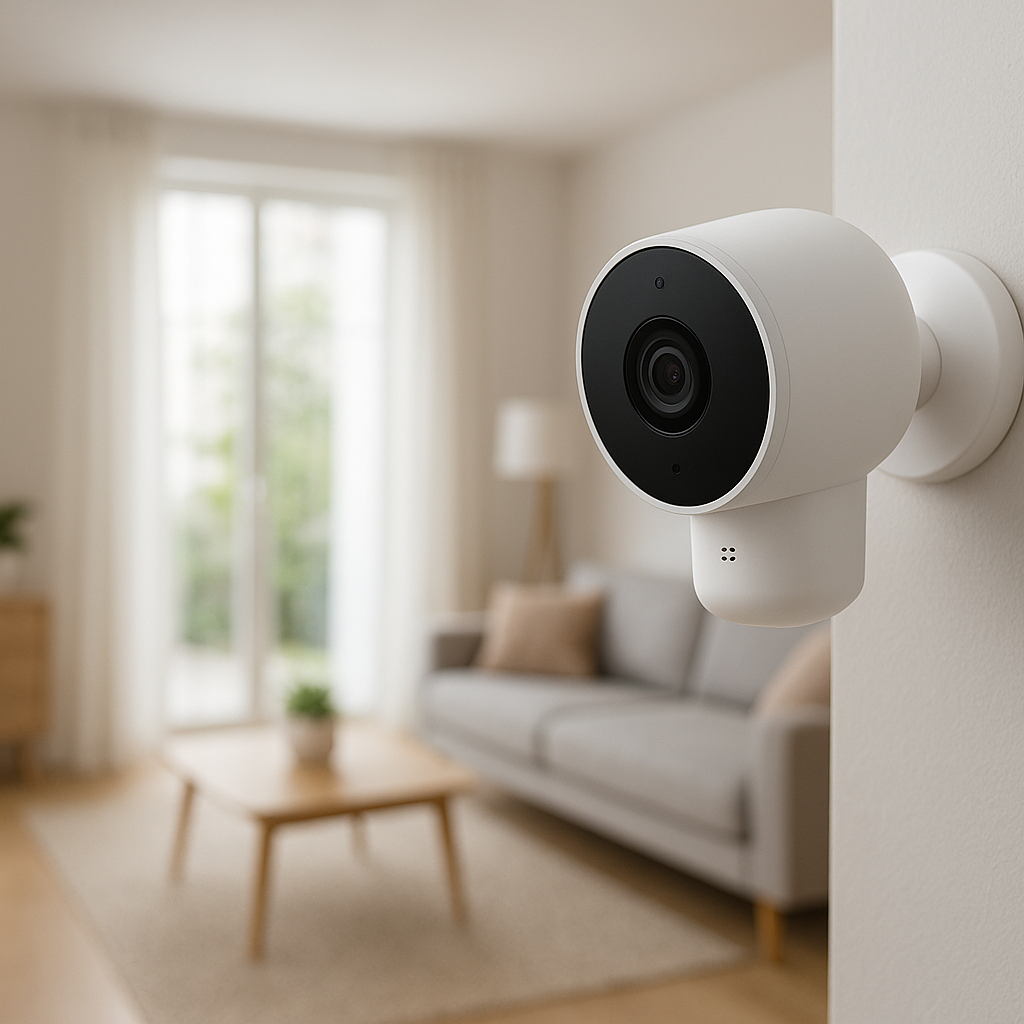
- Presence sensors (like Aqara FP2 presence sensor or mmWave-based sensors): detect people even if they’re not moving much, helping avoid lights turning off while you’re reading quietly.
You don’t need all of these at once. Many people start with a single motion sensor near the bed and add contact or presence sensors later as they refine their automations.
Hubs, bridges, and apps you may need to connect everything
Your setup will depend on the platforms and brands you use:
- Wi-Fi bulbs (e.g., Kasa, LIFX) connect directly to your router using their apps and usually work with Alexa and Google Home without a separate hub.
- Zigbee or Thread bulbs (e.g., Philips Hue, IKEA DIRIGERA, Nanoleaf Essentials) often use a bridge or hub. These can be more reliable and responsive, especially in larger homes.
- Multi-ecosystem hubs like SmartThings, Home Assistant, or Apple Home (via Apple TV/HomePod) can tie lights, sensors, and other devices together in one place.
Before buying, check that your chosen bulbs and sensors support the same ecosystem you already use—whether that’s Alexa, Google Home, or Apple HomeKit—so you can create unified routines.
Setting Up Smart Bulbs for a Calming Nighttime Routine
Ideal brightness and color temperature for winding down
For the last 60–90 minutes before bed, aim for light that feels more like candlelight than office lighting. As a starting point:
- Brightness: 10–30% of your bulb’s maximum.
- Color temperature: 1800K–2700K. If your app doesn’t show numbers, look for the warmest or “relax” preset.
Use overhead lights earlier in the evening and switch to bedside lamps or wall sconces as you get closer to bedtime. This combination of lower intensity and warmer color helps your body increase melatonin production and reduces eye strain.
Creating pre-set “Wind Down” scenes in your smart lighting app
Most smart lighting apps (Philips Hue, Kasa, LIFX, Nanoleaf, and the major voice assistant apps) let you save lighting “scenes.” A good wind-down scene might include:
- Bedside lamps at 20% brightness, warm white.
- Overhead light off.
- Accent lights (such as strip lights behind the headboard) at a soft amber.
To set this up:
- Manually adjust each light to your preferred evening setting.
- Use your bulb’s app to save the current state as a scene called “Wind Down” or “Evening Reading”.
- Expose that scene to your voice assistant so you can say “Alexa, turn on Wind Down” or “Hey Google, start evening lights.”
Once the scene is created, you can also tie it to a schedule or an automation that runs at a specific time each night.
Step-by-step: scheduling lights to dim gradually before bedtime
A gradual dim is less jarring than switching from bright to dark. Here’s one simple schedule you can adapt in your lighting or smart home app:
- 2 hours before bed: Reduce all bedroom lights to 50% and shift to a warmer white.
- 1 hour before bed: Switch to your “Wind Down” scene (around 20–30% brightness, warm). Turn off any bright accent or overhead lighting.
- 30 minutes before bed: Dim bedside lamps further to 10–15%.
- Bedtime: Turn off main lights and activate a low nightlight scene if needed.
In many apps, you can create a “routine” or “automation” with multiple steps. If your app only supports one action, create two or three separate schedules (for example, 9:00 p.m. and 9:30 p.m.) that adjust your lights progressively.
Using Sensors to Automate Bedroom Lighting Without Thinking
Motion-activated low-level lighting for late-night bathroom trips
Stumbling around in the dark or blasting your eyes with bright light at 2 a.m. both interfere with sleep. A motion sensor and a dim smart bulb can solve this neatly.
Set up an automation like:
- Trigger: Bedroom or hallway motion detected between 11 p.m. and 6 a.m.
- Action: Turn on a nearby bulb or LED strip at 5–15% brightness, very warm color.
- Timeout: Turn off the light again after 2–5 minutes with no motion.
You can place the motion sensor under the bed, on a bedside table, or in the hallway outside your bedroom. Some people add a second sensor near the bathroom for the same low-level lighting there.
Contact sensors on doors and wardrobes to trigger gentle light
Contact sensors are great for lighting that only needs to be on while something is open. In a bedroom, you can:
- Attach a contact sensor to your bedroom door so that opening it after dark turns on a dim lamp.
- Use contact sensors on wardrobe or closet doors to turn on interior lighting only while the door is open, avoiding the need for bright room-wide lighting when choosing clothes.
Make sure these automations are time-limited. For example, have the door-triggered light behave differently during the day (normal brightness) and at night (dim, warm). Many platforms let you add a condition such as “only between sunset and sunrise.”
Presence sensors to avoid lights turning off while you’re reading
Basic motion sensors only see movement. If you’re lying still reading or meditating, the light can suddenly turn off. Presence sensors use different technology (often mmWave) to detect that someone is in the room even if they’re mostly still.
You can place a presence sensor on a shelf or wall facing the bed and create automations such as:
- If presence is detected, keep bedside lights at the current level.
- If no presence for 20–30 minutes after midnight, turn lights off automatically—handy if you fall asleep reading.
Presence sensors are more advanced and often more expensive, so treat them as an upgrade once you’ve nailed the basics with motion and contact sensors.
Morning Wake-Up Automations That Replace Harsh Alarms
Simulating a sunrise with gradual brightening
Sunrise-style wake-ups use light to gently pull you out of sleep, which many people find less stressful than a blaring alarm. With smart bulbs you can imitate this without buying a dedicated sunrise clock.
A simple sunrise routine might:
- Start 20–30 minutes before your wake-up time.
- Begin at 1–5% brightness in a very warm color.
- Gradually increase brightness to 70–100%, shifting to a cooler, more energizing white (3000–4000K).
Most smart lighting apps support this as a “wake-up” or “fade in” routine. If yours doesn’t, you can approximate it with a few scheduled steps at 10-minute intervals.
Syncing bedroom lights with smart alarms and routines
If you use a smart speaker or phone-based alarm, you can often tie your wake-up lights to that event:
- Alexa Routines: “When alarm on Echo goes off, turn bedroom lights to 60% cool white.”
- Google Home Routines: “Good Morning” routine that both dismisses your alarm and starts a light scene.
- Apple Home & Shortcuts: Trigger HomeKit scenes when your iPhone alarm stops, using automations via the Shortcuts app.
This way, if you change your alarm time, your lighting follows automatically, instead of relying on fixed schedules.
Adjusting wake-up lighting on weekdays vs. weekends
Your ideal wake-up time probably differs between workdays and days off. Build that into your automations:
- Weekday routine: Earlier sunrise simulation with brighter final level.
- Weekend routine: Later start time, slower fade, and slightly dimmer maximum brightness so you wake up more gently.
Most smart home apps let you choose specific days for each routine. Set these once and you won’t have to remember to change your alarms and light schedules each Friday night.
Practical Automation Recipes for Common Bedroom Scenarios
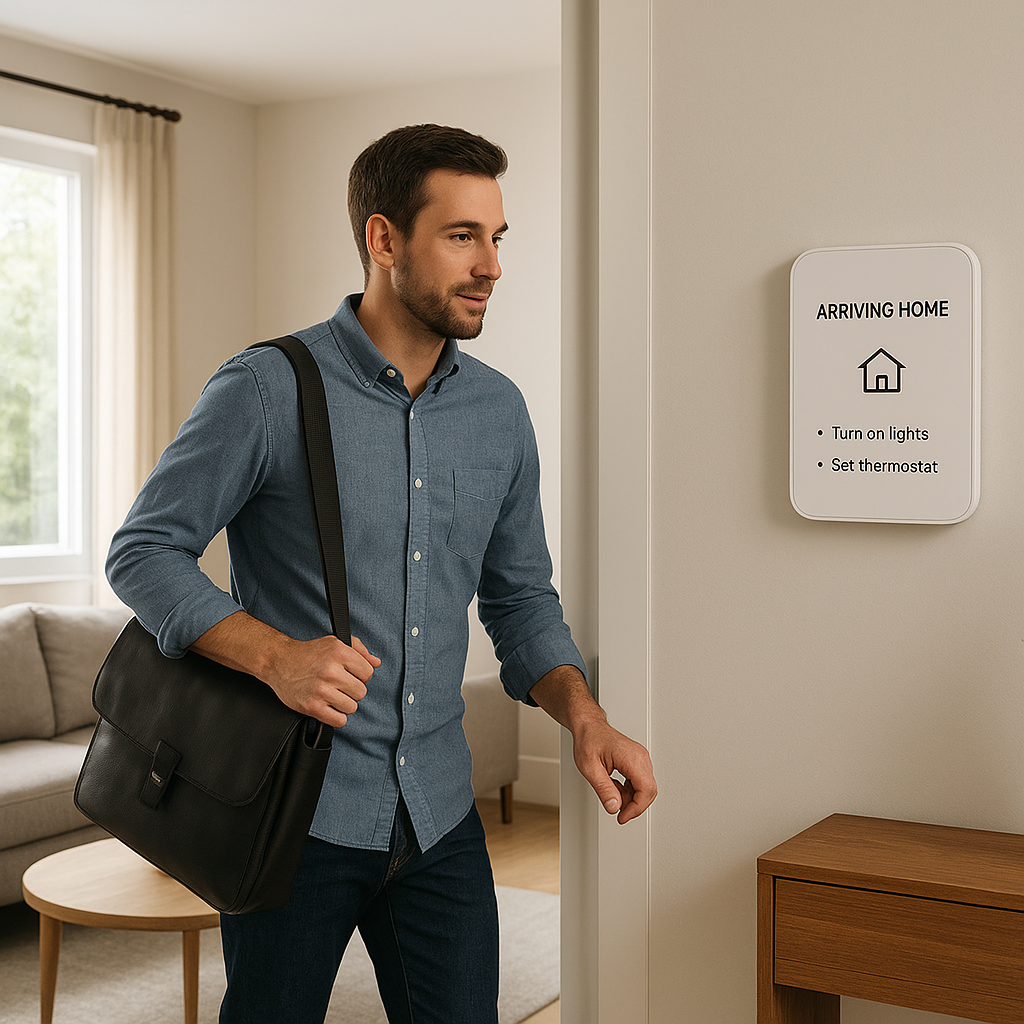
“Goodnight” scene: one-tap (or voice) to dim, warm, and shut down devices
A “Goodnight” scene is your all-in-one command that gets the room ready for sleep. It might:
- Turn off overhead and accent lights.
- Set bedside lamps to very warm at 10–20% for 10 minutes, then off.
- Switch off smart plugs powering chargers, decorative lights, or TVs.
- Lower smart blinds and arm a security system’s “home” mode if you use one.
Trigger this via a bedside smart button, a shortcut on your phone, or a voice command like “Goodnight.” The idea is to remove the nightly checklist and replace it with one action.
Nightlight mode for kids’ bedrooms and nurseries
Children often need a bit of light at night, but too much brightness can disrupt their sleep. A child-friendly nightlight automation might:
- Use a smart bulb or LED strip at 1–5% brightness in a very warm or red tone.
- Turn on automatically at bedtime and off in the morning light.
- Increase briefly when motion is detected (for bathroom trips), then fade back down.
Many parents like using a smart plug with a simple nightlight plugged in, controlled by a schedule, so the light source is indirect and not in the child’s direct line of sight.
Guest bedroom lighting automations that don’t confuse visitors
Guests shouldn’t need a manual to use the lights. Keep guest room automations simple and intuitive:
- Use standard wall switches but pair them with smart bulbs that remember last state.
- Set a basic nighttime dimming schedule (e.g., lights default to 40% after 10 p.m.).
- Add a bedside smart button labeled with a small sticker for “Reading” and “Off.”
Avoid complex motion-based rules that might surprise guests, like lights turning off automatically too quickly. Focus on easy, predictable behavior instead.
Safety, Privacy, and Sleep-Friendly Light Placement Tips
Where to place bulbs and lamps to avoid glare in bed
Even the best smart bulb feels uncomfortable if it shines straight into your eyes when you’re lying down. To reduce glare:
- Prefer shaded lamps or wall sconces with diffusers instead of bare bulbs.
- Place bedside lamps slightly behind or to the side of your head when you’re in bed.
- Use frosted bulbs or shades for softer, more even light.
If you have a bright central ceiling fixture, use it mainly in the early evening or morning and rely on lamps and indirect lighting closer to bedtime.
Using under-bed or floor lighting for safe movement at night
Under-bed LED strips or low floor lights are excellent for night navigation because they light the floor without illuminating the whole room.
Combine them with a motion sensor under the bed or at floor height so they:
- Turn on at 5–10% brightness when you step out of bed.
- Shut off automatically after a short delay.
This provides enough light to see where you’re going without shocking your eyes or waking a partner.
Keeping indicator LEDs and screen glow from disturbing sleep
Many smart home devices have bright status LEDs that can be surprisingly disruptive in a dark room. To keep them from affecting sleep:
- Disable or dim indicator lights in the device’s settings if possible (many routers, smart speakers, and chargers allow this).
- Use small blackout stickers or tape over LEDs you can’t control.
- Avoid placing screens like TVs or bright smart displays directly opposite the bed. If you do have a display, enable its night mode or auto-dimming feature.
Integrating Bedroom Lighting With Other Smart Home Devices
Pairing smart lights with smart blinds or curtains for natural light
Smart blinds or curtain motors (such as IKEA Fyrtur, SwitchBot Curtain, or Aqara Curtain Driver) complement your lighting by managing natural light.
Helpful combinations include:
- Opening blinds gradually in sync with your sunrise light routine.
- Closing blackout curtains at bedtime as part of your “Goodnight” scene.
- Using a light sensor to adjust blinds during the day while your bulbs stay off, keeping your sleep schedule more consistent.
This reduces the need for bright artificial light late in the evening and gives you a more natural wake-up with daylight when possible.
Voice control with smart speakers for hands-free bedtime routines
Smart speakers like Amazon Echo, Google Nest, or Apple HomePod make it easy to trigger routines when you’re already in bed. Simple voice commands can:
- Start your wind-down scene.
- Launch a “Goodnight” routine that handles lights, blinds, and thermostat together.
- Change brightness or color without reaching for a switch or phone.
Set clear, easy-to-remember phrases like “bedtime lights,” “night mode,” or “reading lights” so everyone in the household can use them.
Linking bedroom lighting to thermostats for an ideal sleep environment
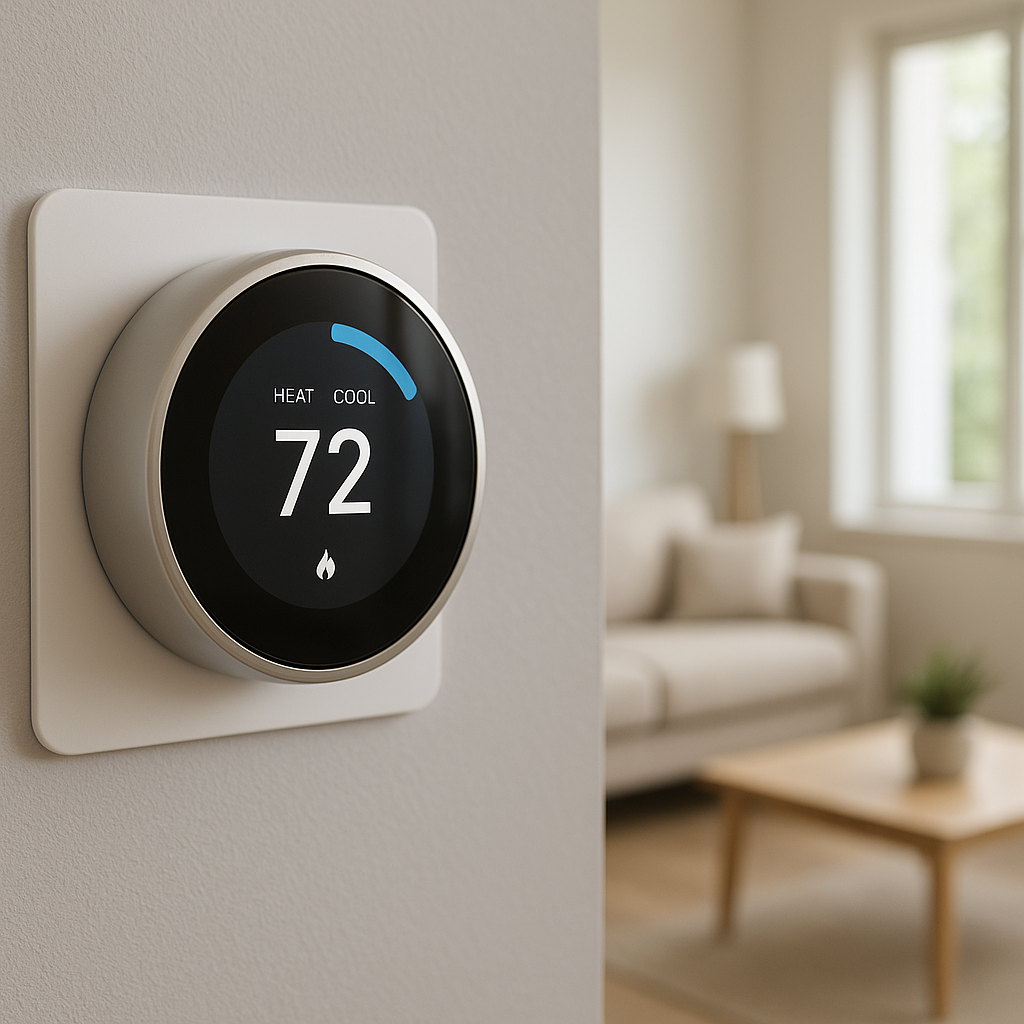
Temperature and light both affect sleep quality. If you have a smart thermostat like Nest or Ecobee, you can tie its schedules to your lighting routines:
- Lower the temperature slightly when your “Goodnight” scene runs.
- Warm the room a bit during your wake-up light routine to make getting out of bed easier.
Many platforms allow cross-device automations, or you can create parallel schedules in your thermostat and lighting apps that follow the same timeline.
Troubleshooting Common Smart Bedroom Lighting Issues
Lights turning on too bright at night and how to fix defaults
If your lights blast at 100% brightness when you ask for them at night, check these settings:
- Default power-on behavior: Some bulbs let you set a default brightness and color when they turn on.
- Scene settings: Make sure your night scenes (like “Nightlight” or “Bathroom Late”) use very low brightness.
- Time-based routines: In some apps, the same voice command triggers different scenes depending on time of day—configure a separate night version with dim settings.
Test your “goodnight” and “bathroom” automations a few times to confirm they never default to bright white at 2 a.m.
Motion sensors not triggering or triggering too often
Placement and settings matter a lot for motion sensors:
- If a sensor doesn’t trigger, make sure it has a clear view of the area you walk through at night and isn’t blocked by furniture or bedding.
- If it triggers too often, angle it slightly downward or away from windows and pets, and increase the cooldown time (the minimum time before it can trigger again).
- Use time conditions so the same sensor behaves differently during day and night.
In very small bedrooms, you may want to restrict motion-based automations to just under-bed or floor-level sensors to avoid lights flipping on whenever someone turns over.
Connectivity problems and what to do when automations don’t run
If automations fail randomly, consider:
- Wi-Fi coverage: Ensure your bedroom has strong Wi-Fi if using Wi-Fi bulbs. A mesh system or an extra access point can help.
- Hub location: Place Zigbee or Thread hubs centrally relative to your bedroom for better range.
- Bulb and app updates: Update firmware and apps; many reliability issues are fixed over time.
- Redundancy: Use simple wall switches or smart buttons as backup to override automations when needed.
Start with a few key automations and verify they work consistently before layering on more complexity.
Example Setups and Budget-Friendly Starter Kits
Entry-level smart bedroom lighting setup under $100
For a simple beginner-friendly setup:
- 2× tunable white smart bulbs for bedside lamps (e.g., Kasa or Wyze).
- 1× basic motion sensor for hallway or bathroom (if your platform supports it).
- 1× smart speaker or your phone for basic voice and app control.
This is enough to create wind-down scenes, basic schedules, and a low-level nightlight for bathroom trips triggered by motion.
Intermediate setup with multiple sensors and scenes
For more automation and comfort, aim for:
- 3–5 smart bulbs (bedside lamps, ceiling light, maybe a strip behind the headboard).
- 2–3 sensors: one motion sensor under the bed or in the hallway, one contact sensor on the bedroom door, and optionally one closet door sensor.
- A hub or platform like Philips Hue Bridge, SmartThings, or Apple Home to tie them together.
With this, you can create separate scenes for reading, winding down, nightlight mode, and morning wake-up, all triggered by time, motion, or a single “Goodnight” button.
Advanced whole-bedroom automation with routines for every phase of the night
An advanced setup focuses on complete, low-effort comfort:
- Full-color smart bulbs or smart switches for all bedroom lights.
- Under-bed LED strips, controlled by floor-level motion sensors.
- Presence sensor to keep lights on while you’re still in bed but not moving much.
- Smart blinds or curtains synchronized with your lighting.
- Integration with a smart thermostat and possibly a sleep-tracking device.
In this scenario, lighting and temperature shift automatically through the evening, you get low-level guidance if you get up at night, and you wake to a combined sunrise and opening blinds with a comfortable room temperature.
Final Tips for Building a Sleep-Friendly Smart Bedroom
How to test and fine-tune your automations over a week
Smart bedroom lighting for better sleep is personal. What feels perfect to one person may be too dim or too warm for another. Give yourself at least a week to live with your new routines and adjust:
- Note if lights feel too bright or too cool in the last hour before bed.
- Adjust dimming schedules if you find yourself needing “just a bit more light” at certain times.
- Watch for any automations that surprise or annoy you, and simplify them.
Small tweaks—moving a sensor, changing a dimming curve, or adjusting timing—can make a big difference in comfort.
Balancing automation with manual control so the room still feels cozy
Full automation is powerful, but your bedroom still needs to feel relaxed and inviting. To keep a cozy feel:
- Use smart buttons or dimmers alongside schedules so you can override them easily.
- Allow simple voice commands for “brighter,” “dimmer,” and “off” without dealing with complex scenes.
- Choose warm lamp shades, soft-textured fixtures, and indirect light to keep the room from feeling clinical or overly high-tech.
The goal is for automation to fade into the background, not draw attention to itself.
When to consider professional help for complex bedroom lighting plans
If you’re planning built-in LED strips, recessed lighting, or rewiring switches to work with smart dimmers, it may be worth consulting a professional electrician or smart home installer. This is especially true if:
- You have older wiring or are unsure about neutral wires for smart switches.
- You want wall-mounted controls that look seamless and control multiple scenes.
- You’re integrating bedroom lighting with whole-home systems like security, HVAC, and shading.
Even one consultation can help you avoid wiring mistakes and choose products that work well together for the long term.
With thoughtful planning, a few carefully chosen devices, and some gentle routines, your bedroom lighting can support your natural sleep cycle instead of disrupting it. Start simple, refine over time, and let your lights quietly guide you toward better rest.
FAQ
Do I need color-changing bulbs for better sleep, or are tunable white bulbs enough?
Tunable white bulbs are usually enough for sleep-focused setups. They let you shift from cooler whites during the day to warm, amber-like light at night. Full-color bulbs add more flexibility (for example, soft red nightlights), but they’re not required if you mainly care about comfort and circadian rhythm support.
Will smart bedroom lighting still work if my Wi-Fi goes down?
It depends on your devices. Zigbee or Thread-based systems with a dedicated hub (like Philips Hue) usually keep running local scenes and schedules even if the internet is down. Many Wi-Fi-only bulbs need a cloud connection for advanced features, though basic on/off via the wall switch will still work.
Can I use smart plugs instead of smart bulbs in the bedroom?
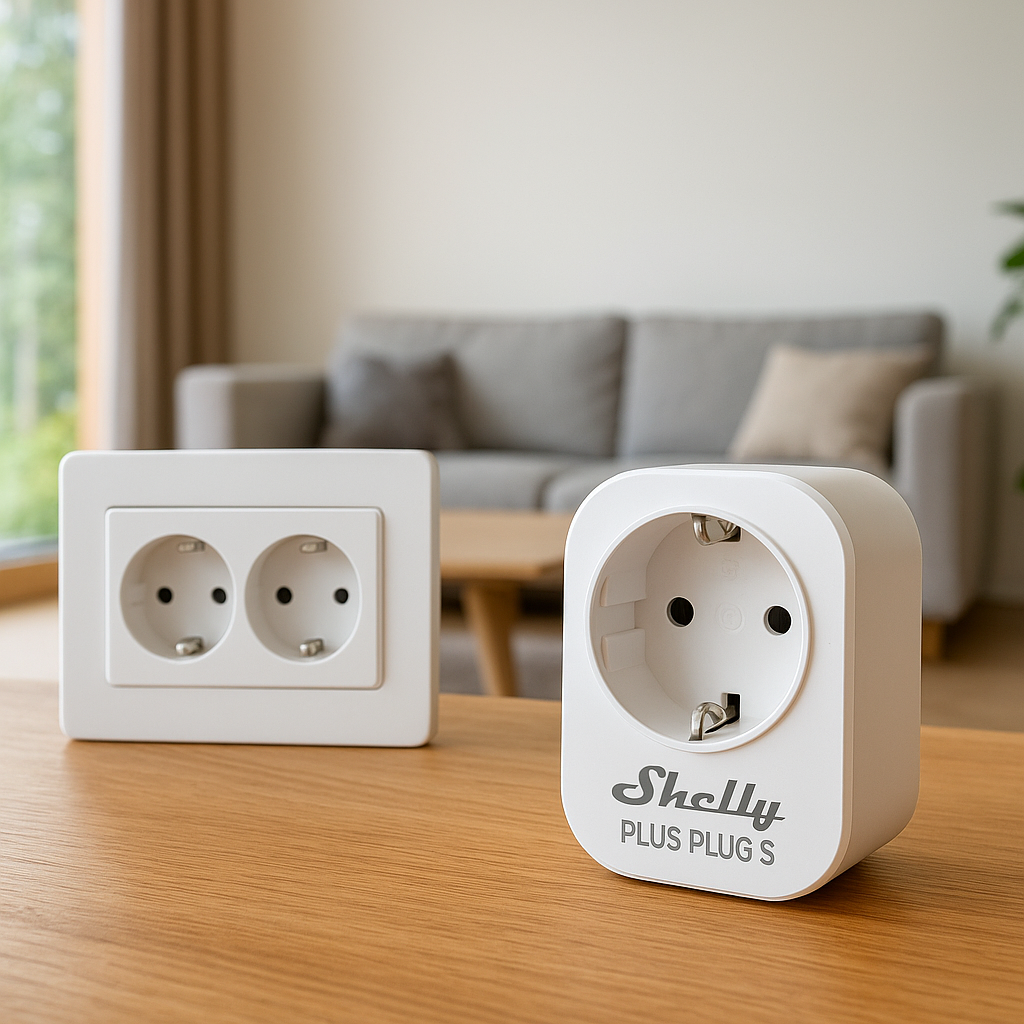
Smart plugs are useful for lamps and nightlights that use standard bulbs. They let you turn those lamps on and off with schedules and routines, but you won’t get dimming or color control unless the bulb itself is dimmable and controlled by another system. A mix of smart plugs for simple on/off and smart bulbs for your main bedside lights works well for many people.
Are motion-activated lights going to wake my partner?
Not if they’re configured carefully. Use very low brightness (5–10%), very warm color, and position lights low (under-bed strips or floor lamps) so they light the floor more than faces. Also, limit motion-based lighting to your side of the bed or hallway where possible.
How many sensors do I actually need in a bedroom?
Most people can start with just one motion sensor and a couple of smart bulbs. Add a contact or presence sensor only if you run into specific problems, like lights turning off while you’re still in bed or needing better control of closet lighting. It’s better to start small, learn your preferences, and then expand.