Smart blinds and curtains can do a lot more than open and close on command. Used well, they become a powerful passive cooling system that keeps rooms comfortable and reduces how often your air conditioner has to run.
This guide walks through how to use smart blinds to keep your house cool, from choosing the right materials to setting smart schedules and automations. You’ll see practical room-by-room examples, plus tips for combining blinds with fans, sensors, and other simple strategies.
You don’t need to automate every window to see a difference. Even a few well-placed smart shades on your hottest windows can noticeably lower afternoon temperatures and cut glare.
Why Smart Blinds Are a Powerful Tool for Keeping Your House Cool
How sunlight and windows actually heat up your home
Most of the heat that builds up inside a home on sunny days comes through the windows. Sunlight passes through the glass, hits floors and furniture, and turns into heat. That heat then radiates back into the room and gets trapped, a process often called solar heat gain.
Large south- and west-facing windows are the biggest culprits. Afternoon sun has a high angle and intensity, so even a single uncovered window can turn a room into a greenhouse. Dark surfaces, like hardwood floors and dark sofas, absorb more heat and keep the room warm long after the sun moves.
If you want a quick technical explainer of this effect, the solar gain article on Wikipedia shows how much heat can come through glass compared to insulated walls.
The difference between regular blinds and smart blinds for temperature control
Regular blinds help by adding a physical barrier between sunlight and your room, but they only work when someone remembers to adjust them at the right time of day. Miss that window, and heat has already poured in.
Smart blinds add automation and precision control:
- Automatic schedules close blinds before direct sunlight hits, instead of after the room is already hot.
- Partial opening lets you tilt or raise blinds just enough to keep a view while blocking the hottest rays.
- Remote control via app or voice means you can react to heatwaves even when you aren’t home.
- Sensor-based automations can respond to temperature or light levels in real time.
Because smart blinds are consistent, they prevent heat buildup instead of trying to fix it after the fact. That’s a big difference for comfort and for your AC usage.
Benefits beyond cooling: comfort, privacy, and energy savings
Cooling is the main focus here, but smart blinds and curtains bring a few other useful benefits:
- Glare control: Automatically tilt slats or lower shades when the sun hits screens in your living room or home office.
- Daytime privacy: Let in soft light while blocking direct views into your home.
- Winter efficiency: In colder months, blinds can open to let in free solar heat during the day and close at night to add insulation.
- Accessibility and convenience: Motorized blinds are easier to use on tall or hard-to-reach windows.
Together, these benefits can improve comfort year-round while trimming both cooling and heating costs.
Key Features to Look For in Smart Blinds and Curtains for Cooling
Thermal and blackout fabrics that block heat effectively
The fabric or material you choose matters as much as the motor. For cooling, look for:
- Thermal-lined curtains that have an insulating backing to slow heat transfer.
- Blackout roller shades that tightly cover the window and block most incoming light.
- Cellular (honeycomb) shades with air pockets that act as insulation between your window and room air.
Products like Lutron Serena honeycomb shades or IKEA FYRTUR blackout shades are good examples of smart treatments designed with light and heat control in mind.
Light-filtering vs blackout vs reflective backing: which is best to keep rooms cool?
Different fabrics handle light and heat differently:
- Light-filtering fabrics: Let in some daylight while softening glare. They help with comfort but are less effective at peak cooling.
- Blackout fabrics: Block nearly all light and provide the best heat reduction for bedrooms, media rooms, or very hot windows.
- Reflective or light-colored backings: Bounce a portion of solar radiation back outside, especially useful on sun-facing windows.
For cooling-focused windows (especially south and west facing), blackout or thermal shades with a light or reflective exterior are usually best. In living spaces where you still want some daylight, pair light-filtering shades with smart schedules so they close before the worst heat but can open when the sun angle is lower.
Motorization, scheduling, and app control basics
To get real cooling benefits, you’ll want blinds or curtains that can be controlled without manual chains or cords. Key capabilities include:
- Quiet motors so scheduled movements aren’t disruptive.
- Battery power or plug-in options for easier installs, especially on existing windows.
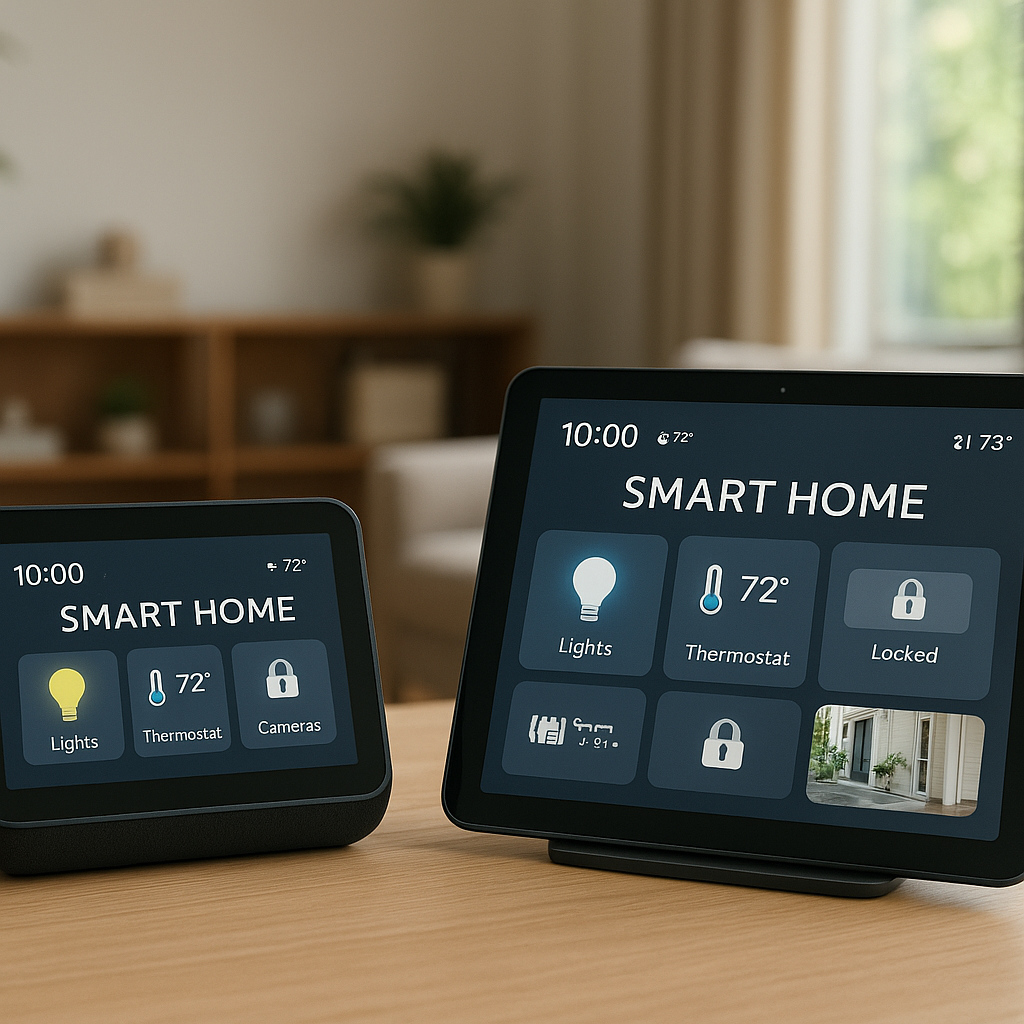
- App control to set schedules, adjust positions, and create scenes (e.g., “Heatwave Mode”).
- Position memory so you can define partially open states (like 30% closed) for glare reduction without full blackout.
Brands like Aqara, SwitchBot, Lutron, IKEA, and Somfy all offer different approaches, from motorized roller shades to curtain drivers that pull existing drapes.
Compatibility with smart homes: Alexa, Google Home, HomeKit, and hubs
For advanced automations, look for blinds compatible with the platforms you already use:
- Amazon Alexa: Voice control and routines triggered by time, temperature (via compatible sensors), or sunrise/sunset.
- Google Home: Similar capabilities using automations and Assistant voice commands.
- Apple HomeKit: Privacy-focused automations, plus easy sunrise/sunset and geofencing options.
- SmartThings or Home Assistant: Deeper integrations with sensors, thermostats, and custom logic.
Whenever possible, choose shades that support multiple ecosystems or Matter. That keeps your options open if you change hubs later.
Best Room-by-Room Strategies to Keep Your House Cool With Smart Blinds
South- and west-facing rooms: blocking the hottest afternoon sun
These windows often cause the biggest temperature spikes. Focus your strongest cooling measures here:
- Use blackout or thermal shades with minimal side gaps.
- Schedule them to close before the sun hits—often around late morning for south-facing and early afternoon for west-facing windows.
- Combine shading with a ceiling fan or smart plug fan to keep air moving.
A typical setup: cellular shades on a west-facing living room window that auto-close to 90% at 1 p.m., then reopen to 30% around 6 p.m. once the sun angle drops.
Bedrooms: staying cool for sleep without running the AC all night
For bedrooms, comfort and darkness usually matter more than daytime views. Consider:
- Blackout shades or curtains to block early-evening and late-afternoon heat.
- A schedule that closes shades an hour or two before sunset in summer, trapping less heat inside.
- Night purge strategy: if outdoor temperatures drop, use automations to crack windows and raise blinds overnight, then close them again early in the morning.
Pairing smart blinds with a quiet bedroom fan on a smart plug lets you maintain comfort at a slightly higher thermostat setting while you sleep.
Living rooms and home offices: cutting glare on screens while reducing heat
Here, the goal is to keep screens viewable and temperatures reasonable without working in the dark. Try:
- Light-filtering or solar shades that reduce glare but still allow outside visibility.
- Automations tied to time of day and sun direction—for example, tilt blinds more closed during peak screen use hours.
- Different scenes such as “Work Mode” (reduced glare, moderate cooling) and “Evening Relax” (more open, softer lighting).
If you do a lot of video calls, position your smart shades to avoid backlighting that silhouettes you, while still keeping heat down.
Skylights and large patio doors: special tactics for big heat-gain areas
Skylights and big glass doors can be major heat sources. For these:
- Use motorized shades designed for skylights that can fully cover the glass during peak sun hours.
- On sliding patio doors, choose ceiling-mounted smart curtain tracks or vertical smart blinds that overlap edges well.
- Schedule these shades to close during the hottest hours and open in the evening to restore the view and access.
Even partially shading a large glass door can significantly reduce the amount of heat radiating into your room.
How to Set Schedules on Smart Blinds to Reduce Heat Buildup
Summer weekday schedule example to keep your home cooler while you’re out
If the house is empty most weekdays, focus on preventing heat buildup while you’re gone:
- 6:30 a.m. – Blinds partially open (30–40%) to let in morning light and gentle warmth.
- 9:30–10:30 a.m. – South-facing blinds close to 80–100% as sun intensifies.
- 12:30–1:30 p.m. – West-facing blinds close fully before afternoon heat.
- 5:30–6:30 p.m. – Blinds reopen to 30–50% to restore daylight and views.
This routine keeps your home cooler, so your AC doesn’t have to work as hard when you return.
Weekend schedule example when you’re home more during the day
On weekends, you’ll want more flexibility for views and natural light:
- Use smaller position changes—for example, step from 20% to 50% closed as the sun moves.
- Create a “TV Time” scene that darkens specific windows to cut glare while leaving others more open.
- Allow voice commands like “Alexa, it’s too hot in here” to temporarily close sun-facing shades more fully.
This approach balances comfort, cooling, and how you actually use your rooms on slower days.
Seasonal adjustments: changing automation from spring to peak summer
Your schedules shouldn’t stay the same all year. Consider:
- Spring: More open time during the day to take advantage of free warmth.
- Peak summer: Earlier closing times and longer blackout periods on hot windows.
- Late summer/early fall: Gradually relax blackout schedules as temperatures drop.
Most smart blind apps or hubs let you duplicate and tweak scenes, so you can maintain “Spring,” “Summer,” and “Fall” profiles and switch between them as needed.
Using sunrise/sunset automations vs fixed times
Fixed times work, but the sun’s position shifts slightly throughout the year. Sunrise/sunset automations track that change automatically:
- Set blinds to close two hours before sunset on west-facing windows.
- Open east-facing blinds 15–30 minutes after sunrise to admit cooler early light.
- Combine sun-based rules with temperature-based rules for extra control during heatwaves.
Many platforms (Alexa, Google Home, HomeKit) offer sunrise/sunset triggers right in their routines or automation menus.
Using Sensors and Automation to Cool Rooms Automatically
Pairing smart blinds with temperature sensors to close before rooms overheat
Adding room temperature sensors lets your blinds respond to actual conditions, not just clock time. For example:
- Place a wireless temperature sensor in your hottest room (Aqara, Sonoff, and others make inexpensive options).
- Create an automation: If room temperature exceeds 78°F (25.5°C), close blinds to 90%.
- Optionally, open them slightly once the room cools below a comfortable threshold.
This keeps rooms from drifting into uncomfortable territory on unexpectedly hot days.
Using light sensors to react to strong direct sun during heatwaves
Light sensors or outdoor weather data can also trigger shading:
- Use a lux (brightness) sensor near a window to detect intense direct sun.
- Automate blinds to close when brightness crosses a set level, then reopen once it falls again.
- Combine brightness and temperature conditions to avoid unnecessary movements on cooler but bright days.
Some smart blinds include built-in light sensors; others can pair with third-party sensors through hubs like SmartThings or Home Assistant.
Linking blinds with your smart thermostat to reduce AC runtime
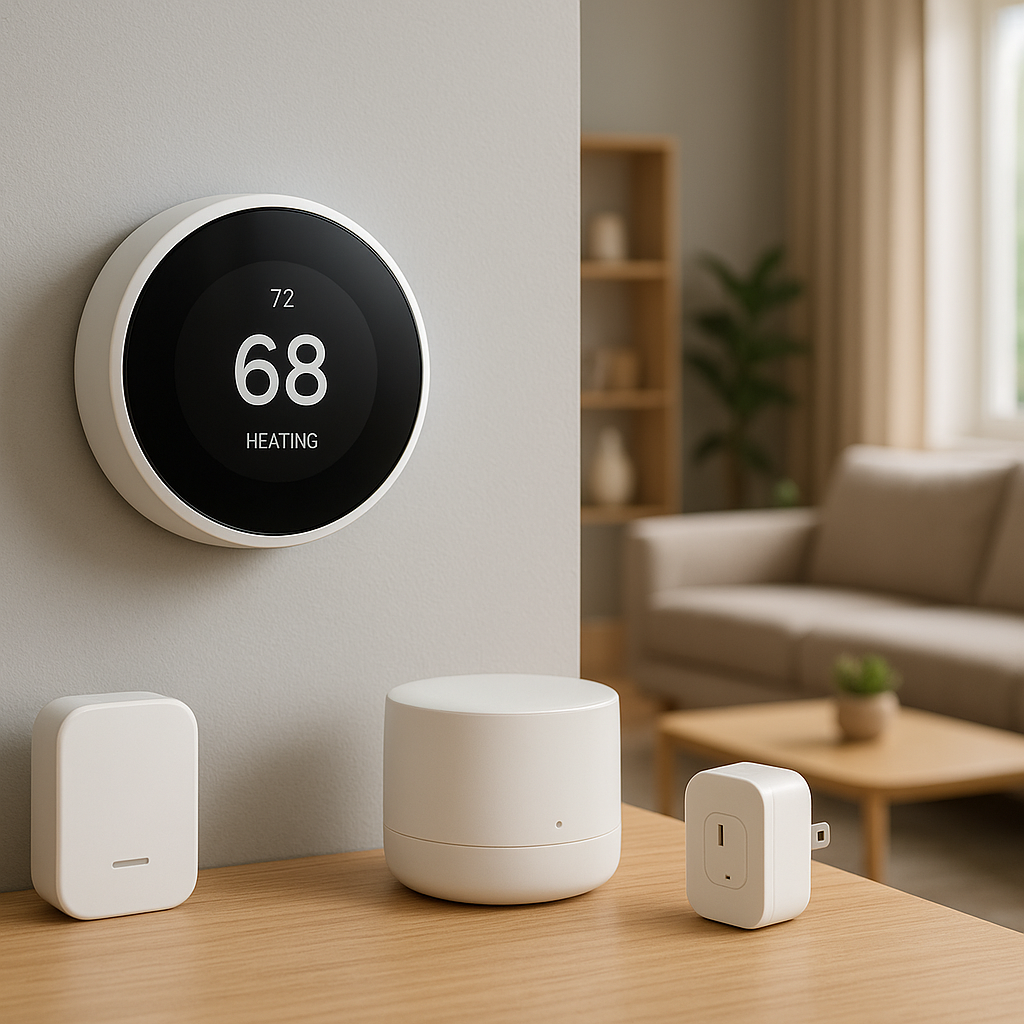
If you use a smart thermostat like Nest, Ecobee, or Honeywell, you can coordinate shading with your cooling system:
- Trigger blinds to close when the thermostat switches into cooling mode for more than a few minutes.
- Use the thermostat’s home/away status to choose more aggressive shading when nobody is home.
- After your blinds automations are in place, watch for reduced cooling runtime over similar weather periods.
The U.S. Department of Energy has good guidance on how shades and blinds affect cooling loads on its energy-efficient window attachments page.
Simple automation recipes (scenes and routines) for popular platforms
Here are a few easy recipes you can adapt:
- “Beat the Heat” scene: Close all south and west blinds to 90%, turn ceiling fans to medium, raise thermostat by 2°F.
- “Work From Home” routine: At 8:30 a.m., tilt office blinds to reduce glare, turn on desk lamp, and start a fan if room > 76°F.
- “Cool Evening” routine: At sunset, open non-street-facing blinds to 50% and turn on living room fan at low speed.
Start simple, then add more conditions (like temperature thresholds) once you’re comfortable with basic automations.
Combining Smart Blinds With Other Cooling Strategies
Coordinating blinds with ceiling fans and smart plugs for portable fans
Smart blinds reduce incoming heat; fans make the remaining heat feel less noticeable. For best results:
- Use smart fan controllers or smart ceiling fans to ramp up on hotter days when blinds are closed.
- Plug portable fans into smart plugs and turn them on when room temperature and time-of-day conditions are met.
- Pair fans and blinds in the same scenes so they react together.
This combination can let you raise your thermostat setting by a couple of degrees without sacrificing comfort.
When to open blinds at night to flush out heat naturally
If nights are cooler than indoors, use blinds to help release stored heat:
- After sunset, open blinds and windows on the shaded, safer sides of your home.
- Use a box fan or window fan (on a smart plug) to draw cooler air in and push warm air out.
- Schedule blinds to close again early in the morning before the sun is strong.
This “night flush” strategy works especially well in dry climates where temperatures drop significantly after dark.
Using window films and smart blinds together for tough sun-facing windows
On extremely hot, bright windows, smart blinds may need backup. Consider:
- Low-E or reflective window films to reduce solar gain at the glass.
- Then, use smart blackout or solar shades to cut the rest of the light and heat that gets through.
- Combine with sealing gaps around frames to reduce hot air leaks.
The film reduces how much heat enters the room, and the blinds stop what’s left from radiating onto your floors and furniture.
How smart blinds complement energy-efficient windows and insulation
Energy-efficient windows and wall insulation lower your overall cooling needs, and smart blinds stack on top of that:
- New double- or triple-pane windows reduce heat transfer; blinds further cut solar gain.
- Good insulation slows heat moving through walls and ceilings; blinds slow heat at the glass.
- Together, they keep your AC from cycling on as often and help temperatures stay more stable.
If you’re planning window upgrades, be sure to choose styles that work well with the type of smart shades or curtain tracks you want.
Practical Setup Tips: Placement, Calibration, and Common Mistakes
Choosing which windows to automate first for the biggest cooling impact
You don’t need to automate everything at once. Start with:
- West-facing windows in rooms you use in late afternoon or evening.
- Large, unshaded glass doors or picture windows.
- Upstairs bedrooms that get uncomfortably hot before bedtime.
Adding smart blinds to just 2–4 of the worst offenders often makes a noticeable difference.
Correctly mounting and sealing gaps to avoid light and heat leaks
Even the best fabric won’t help much if light and heat leak around the edges. For best results:
- Choose outside mount shades that overlap the window frame, not just inside the recess.
- Use side channels or tracks where possible to limit light gaps.
- Make sure brackets are level so the bottom rail seals evenly along the sill.
Take time to measure carefully before ordering. A tight fit improves both darkness and cooling.
Calibrating open/close positions for partial shading vs full blackout
Most smart blind motors can remember favorite positions. Set up at least three:
- 0–10% – Fully open for maximum light and view.
- 40–60% – Partial shading for glare reduction with some view.
- 90–100% – Full blackout for sleeping or peak heat blocking.
Label these in your app or hub scenes so routines can use the right level for each time of day.
Common mistakes that make smart blinds less effective at cooling
Watch out for these pitfalls:
- Closing blinds too late: Once a room is already hot, shading is less effective.
- Leaving top gaps: Heat pours in through uncovered transom or upper windows.
- Using only light-filtering fabrics on very hot windows where blackout or thermal shades are needed.
- Never adjusting schedules as seasons and your daily routine change.
Fixing these issues often unlocks much better performance from the blinds you already have.
Budget-Friendly Options: Cooling Benefits Without Replacing Every Blind
Retrofits: adding smart motors to existing blinds or curtains
If you already have decent blinds or curtains, you may be able to upgrade them with retrofit motors instead of replacing everything:
- Smart curtain robots that clip onto rods or tracks (like SwitchBot Curtain).
- Chain-pulling motors that attach to bead chains on roller shades or blinds.
- Rod or wand replacement kits that motorize existing vertical blinds.
These options are usually cheaper than fully new smart shades and are renter-friendly in many cases.
Prioritizing high-impact rooms if you can’t automate the whole house
If your budget is limited, focus on:
- The hottest room you use the most (often a living room or upstairs bedroom).
- Any room where electronics or a home office run and add their own heat.
- South- and west-facing windows that get long hours of strong sun.
Once you see the impact in those spaces, you can decide whether it’s worth expanding to other windows.
Low-cost DIY automation ideas for renters
Renters or those on tight budgets can still gain some automation:
- Use battery-powered retrofit motors that don’t require drilling or hardwiring.
- Combine cheap contact sensors (to detect open windows) with basic routines that remind you to close or open blinds.
- Use stick-on reflective film and blackout curtains on tension rods for removable solutions.
Check your lease, but most of these can be removed without damage when you move out.
Measuring Results: How to Know if Your Smart Blinds Are Keeping the House Cooler
Tracking room temperature trends with smart sensors or apps
To see whether your setup works, start with simple measurements:
- Place a temperature sensor in the room and log readings before and after setting up automations.
- Compare peak afternoon temperatures on similar-weather days.
- Note how quickly the room heats up once blinds open versus when they stay closed.
Even a few degrees of reduction in peak temperature will feel significant, especially upstairs.
Checking AC runtime and energy usage changes over time
Many smart thermostats and some utility apps show cooling runtime and energy use:
- Compare your AC runtime per day before and after implementing smart blind schedules.
- Look for shorter cooling cycles or slightly longer gaps between cycles during hot days.
- Track your energy bills over a few months, adjusting for temperature differences if possible.
Any drop in runtime during similar weather conditions is a sign your shading strategy is helping.
Fine-tuning schedules based on real data and comfort feedback
Once you’ve gathered some data:
- Shift closing times earlier if rooms are still heating too much.
- Experiment with partial vs full closure to balance light and cooling.
- Ask family members for feedback on comfort, glare, and how often they override automations.
Use this feedback to refine scenes and routines every few weeks until you find a pattern that works for your household.
When Smart Blinds Alone Aren’t Enough (and What to Do Next)
Signs you might need window upgrades or additional shading
Smart blinds help a lot, but sometimes the windows themselves are the problem. Consider window or shading upgrades if:
- Rooms are still unbearably hot even with blinds fully closed during the day.
- You feel strong radiant heat when you stand next to closed blinds.
- Condensation, drafts, or very old single-pane glass suggest poor insulation.
In these cases, adding exterior shading or upgrading windows can work together with smart blinds for a bigger impact.
Using awnings, exterior shades, or landscaping with smart blinds
Stopping heat before it even touches the glass is even more effective:
- Retractable awnings on sun-exposed windows and doors.
- Exterior roller shades or shutters that block sunlight from hitting the glass.
- Strategic landscaping, like deciduous trees that shade in summer and allow sun in winter.
Combine these with smart blinds inside, and you get a layered defense against heat.
When to adjust thermostat settings vs relying on shading
Shading reduces the load on your AC, but it doesn’t replace cooling entirely in most climates. A good approach is:
- Use smart blinds and fans first to see how cool you can stay with a slightly higher thermostat setting.
- Gradually raise your setpoint by 1°F at a time while monitoring comfort.
- On extreme heat days, allow the AC to do more work—but keep shading active to reduce costs.
This balance gives you both comfort and lower energy usage over the long run.
Summary: A Simple Cooling Plan Using Smart Blinds and Curtains
Quick-start checklist to set up smart blinds for a cooler home
To pull everything together, here’s a quick checklist:
- Identify your hottest windows (usually south and west facing).
- Install smart blackout, thermal, or cellular shades on those windows.
- Configure weekday and weekend schedules that close blinds before direct sun hits.
- Add temperature sensors in at least one or two key rooms.
- Link blinds with fans and your thermostat for coordinated scenes.
- Test and adjust schedules over a couple of weeks based on comfort and sensor data.
Priority actions to take this week before the next heatwave
If a heatwave is coming and you want fast results:
- Start with just one or two problem rooms and add smart shading there.
- Set aggressive daytime closing schedules focused on the hottest hours.
- Use fans on smart plugs to boost comfort without dropping the thermostat too low.
- Pay attention to how different blind positions affect temperature and glare, then refine your automations.
With a bit of setup, smart blinds and curtains can quietly work in the background, keeping your home cooler and more comfortable while your AC gets a much-needed break.
FAQ
Do smart blinds really make a noticeable difference in cooling?
Yes. By blocking direct sunlight before it heats up floors and furniture, smart blinds can lower peak room temperatures by several degrees in many homes. The exact impact depends on your climate, window size, and glass type, but most people notice that rooms with automated shading stay cooler and the AC runs less often.
Are blackout shades always the best choice to keep a house cool?
Blackout shades are very effective for cooling, especially on hot bedroom and media room windows. However, in living spaces and home offices you may prefer light-filtering or solar shades that reduce heat and glare while still allowing daylight. Often, a mix of blackout in critical rooms and solar or thermal shades in others works best.
Can I add smart control to existing blinds, or do I need to replace them?
You don’t always need to replace existing blinds. Many retrofit motors can attach to bead chains or curtain rods to add smart control. As long as your current blinds or curtains fit well and block light reasonably, retrofitting them with smart motors can be a cost-effective way to gain automation and cooling benefits.
Will smart blinds still work if my Wi‑Fi goes down?
Most smart blind systems keep basic functions even without Wi‑Fi. Wall switches, remote controls, or Bluetooth connections often still work locally. However, cloud-based routines, voice control, and app access from outside your home may be limited until your internet connection returns.
How long do the batteries in smart blinds typically last?
Battery life varies by brand, window size, and how often blinds move, but many systems last several months to over a year on a charge. If you use frequent adjustments or have heavy blackout fabrics, expect to recharge or replace batteries more often. Some systems offer plug-in power or solar charging options to reduce battery maintenance.