If your family loves soft, chewable “Sonic-style” ice, a nugget ice maker can quickly become the most-used appliance in your kitchen. Add Wi‑Fi, app alerts, and smart scheduling, and you no longer have to remember to start a batch before guests arrive or guess when it’s time to clean the machine.
This guide walks through what makes nugget ice special, which smart features actually help in daily life, and how to choose the best smart nugget ice maker for your kitchen, bar, or RV. We’ll also cover setup, maintenance, and how to integrate a smart ice maker into the rest of your smart home devices.
Why Choose a Smart Nugget Ice Maker for Your Kitchen
What makes nugget ice different from regular ice cubes
Nugget ice (also called pellet or “Sonic” ice) is made by compressing flaked ice into small, airy nuggets. Instead of solid, clear cubes, you get soft, chewable pieces that absorb flavor from drinks and are easier on your teeth.
Compared with regular cubes from a freezer tray or standard fridge dispenser, nugget ice:
- Is softer and more porous, ideal for chewing
- Chills drinks quickly because of the larger surface area
- Holds onto the flavor of sodas, iced coffee, and cocktails
- Tends to clump slightly but breaks apart easily
If you’re curious about how nugget ice is produced in commercial machines, the nugget ice entry on Wikipedia gives a good technical overview.
Smart features to expect: Wi‑Fi, app alerts, schedules, and monitoring
A smart nugget ice maker adds connectivity features on top of the basic ice-making mechanism. Common smart functions include:
- Wi‑Fi app control: Turn the machine on or off, check status, or start a cleaning cycle from your phone.
- Alerts and notifications: Get pings for low water, full ice bin, filter changes, or when a cleaning cycle is due.
- Scheduling: Set the ice maker to start before dinner, parties, or your daily iced coffee time.
- Usage monitoring: Some apps show how much ice you’re making and basic energy or runtime stats.
- Firmware updates: Manufacturers can fix bugs or add features over time.
Who actually needs a smart ice maker vs a basic countertop unit
A smart ice maker is especially useful if:
- You entertain frequently and want ice ready on a schedule.
- Your household goes through a lot of nugget ice and you hate running out.
- You tend to forget cleaning and filter changes and want reminders.
- You’re building a smart kitchen and like managing appliances from one place.
If you only use nugget ice occasionally, a non‑smart, manual unit or even bagged ice from the store may be more cost‑effective. The smart premium makes the most sense when convenience and consistency really matter.
Key Buying Factors for the Best Smart Nugget Ice Maker
Ice production capacity and storage bin size (daily use vs parties)
Manufacturers usually list “pounds of ice per day” plus the size of the storage bin. For most households:
- 20–30 lb/day with a 2–3 lb bin is fine for daily family use.
- 30–40 lb/day is better if you often host guests or have teens constantly filling water bottles.
- 40+ lb/day makes sense for serious entertainers, offices, or large households.
Remember that daily capacity assumes continuous operation. If you only run the machine a few hours each day, choose a higher-rated unit than you think you need.
Countertop footprint, height, and clearance requirements
Nugget ice makers are bulkier than many people expect. Before you buy, measure:
- Width and depth: Check that it fits your counter and doesn’t block drawers or nearby appliances.
- Height: Make sure there’s clearance under upper cabinets, especially for top‑loading reservoirs.
- Rear and side clearance: Most models require a few inches around the vents for airflow.
If space is tight, consider a compact model or putting the machine on a rolling cart or bar station instead of the main counter.
Water source options: built‑in reservoir vs direct water line
Smart nugget ice makers typically use one of two water sources:
- Built‑in reservoir: You manually fill a tank. This works anywhere (kitchen, office, RV) and doesn’t require plumbing, but you’ll refill it often.
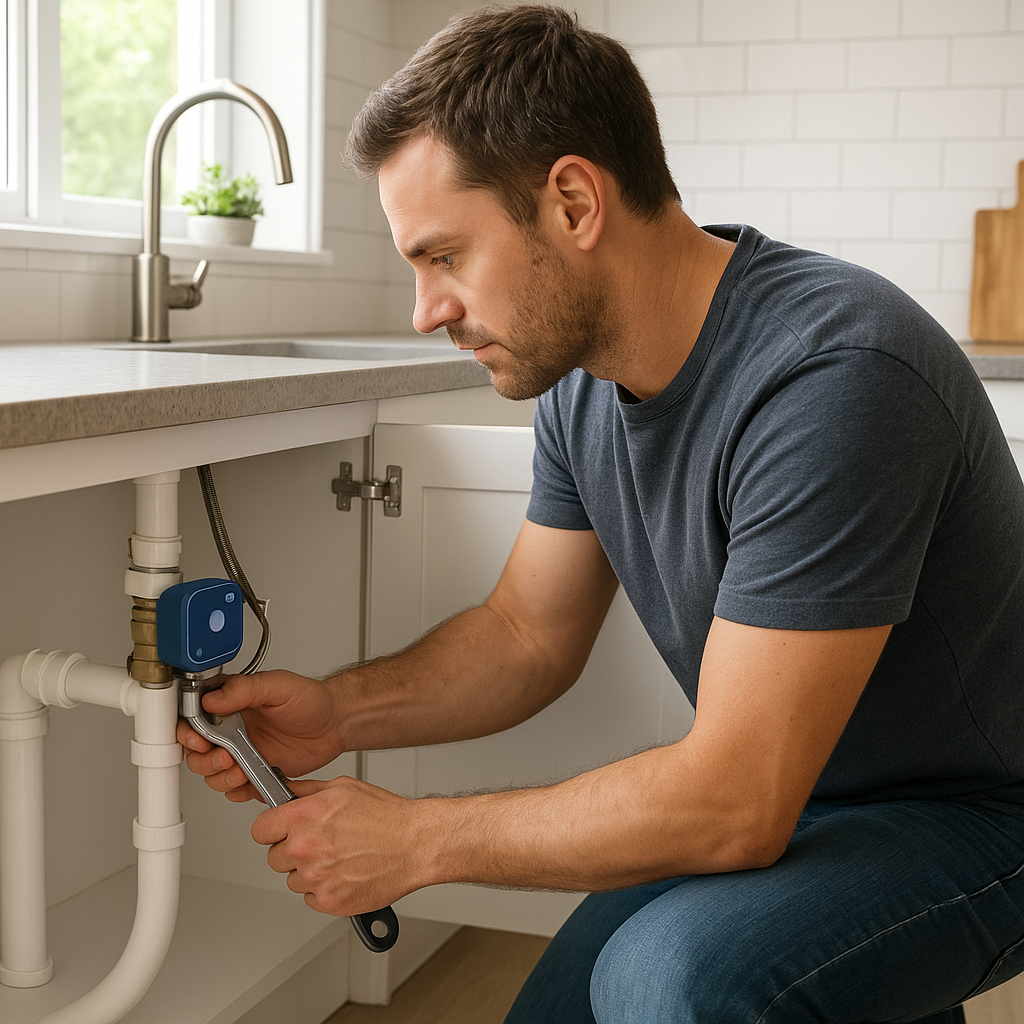
- Direct water line: The unit connects to a cold water line, often under a sink. This is more convenient for high‑volume use but requires installation and usually a filter.
Some countertop models offer both options via an accessory side tank. If you’re renting or moving frequently, reservoir‑only units are simpler. For a permanent bar or built‑in ice station, a plumbed model is worth the effort.
Noise level, ventilation, and ideal placement in a smart kitchen
Nugget ice makers use compressors and fans and are louder than a standard refrigerator. Typical noise falls in the 40–60 dB range, similar to a dishwasher. Consider:
- Open concept spaces: Place the machine away from TVs or where you take calls.
- Vent direction: Front‑venting units can be tucked against a wall; rear‑venting models need more space.
- Smart automation: You can use schedules or smart plugs to avoid running the machine overnight in bedrooms adjacent to the kitchen.
App and Wi‑Fi features: alerts, remote control, and integrations
Not all “Wi‑Fi” badge stickers are equal. When you compare apps, look for:
- Clear status dashboard: Shows ice level, water level, and whether the unit is making ice.
- Push notifications: For low water, full bin, filter replacement, and cleaning reminders.
- Scheduling: Simple ways to set on/off times or pre‑chill windows.
- Smart home links: Alexa/Google Assistant support, or integration with platforms like SmartThings or HomeKit via bridges.
Read app store reviews for your specific model; they often reveal whether the connectivity is stable or frustrating.
Energy efficiency, auto‑sleep modes, and cost to run
Nugget ice makers draw more power than simple cube trays, but usage varies widely. Helpful efficiency features include:
- Auto‑sleep: Pauses ice production when the bin is full.
- Eco or low‑power modes: Slower production with lower draw.
- App scheduling: Only run during times you actually need ice.
If your model lists wattage, you can estimate cost by multiplying average daily runtime (in hours) by watts, then by your local kWh rate. A mid‑size unit running a few hours each day usually costs just a few dollars per month.
Filter type, cleaning difficulty, and descaling reminders
Good filtration and easy cleaning directly affect ice taste and machine life. Pay attention to:
- Filter type and availability: Are replacement filters easy to find and reasonably priced?
- Built‑in cleaning cycle: Many smart models guide you through the process with on‑screen or in‑app steps.
- Descaling reminders: App alerts based on runtime help prevent mineral buildup.
- Access to interior surfaces: Check if the bin, scoop, and internal components are removable for hand cleaning.
Best Overall Smart Nugget Ice Maker (Editor’s Pick)
Who this model is best for (family kitchens, frequent entertainers, etc.)
The best overall pick suits a typical family kitchen that uses nugget ice daily, but also needs enough capacity for weekend entertaining. It’s ideal if you:
- Want soft nugget ice available most of the day
- Host gatherings occasionally but not every night
- Prefer app control and reminders over manual timers or notes
- Have a standard‑size counter with reasonable clearance
Standout smart features: Wi‑Fi setup, app experience, and notifications
An editor’s choice model in this category usually offers:
- Reliable 2.4 GHz Wi‑Fi with a guided pairing process
- Mobile app showing ice status, estimated bin fullness, and water level
- Push alerts for low water, full bin, cleaning due, and filter changes
- Simple on/off scheduling and vacation mode
The difference between a decent and a great model is how stable the connection is and how quickly the app responds. Look for frequent app updates and solid user ratings.
Ice quality, production speed, and storage capacity in real‑world use
A strong all‑around model generally:
- Makes chewable, consistent nuggets that don’t melt into slush immediately
- Starts delivering usable ice within 15–30 minutes of startup
- Produces around 30–40 lb of ice per day under normal room temperatures
- Stores 2–3 lb of ice in an insulated bin
Expect the first batch or two to be wetter and less uniform; once the machine stabilizes, ice quality should be steady for hours.
Pros, cons, and key specs at a glance
- Pros: Strong production, reliable app, useful alerts, good for families and small gatherings.
- Cons: Noticeable compressor noise, takes up a full section of counter space, filter replacements add ongoing cost.
- Key specs to look for: 30–40 lb/day, 2–3 lb bin, Wi‑Fi app with alerts, built‑in cleaning cycle, optional side tank.
Best Compact Smart Nugget Ice Maker for Small Countertops
Ideal for apartments, RVs, and small kitchens
Compact models prioritize footprint and height over sheer volume. They’re better suited to:
- Studio or one‑bedroom apartments with limited counter space
- RVs and camper vans with dedicated 120V outlets
- Small wet bars or secondary beverage stations
You trade some capacity and bin size for the ability to tuck the machine in a corner or on a cart.
Smart controls, app alerts, and limitations to know
Compact smart units typically include basic Wi‑Fi and a pared‑down app. Expect:
- Remote on/off control and simple timers
- Low‑water and full‑bin alerts
- Cleaning reminders after a set number of hours
Limitations often include slower production, smaller bins (1–1.5 lb), and less detailed app data. If you only need ice for 1–3 people, that’s usually enough.
Pros, cons, and who should skip this model
- Pros: Smaller footprint, lighter weight, easier to move or store, usually cheaper.
- Cons: Runs out of ice faster at parties, may cycle more frequently, smaller reservoirs.
- Skip it if: You regularly host more than a few guests or want a built‑in look.
Best Large‑Capacity Smart Nugget Ice Maker for Entertaining
High‑volume production for parties and big households
Large‑capacity models are closer to commercial machines. They often:
- Produce 40–80 lb of nugget ice per day
- Include a large storage bin (3–5 lb or more)
- Support continuous operation without overheating
These are ideal for big families, frequent entertainers, or shared spaces like offices and clubhouses.
Wi‑Fi features for scheduling and monitoring ice levels
On higher‑end units, the app often becomes more sophisticated, with:
- More granular scheduling (e.g., weekdays vs weekends)
- Graphs of recent ice production or runtime
- Notifications if the unit unexpectedly stops making ice
For events, you can start a “boost” mode from your phone earlier in the day so the bin is full by the time guests arrive.
Pros, cons, and considerations for placement and power
- Pros: Plenty of ice for large gatherings, longer intervals before the bin empties, often better insulation.
- Cons: Larger, heavier, louder, and usually more expensive; may need a dedicated circuit.
- Placement tips: Use a sturdy counter or cart, ensure adequate ventilation, and avoid tight cabinet enclosures unless the unit is rated for built‑in use.
Best Budget Smart Nugget Ice Maker with App Alerts
What you gain and lose at a lower price point
Budget smart nugget ice makers add basic connectivity without premium features. You typically get:
- Respectable (but not top‑tier) production rates
- A simpler app with a few key alerts
- Mostly plastic construction and more audible operation
You may lose advanced scheduling, detailed diagnostics, and higher‑end materials like stainless steel.
Essential smart features that still matter (cleaning, low‑water alerts)
At this level, focus on the essentials:
- Low‑water alerts so you don’t discover an empty bin at the worst moment
- Bin‑full notifications so the machine isn’t paused for hours unnecessarily
- Cleaning and descaling reminders to protect the machine over time
Even a basic app can save you from guesswork if those alerts are reliable.
Pros, cons, and value comparison vs premium models
- Pros: Lower upfront cost, simple controls, easier to justify as a “nice‑to‑have” appliance.
- Cons: Less polished app, fewer integrations, potentially shorter warranty.
- Value tip: If you rarely change schedules or use advanced routines, a budget smart model may feel just as convenient as a premium one.
Best Smart Nugget Ice Maker for Built‑In or Under‑Counter Use
Built‑in vs freestanding: ventilation and installation basics
Under‑counter units are designed to slide into cabinetry, often with a front‑venting grille. Differences from freestanding models include:
- Front ventilation: Allows the unit to be enclosed without overheating.
- Hardwiring or dedicated circuits: Some require specific electrical outlets.
- Permanent water lines and drains: For continuous operation without manual emptying.
Always follow the manufacturer’s cut‑out and ventilation requirements to avoid performance issues or premature failure.
Smart monitoring for leaks, filter changes, and maintenance
Because built‑ins are harder to access, smart monitoring is particularly useful. Look for:
- Leak or overflow sensors with instant alerts
- Filter‑life tracking based on time or water volume
- Diagnostic codes in the app to help with service calls
Pros, cons, and who should choose a built‑in solution
- Pros: Clean, integrated look; higher capacity; quieter perception behind cabinet fronts.
- Cons: Higher cost, professional installation recommended, not easily relocated.
- Best for: Permanent homes, custom bars, serious entertainers, or anyone remodeling a kitchen who wants a dedicated ice station.
Feature Comparison: Smart Nugget Ice Makers Side‑by‑Side
Comparison table: capacity, dimensions, and daily ice output
Here’s a simplified comparison by category (example specs only):
| Category | Daily Capacity | Bin Size | Approx. Dimensions (WxDxH) |
|---|---|---|---|
| Best Overall | 30–40 lb | 2–3 lb | 14″ x 17″ x 17″ |
| Compact | 20–25 lb | 1–1.5 lb | 10″ x 15″ x 15″ |
| Large‑Capacity | 40–80 lb | 3–5 lb | 16″ x 18″ x 20″ |
| Budget Smart | 20–30 lb | 1.5–2 lb | 12″ x 16″ x 16″ |
| Built‑In | 40–60 lb | 3–4 lb | 15″ x 24″ x 34″ (under‑counter) |
Comparison table: app features, Wi‑Fi support, and compatibility
| Category | App Features | Voice Assistants | Scheduling |
|---|---|---|---|
| Best Overall | Status, alerts, cleaning, basic stats | Often Alexa & Google | Yes, simple daily |
| Compact | Status, low‑water, bin full | Sometimes Alexa | Basic on/off timer |
| Large‑Capacity | Detailed alerts, diagnostics, usage | Alexa & Google, sometimes platforms like SmartThings | Advanced weekly |
| Budget Smart | Basic alerts, cleaning reminders | Varies, often none | Limited |
| Built‑In | Monitoring, filter tracking, leak alerts | Common on newer models | Yes, plus vacation modes |
Warranty, support, and expected lifespan
For any ice maker, check:
- Warranty length: One year parts and labor is standard; longer coverage is a plus.
- Extended plans: Can be worthwhile for heavy use or built‑ins.
- Support options: Chat, phone, and a good online knowledge base make troubleshooting easier.
With proper cleaning and descaling, many nugget ice makers can last 5–7 years or more. Heavy mineral content in your water and poor maintenance will shorten that number quickly.
Smart Features That Matter Most (And Which Are Just Gimmicks)
App alerts you’ll actually use: cleaning, low water, and bin full
The most genuinely helpful alerts are:
- Low water: Keeps production going when you’re busy elsewhere.
- Bin full: Tells you to empty ice into a freezer bag before the machine pauses.
- Cleaning/descaling reminders: Prevents slime, odors, and performance drops.
These alerts directly reduce babysitting and protect your investment.
Remote start, schedules, and pre‑chilling before guests arrive
Remote control lets you:
- Start the machine from work so ice is ready when you get home
- Schedule daily runs around meal times
- Pre‑chill the bin before guests arrive without leaving the unit on 24/7
For many households, a simple schedule plus the ability to start extra ice on demand is more useful than advanced stats or graphs.
Voice control with Alexa, Google Assistant, and smart routines
Voice control is handy if you’re already using smart speakers. Common voice commands include turning the ice maker on or off or checking if it’s making ice. You can also build routines such as:
- “Party time” scenes that start the ice maker, adjust lighting, and play music
- Morning routines that ensure iced coffee ice is ready
Just remember that voice control usually piggybacks on the manufacturer’s cloud service, so it depends on reliable internet.
Data, usage stats, and energy monitoring (if available)
Some apps display runtime and production history. This is nice for power users, but not essential. If you care about energy use, an external smart plug with energy monitoring is usually more accurate than built‑in estimates.
Integrating a Smart Ice Maker into Your Smart Kitchen
Using smart plugs and energy monitors with non‑Wi‑Fi ice makers
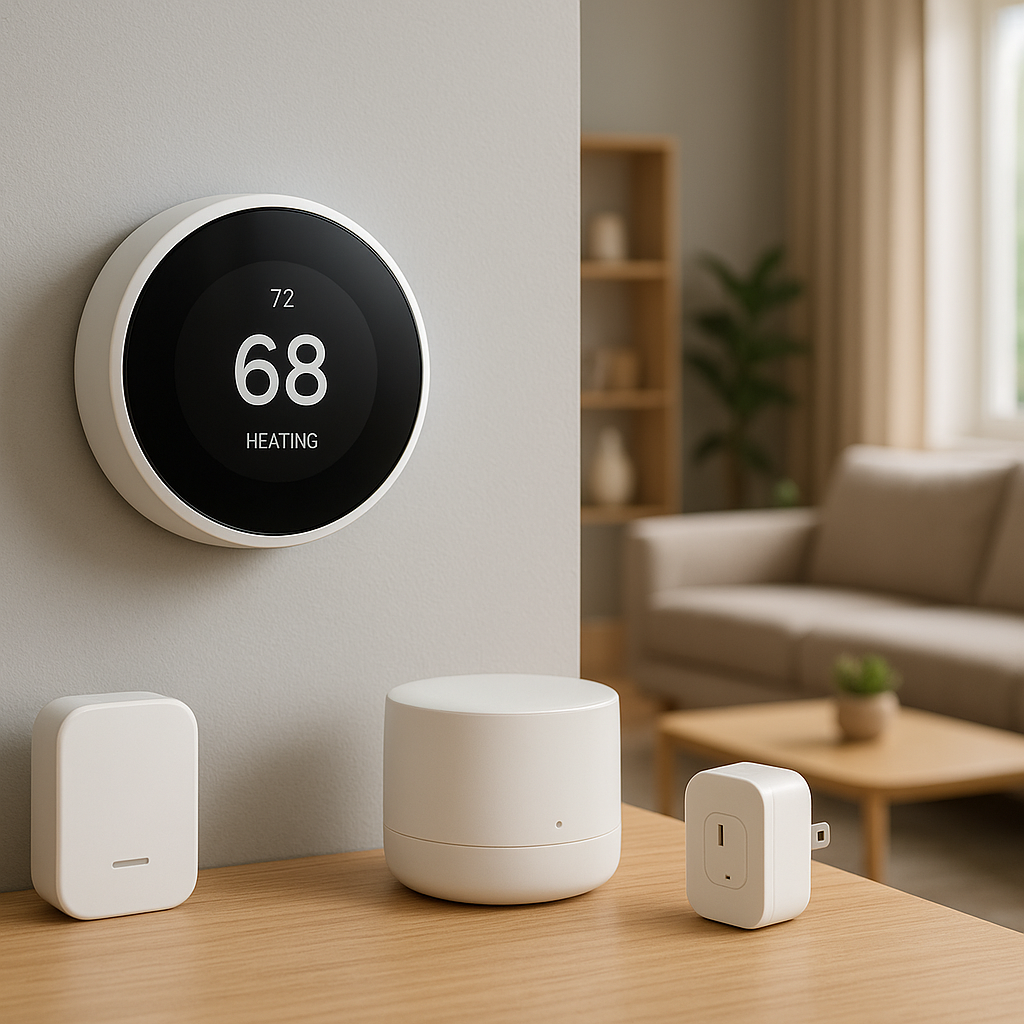
If you already own a non‑smart nugget ice maker, you can still get some automation benefits by plugging it into a smart plug that supports energy monitoring. Check that:
- The ice maker resumes operation automatically after power is restored.
- The plug is rated for the ice maker’s wattage and startup load.
This setup lets you schedule on/off times and estimate running costs without replacing the machine.
Creating routines: turn on ice maker before dinner or parties
Common routines include:
- Start the ice maker 1–2 hours before dinner on weekdays.
- Enable “entertaining” mode on weekends that runs longer.
- Turn the unit off automatically at night to save energy and noise.
You can build these routines through your smart home platform (Alexa Routines, Google Home, or SmartThings) if your ice maker or its smart plug is supported.
Pairing with smart speakers and displays for voice and visual alerts
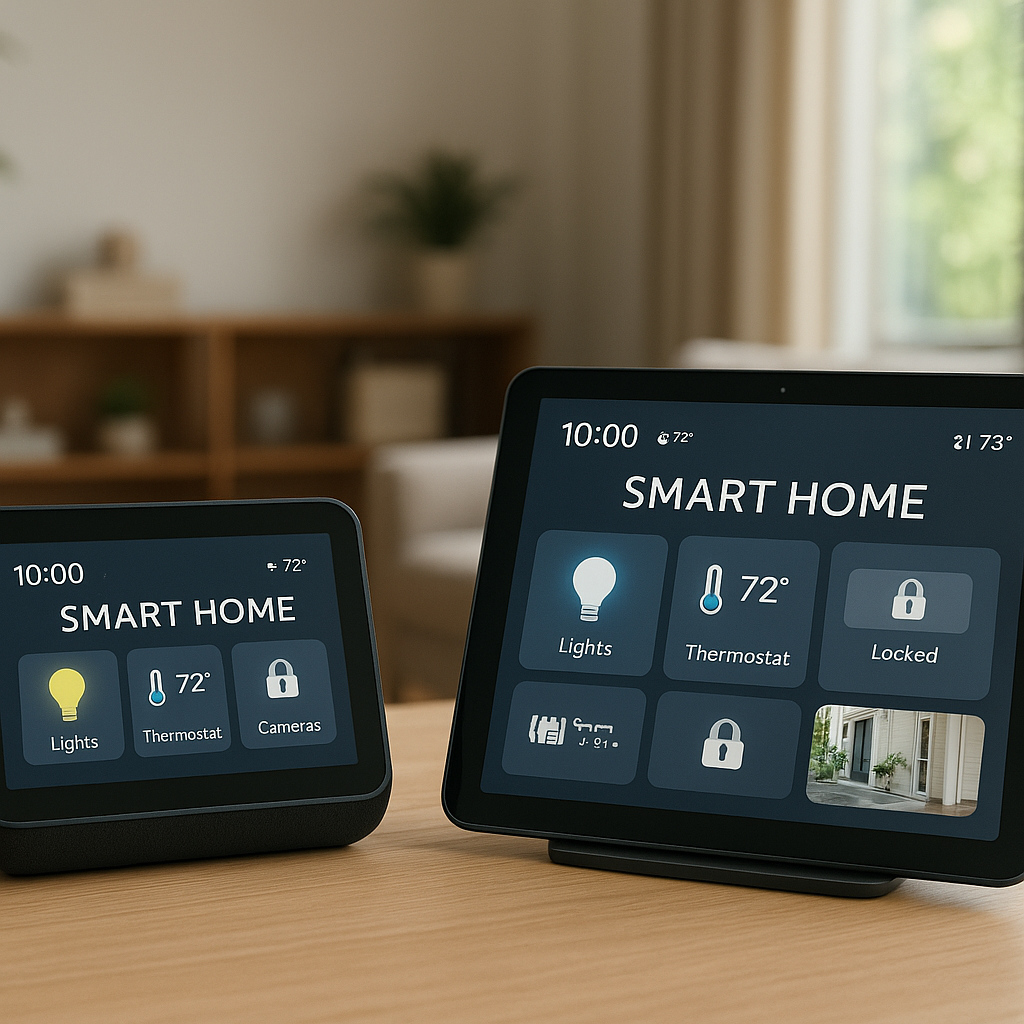
Some ecosystems allow you to surface important alerts on smart displays. Examples:
- Showing a “Low water” banner on your kitchen smart display
- Announcing “Ice bin is full” via your smart speaker
This is especially helpful if you disable push notifications on your phone but still want timely reminders.
Managing noise and power draw with smart automation
By combining app controls and smart plugs, you can:
- Schedule the ice maker to avoid running during quiet hours.
- Automatically pause it when your smart TV turns on to reduce background noise.
- Turn it off when you arm your security system to “Away” mode.
Installation and Setup: Wi‑Fi, App Pairing, and Water Connections
Unboxing checklist and first‑time cleaning
Before making your first batch of ice:
- Remove all packaging, tape, and interior foam blocks.
- Rinse the reservoir, bin, and scoop with warm soapy water.
- Run at least one cleaning or rinse cycle as recommended in the manual.
- Discard the first few batches of ice to flush any manufacturing residue.
Step‑by‑step Wi‑Fi pairing and app setup
Most smart nugget ice makers follow a similar pairing process:
- Download the manufacturer’s app on your phone.
- Create or sign into your account.
- Put the ice maker into pairing mode (usually by holding a Wi‑Fi or power button).
- Connect your phone to a 2.4 GHz Wi‑Fi network (many don’t support 5 GHz).
- Follow the in‑app prompts to complete setup.
If pairing fails, double‑check your Wi‑Fi password, move the router closer, or temporarily disable VPNs on your phone.
Connecting to water: reservoir use vs direct line hookup
For reservoir models:
- Fill with filtered or bottled water to reduce mineral buildup.
- Avoid hot water or unfiltered well water with high sediment.
For direct water line models:
- Install the supplied tubing and shutoff valve as directed in the manual.
- Flush the line before connecting to avoid sediment entering the machine.
- Consider an inline filter if one is not built in.
Common setup issues and quick troubleshooting tips
- App can’t find the device: Ensure Bluetooth (if required) is enabled, stay close to the unit, and verify the ice maker’s Wi‑Fi indicator is blinking.
- Frequent Wi‑Fi drops: Move your router or add a mesh node, and avoid placing the ice maker inside a metal‑lined cabinet.
- No water flow: Check for kinked hoses, closed shutoff valves, or improperly seated reservoirs.
Cleaning, Descaling, and Maintenance (with App Reminders)
How often to clean and descale a nugget ice maker
Cleaning frequency depends on water quality and usage, but a good rule of thumb is:
- Quick rinse and bin wipe: weekly
- Full cleaning cycle: every 1–2 months
- Descaling (in hard water areas): every 1–3 months
The ice maker article on Wikipedia explains how scale buildup impacts performance in both residential and commercial machines.
Using built‑in cleaning cycles and interpreting app alerts
Most smart models have a dedicated cleaning mode. The app usually:
- Walks you through adding cleaning solution or vinegar
- Runs timed fill, soak, and drain cycles
- Prompts you when to rinse the reservoir or bin
Take cleaning alerts seriously; ignoring them leads to slime, odors, and slower ice production.
Preventing mold, odors, and mineral buildup
To keep your ice fresh:
- Empty and dry the bin if you’ll be away for several days.
- Leave the bin door slightly open when off to let moisture escape (if the manual allows this).
- Use filtered water to reduce both odors and scale.
- Wipe gaskets and seals regularly to prevent mildew.
Replacing filters and basic DIY maintenance tasks
Set reminders (or rely on the app) to:
- Replace filters every 3–6 months, or as indicated by the app.
- Inspect hoses and connections annually for cracks or leaks.
- Check the condenser vents and gently vacuum dust from grills.
Noise, Heat, and Placement Considerations
How loud are countertop nugget ice makers in real life
Noise comes from the compressor, fan, and ice dropping into the bin. Expect:
- A low hum while the compressor runs
- Occasional rattles as nuggets break apart or fall
- More noticeable sound in very quiet, echo‑prone kitchens
If you’re sensitive to noise, look for user reviews that mention decibel levels or perceived loudness.
Managing heat and airflow around the machine
Like mini refrigerators, nugget ice makers expel heat. To avoid overheating:
- Follow the recommended clearance in the manual (often 2–4 inches around vents).
- Keep the machine away from ovens or direct sunlight.
- Clean dust from vents periodically so airflow isn’t restricted.
Best locations in a smart kitchen: counters, carts, and bars
Good spots include:
- A main counter near the sink for easy filling and drainage
- A rolling beverage cart you can move during parties
- A dedicated bar area where noise is less disruptive
Think about Wi‑Fi strength, outlet access, and where you naturally prepare drinks.
Energy Use and Running Costs of Smart Nugget Ice Makers
How much power they typically draw per day
Power draw varies, but many residential nugget ice makers use 150–300 watts while running. If yours runs several hours per day, you might see:
- Light users: 0.5–1 kWh/day
- Heavy users: 1–2 kWh/day
Multiply by your local kWh rate for a rough monthly cost. A smart plug with energy monitoring gives a more accurate picture.
Tips to reduce energy use with schedules and smart plugs
To cut running costs:
- Use app schedules so the machine isn’t on 24/7.
- Avoid frequent on/off cycling; longer, planned runs are more efficient.
- Turn the unit off overnight if you don’t need late‑night ice.
When to turn it off vs leave it on for consistent nugget ice
If you use ice all day, it can be more convenient to leave the machine on and let auto‑sleep maintain the bin. If you only use nugget ice for specific meals or weekend events, scheduled runs before those times will save both energy and noise.
Troubleshooting Common Smart Nugget Ice Maker Problems
Not making ice or very slow ice production
If your machine stops or slows down:
- Check water supply (reservoir level or line shutoff valve).
- Verify room temperature; very hot kitchens reduce efficiency.
- Run a cleaning/descaling cycle to clear blocked lines.
- Ensure the bin sensor isn’t blocked by clumped ice.
App not connecting, offline devices, and Wi‑Fi drops
Connectivity issues are common with smart appliances. Try:
- Restarting both the ice maker and your router.
- Moving the router closer or adding a mesh node.
- Keeping your phone on the same 2.4 GHz network during setup.
- Re‑linking the device in your voice assistant if voice commands stop working.
Bad taste, cloudy ice, or strange odors
Poor ice quality typically points to:
- Dirty reservoir or bin – run a cleaning cycle and hand‑wash removable parts.
- Old water – empty and refill with fresh, filtered water.
- Scale buildup – perform a full descaling with an approved solution.
Leaks, overflow, or water sensor errors
For leaks and sensor issues:
- Check for loose or cracked hoses on plumbed units.
- Confirm the machine is level so sensors read correctly.
- Inspect the bin for blockages preventing proper drainage.
- Look up error codes in the app or manual for model‑specific guidance.
Are Smart Nugget Ice Makers Worth It?
Cost vs convenience vs traditional ice trays and fridge ice
Smart nugget ice makers cost significantly more than ice trays or built‑in fridge ice makers, but they deliver:
- Superior ice texture for drinks and chewing
- Faster recovery when you use a lot of ice at once
- Less manual babysitting thanks to app alerts and scheduling
If nugget ice is just an occasional treat, the price may be hard to justify. If it’s part of your daily routine, the convenience feels more like a core appliance than a luxury.
How often you need nugget ice to justify the purchase
As a rough guideline, a smart nugget ice maker makes sense if:
- You use nugget ice multiple times per day, most days of the week, or
- You host groups frequently and hate dealing with bagged ice runs
The more often you use it, the more value you get from automation and alerts.
When a non‑smart model is good enough
Consider a non‑smart nugget ice maker if:
- You don’t care about app control or voice commands.
- You rarely forget to clean appliances and are fine with calendar reminders.
- Your Wi‑Fi is unreliable, or you want fewer cloud‑connected devices.
You can still add basic automation later with a smart plug if the unit resumes operation after power cuts.
Final Recommendations and How to Choose the Right Model for You
Quick picks by scenario: families, renters, entertainers, offices
Here’s a quick way to narrow your choice:
- Busy families: Best Overall category – mid‑size, good app alerts, solid daily capacity.
- Renters and small kitchens: Compact smart models – smaller footprint, reservoir‑only, simpler installation.
- Frequent entertainers: Large‑capacity or built‑in units – higher output, often plumbed water lines.
- Offices and shared spaces: Large‑capacity smart machines – durable, with clear maintenance alerts for whoever manages the space.
Checklist to use before you buy (space, power, Wi‑Fi, water)
Before tapping “Buy Now,” confirm:
- Space: You’ve measured width, depth, height, and ventilation clearance.
- Power: The circuit can handle the load and outlet placement works.
- Wi‑Fi: Signal is strong where you’ll place the machine.
- Water: You’ve decided on reservoir vs direct line and have filters ready.
- Maintenance: You’re comfortable with filter and cleaning costs and frequency.
Future‑proofing your purchase with firmware and app support
Finally, think about long‑term support. Look for:
- Recent firmware and app update history in the app store listings.
- Clear documentation and manuals available online.
- Evidence that the manufacturer supports older models for several years.
A well‑supported smart nugget ice maker can serve your kitchen for many years, delivering perfectly chewable ice with minimal effort and fitting smoothly into the rest of your smart home.
FAQ
Do smart nugget ice makers need a dedicated Wi‑Fi network?
No. They just need access to your existing 2.4 GHz home Wi‑Fi network. However, they work more reliably on a stable network without frequent router reboots or overloaded guest networks.
Can I use tap water, or do I need filtered water?
You can usually use tap water, but filtered water significantly reduces scale buildup, improves ice taste, and extends the life of the machine. In hard‑water areas, filtration is strongly recommended.
How long does it take a nugget ice maker to fill the bin?
Most residential nugget ice makers start producing usable ice within 15–30 minutes and fill the bin in 1–3 hours, depending on capacity and room temperature.
Will my ice maker work with a smart plug?
Many will, but only if they automatically resume operation when power is restored. Check your manual or test briefly by unplugging the unit and plugging it back in to see whether it restarts on its own.
Can I store nugget ice in the freezer once the bin is full?
Yes. Many people transfer full‑bin batches into freezer bags or containers. The nuggets will freeze harder and may clump slightly, but you can usually break them apart with a mallet or by dropping the bag gently on the counter.