Reliable motion-based lighting feels like magic: you walk into a room, the lights just turn on, and they stay on as long as you’re there. But if the lights lag, turn off while you’re in the shower, or flick on at 3 a.m. when your cat walks past, that magic disappears fast.
The motion sensor you choose has a huge impact on how well your smart lighting works. Most homeowners start with basic PIR (Passive Infrared) sensors, but newer mmWave presence sensors and camera-based motion detection can solve problems PIR struggles with – and introduce some new trade-offs of their own.
This guide compares PIR vs mmWave vs camera-based motion sensors specifically for smart light automation. You’ll see how each works, where they shine, where they fail, and which type makes sense in each room of your home.
Overview: Why Motion Sensor Choice Matters for Smart Light Automation
Common problems with unreliable motion-based lighting
If you’ve tried motion-activated lights before, you’ve probably run into one or more of these issues:
- Lights turning off while you’re still in the room – especially in bathrooms, home offices, and dining rooms when you’re sitting mostly still.
- Lights not turning on fast enough when you enter a hallway, stairway, or dark room.
- Random or frequent false triggers from pets, moving curtains, sunlight, or HVAC airflow.
- Coverage gaps where you can stand or sit without being detected.
- Overcomplicated “fix” automations that still don’t feel reliable.
Many of these frustrations come from using the wrong type of sensor for the room, or from expecting a cheap PIR sensor to do a job it isn’t designed for.
Where PIR, mmWave, and camera-based sensors fit in a smart home
Each motion technology has a different “personality”:
- PIR sensors detect changes in heat. They’re ideal for simple, fast-on lighting in places people walk through – hallways, entryways, closets.
- mmWave sensors use radar-like signals to detect very small movements. They’re much better at knowing if someone is still present in a room, even if they’re sitting or lying down.
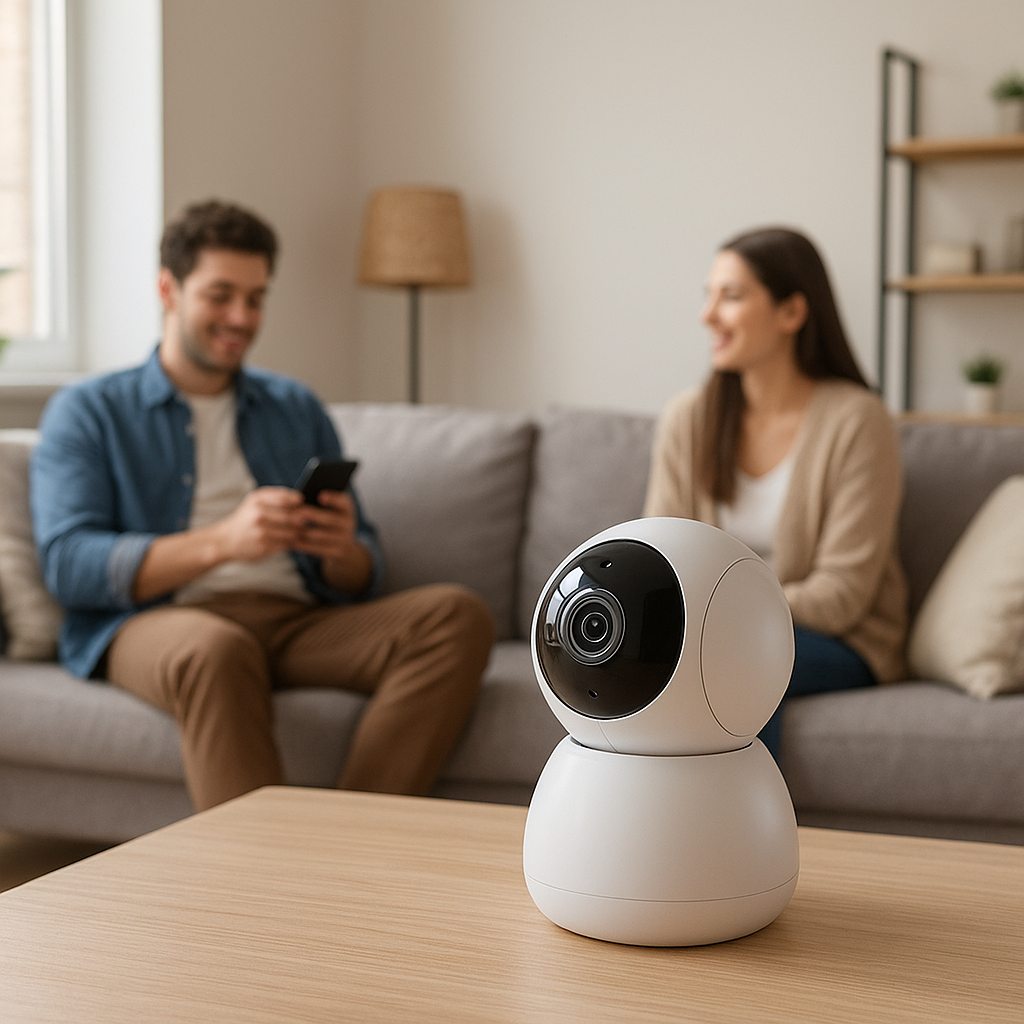
- Camera-based motion analyzes video to detect people, zones, or specific activities. It’s powerful for outdoor lighting and security but has more privacy and complexity concerns indoors.
Most homes end up using a mix: PIR for basic motion, mmWave where “presence” really matters, and cameras mainly for outdoors and security-focused automations.
Quick comparison table: PIR vs mmWave vs camera at a glance
| Feature | PIR | mmWave | Camera-based |
|---|---|---|---|
| Best for | Simple walk-in/walk-out lighting | Reliable presence in seated/laying scenarios | Outdoor lighting + security, zones, people detection |
| Detects micro-movements | Poor | Excellent | Good (depends on lighting & AI) |
| Privacy | Very high (no images) | Very high (no images) | Lower (video/images involved) |
| Cost | Low | Medium–High | Medium–High |
| Power usage | Very low (great for battery) | Higher (often needs mains/USB) | Higher (needs constant power) |
| Setup complexity | Easy | Moderate (needs tuning) | Higher (network, privacy, zones) |
How PIR Motion Sensors Work (Passive Infrared)
The basics: detecting changes in infrared (heat) signatures
PIR sensors don’t see motion directly – they sense changes in heat (infrared radiation) in front of them. The sensor element sits behind a Fresnel lens that breaks the field of view into zones. When a warm body (like a person) moves across those zones, the sensor sees a change and reports motion.
A key detail: PIR responds best to movement across its field of view, not straight toward or away from it. And it doesn’t detect “presence”; it only sees motion events. That’s why a PIR light can turn off while you’re still sitting relatively still.
If you want to dig into the technical side, the Passive Infrared sensor article on Wikipedia has a good overview of how the sensing element and optics work.
Typical use cases for PIR in smart lighting (hallways, bathrooms, closets)
PIR sensors are still the workhorse of motion-based lighting because they’re cheap, simple, and fast. Good uses include:
- Hallways and stairs: Quick detection as someone walks through.
- Entryways and mudrooms: Lights turn on when you come in with your hands full.
- Closets and pantries: Short, clear on/off events.
- Guest bathrooms: Where a few rare false offs are less annoying.
Examples: Aqara, Philips Hue, and many Zigbee/Z-Wave multi-sensors all use PIR for motion detection.
Strengths of PIR sensors: cost, battery life, and simplicity
PIR is often your best choice when you want basic automation with minimal fuss:
- Low cost: Standalone PIR motion sensors are often the cheapest option.
- Excellent battery life: Low power draw, ideal for battery-powered sensors that need to last a year or more.
- Fast response: Most PIR sensors report motion quickly enough for hallway and entryway lighting.
- High privacy: They don’t capture images or audio – just motion events.
Limitations of PIR: blind spots, micro-motion detection, and false offs
PIR’s weaknesses show up in rooms where people sit or lie still:
- Poor micro-motion detection: Typing, small hand movements, or subtle shifts on a sofa may not register.
- Blind spots: Directly under the sensor or directly toward/away from it can be weak zones.
- False offs: The light can go out while you’re in the bath, in the shower behind a curtain, or reading in bed.
- Temperature sensitivity: Extremely hot rooms, direct sun, or heat sources can affect detection reliability.
These limitations are why mmWave sensors have become popular for “presence-critical” rooms.
How mmWave Motion Sensors Work (Microwave Radar Presence Detection)
The technology behind mmWave and why it’s called “presence” detection
mmWave sensors emit very low-power radio waves (usually in the 60–77 GHz range) and measure how those waves bounce back. Tiny changes in the reflected signal – from breathing, slight arm movements, or shifting in a chair – can be detected.
Because mmWave can pick up very small motion, it’s often described as “presence” detection rather than simple motion. The sensor can maintain an “occupied” state as long as someone is in the room and moving even slightly, without needing big gestures.
Key advantages of mmWave for lights: micro-motion, occupancy, and coverage
For smart lighting, mmWave fixes several PIR pain points:
- Micro-motion detection: Keeps lights on while you type, watch TV, or lie in bed.
- Better occupancy modeling: Some sensors can distinguish between motion and continued presence, useful for smarter automations.
- More uniform coverage: Fewer blind spots; detection is less dependent on the direction of movement.
- Penetration through thin materials: Can sometimes detect through thin curtains or shower glass, reducing false offs in bathrooms.
You’ll see mmWave in newer presence sensors from brands focusing on advanced automation and presence detection, often marketed as “human presence” or “radar” sensors.
Challenges and trade-offs: cost, tuning sensitivity, and interference risks
mmWave isn’t a free upgrade over PIR. It brings new challenges:
- Higher cost: The technology and processing are more complex, so sensors are significantly more expensive than basic PIR.
- Power consumption: Many mmWave sensors need USB or mains power; battery-only options exist but often have reduced performance or battery life.
- Sensitivity tuning: Too sensitive, and they may detect movement through thin walls or from ceiling fans and report constant presence; not sensitive enough, and you lose the micro-motion advantage.
- Potential interference: Placement near metal objects, thick walls, or other RF sources can affect range and performance.
Best rooms for mmWave sensors (offices, bedrooms, living rooms)
mmWave shines in rooms where you stay for a while and don’t move much:
- Home office: No more waving at the sensor during long calls or focused work.
- Bedrooms: More reliable presence while reading or watching TV in bed – with careful tuning so it doesn’t trigger from the hallway.
- Living rooms: Keeps lights on while people lounge, watch TV, or play games.
- Primary bathrooms: Helps avoid lights going off in the shower or bath, especially if the sensor can “see” into the shower area.
How Camera-Based Motion Sensors Work for Smart Lighting
Using pixel changes, AI, and people detection for smarter triggers
Camera-based motion detection watches for changes in the pixels of a video feed. More advanced systems layer on AI to recognize people, vehicles, or animals, and to define detection zones.
For lighting, this means you can trigger on specific motion, not just any movement. For example, turning on driveway lights only when a person approaches, not when a tree branch moves.
Benefits: object/person recognition, zones, and detailed analytics
Camera motion offers capabilities PIR and mmWave can’t match:
- Person vs. pet vs. car: Use human detection to reduce false triggers.
- Zones and lines: Define regions (e.g., porch, driveway) or virtual tripwires for more precise automations.
- Rich context: Combine motion with recordings, snapshots, or notifications.
- Analytics: Some systems show heat maps, frequent paths, or activity timelines.
Drawbacks: privacy concerns, network load, and light requirements
For indoor smart lighting, camera-based motion is often overkill and comes with downsides:
- Privacy: Continuous video capture is more intrusive than PIR or mmWave, especially in bedrooms, bathrooms, or living spaces.
- Network bandwidth: IP cameras can generate a lot of network traffic and storage usage.
- Lighting dependence: Many cameras rely on visible light or IR night vision; motion detection can be less reliable in certain conditions.
- Power: Most cameras are wired or PoE; battery models may only process motion intermittently to save power.
Where camera motion makes sense (driveways, porches, large open areas)
Camera-based motion is most valuable where security and visual context matter:
- Driveways and front yards: Trigger floodlights when people or vehicles enter specific zones.
- Front porches: Turn on entry lights when someone approaches the door.
- Backyards and side passages: Combine security alerts with lighting for deterrence.
- Large open indoor spaces: In some commercial-style spaces, camera zones can work where traditional sensors struggle.
PIR vs mmWave vs Camera: Side-by-Side Comparison
Detection range, field of view, and blind spots
PIR sensors generally cover around 5–10 meters with a wide horizontal field of view but can have blind spots directly below or straight ahead. Mounting height and angle matter a lot.
mmWave sensors often support similar or greater ranges with a more uniform detection volume. However, walls and dense objects block the signal, so placement still needs some testing.
Cameras provide whatever field of view the lens offers (often 120°–160°), and you can visually confirm coverage. But anything outside the camera’s image is invisible to motion detection.
Sensitivity to small movements and sitting still
PIR: Weak for small movements, especially if you’re facing the sensor and only moving your hands.
mmWave: Excellent at picking up micro-movements and breathing; ideal for presence.
Camera: Generally good, but performance depends on resolution, frame rate, and lighting. Some AI models require more obvious movement to trigger.
Response speed and reliability for on/off automation
PIR is usually very fast to trigger and clear, so it works well for quick on/off lighting. Reliability is high when placed correctly.
mmWave can be slightly slower to initially detect presence, but once it does, it maintains occupancy reliably. Some sensors allow adjustable delay before declaring the room “empty.”
Cameras depend on processing: local AI is faster, cloud-based analysis can introduce delays. They’re reliable outdoors for larger, obvious movements; indoors, lighting changes can occasionally confuse detection.
False triggers: pets, HVAC airflow, sunlight, and reflections
PIR may false-trigger from:
- Pets running near the sensor
- Hot air from vents or heaters
- Strong sunlight or reflections on shiny surfaces
mmWave is less affected by temperature and light but can:
- Pick up motion through thin walls or floors if sensitivity is too high
- Detect ceiling fan blades or moving curtains as presence
Cameras can be fooled by:
- Shifting sunlight and shadows
- Headlights or bright reflections
- Wind-blown trees or flags (unless filtered with AI zones)
Power, connectivity, and integration with smart home platforms
PIR sensors are often battery-powered and connect over Zigbee, Z-Wave, or Thread/Matter for low-power, low-latency integration.
mmWave sensors are more likely to be USB or mains-powered, sometimes Wi‑Fi or Zigbee, and may expose more advanced configuration options in platforms like Home Assistant, Hubitat, or Homey.
Cameras typically use Wi‑Fi, Ethernet, or PoE. Motion events can be integrated into smart hubs or platforms via vendor integrations, RTSP, or standards like HomeKit Secure Video and ONVIF, depending on the model.
Reliability in Real-World Smart Lighting Scenarios
Bathrooms: avoiding lights turning off in the shower
Problems here usually come from PIR sensors mounted outside the shower, unable to see you behind a curtain or frosted glass. Options:
- PIR only: Use a longer “off” timeout (e.g., 10–15 minutes) to avoid random darkness at the cost of lights sometimes staying on a bit too long.
- mmWave: Mount where it can detect presence in both the main area and shower; tune sensitivity to avoid detecting motion in adjacent rooms.
- Hybrid: PIR for quick-on at the door + mmWave for continuous presence.
Home office: staying detected while typing or on video calls
PIR often fails here because you’re mostly sitting still:
- mmWave is ideal: it will see you typing, shifting, and even subtle movements.
- If you only have PIR, mount it to the side so it sees your arm and upper body movements rather than directly in front.
- Consider a slightly longer timeout (e.g., 20–30 minutes) if mmWave isn’t an option.
Bedrooms: avoiding accidental triggers at night
Bedrooms need careful tuning to avoid floodlit 3 a.m. wakeups.
- PIR: Point away from the bed and toward the door so lights trigger when you enter, not every time you roll over.
- mmWave: Great for presence while reading or watching TV, but sensitivity must be low enough that it doesn’t see motion from the hallway or adjacent rooms.
- Use time-based automations: stricter motion rules during the day, dimmer or disabled automatic lighting overnight.
Hallways and stairs: fast detection and safety
Here you want immediate response and don’t care much about sitting still:
- PIR is usually the best fit: low cost, fast reaction, easy battery mounting.
- Position sensors so you cross in front of them, not straight toward them.
- Set short timeouts (e.g., 1–3 minutes) so lights don’t stay on too long.
Garages and utility rooms: balancing reach and durability
Garages and utility spaces often have odd layouts, shelving, and vehicles that block line of sight.
- PIR works well if placed to see the main walking paths and car doors.
- mmWave can help cover awkward corners or areas partially blocked by shelves.
- Look for hardwired options if temperatures are extreme or batteries are inconvenient to replace.
Privacy, Security, and Ethical Considerations
PIR and mmWave vs camera motion from a privacy perspective
PIR and mmWave sensors only report motion or occupancy states, not images or sound. From a privacy standpoint, they’re low risk, even in sensitive rooms like bedrooms and bathrooms.
Cameras, by contrast, inherently capture video. Even if your automation uses only the motion events, the system still generates footage that could be viewed, stored, or misused if not managed carefully.
Where cameras pose higher privacy risks (indoors vs outdoors)
Indoor cameras can easily capture intimate or sensitive moments, as well as guests who didn’t consent to being recorded. If you use camera-based motion indoors, consider:
- Disabling recording when you’re home and using only live processing for motion.
- Mounting cameras to avoid bedrooms and bathrooms entirely.
- Using privacy shutters or physical covers when recording is not needed.
Outdoors, the privacy concern is more about neighbors and public spaces. Check local laws and avoid pointing cameras directly into neighboring properties.
Data handling: local vs cloud processing and retention policies
Whenever you involve cameras, it helps to understand where and how data is processed. Systems like Apple’s HomeKit Secure Video emphasize on-device analysis and encrypted cloud storage; Apple’s documentation at How HomeKit Secure Video works with iCloud+ and your cameras explains one privacy-focused model.
Key questions to ask for any camera-based motion system:
- Is motion analysis done locally or in the cloud?
- How long are recordings kept, and can you control retention?
- Who can access footage, and how is access authenticated?
- Can you turn off recording while still using motion events?
For PIR and mmWave, the main data concern is usually your smart home platform’s logs, not the sensors themselves.
Cost, Complexity, and Installation Differences
Hardware cost comparison: PIR vs mmWave vs camera
As a rough guide:
- PIR sensors: Lowest cost. Great when you need several sensors across the home.
- mmWave sensors: Mid-range to high. You might deploy these in only a few “important” rooms.
- Cameras: Mid-range to high, often similar to or more than mmWave when you consider storage or subscription costs.
Ease of installation and ideal mounting locations
PIR: Easy DIY install. Battery-powered models can be stuck to walls or ceilings; aim them to cover walking paths and doorways.
mmWave: Needs more thought. Ceiling or high-wall mounts can provide even coverage, but you’ll likely experiment with angles and zones to avoid through-wall detection.
Cameras: Require power and network connectivity. Placement needs to consider field of view, glare, and privacy.
Tuning settings: timeouts, sensitivity, and detection zones
All three sensor types benefit from setup time:
- Timeouts: How long lights stay on after last detected motion/presence. Short for halls, longer for bathrooms and offices.
- Sensitivity: Higher sensitivity catches more subtle motion but increases false triggers.
- Zones (cameras and some mmWave): Restrict detection to where people actually move, ignoring windows or TV screens.
Power options: battery, wired, and PoE considerations
- Battery-powered PIR is ideal for flexible placement and renters.
- USB/mains-powered mmWave offers the best reliability but may require running cables or using nearby outlets.
- PoE cameras combine power and data over one cable, great for permanent outdoor or ceiling installs.
Best Sensor Type by Room and Use Case
Quick recommendations: bathrooms, bedrooms, living rooms, hallways, offices
- Bathrooms: PIR + longer timeout, or PIR at the door + mmWave covering shower/toilet for rock-solid presence.
- Bedrooms: PIR pointed at the door for entry lighting; optionally mmWave for main lights or lamps with carefully tuned schedules.
- Living rooms: mmWave for main lighting presence, PIR as backup if you already have it in adjacent hallways.
- Hallways & stairs: PIR only is usually enough – fast, cheap, and reliable.
- Home office: Prefer mmWave; use PIR only if you can’t add power and are okay with longer timeouts.
When to mix PIR and mmWave for maximum reliability
Combining PIR and mmWave often gives the best of both worlds:
- PIR handles fast, obvious motion and can wake the system quickly.
- mmWave maintains presence without relying on big movements.
This combo is excellent for bathrooms, offices, and living rooms where you enter quickly but then may sit relatively still.
When camera motion adds clear value (and when it doesn’t)
Camera-based motion adds value when you need identity or context:
- Outdoor lights that respond differently to people vs. cars.
- Porch lights tied to package deliveries or doorbell events.
- Security scenarios where you want a recording whenever lights turn on.
Indoors, cameras often don’t add much beyond what PIR/mmWave already provide, but they do add privacy and complexity challenges. For purely indoor lighting, most homeowners can skip camera-based motion.
Combining Sensors for Smarter, More Reliable Automation
Using PIR for initial trigger and mmWave for sustained presence
A common pattern in platforms like Home Assistant or SmartThings:
- PIR motion turns lights on immediately when it detects movement.
- mmWave presence keeps the room marked as occupied as long as it still senses you.
- Lights turn off only after both sensors report no motion/presence for a set time.
This setup avoids both slow-on (because PIR is quick) and false-off (because mmWave is sensitive) issues.
Adding camera-based detection for outdoor security and lighting
Outdoors, you might:
- Use a camera’s person detection to trigger brighter security lights and notifications.
- Use a PIR floodlight sensor for basic motion, even if the camera or network goes down.
- Set different brightness levels based on whether motion comes from a person or just general movement.
Example Home Assistant / smart hub automations using multiple sensors
Typical multi-sensor automations include:
- Office lights: If PIR detects motion, turn lights on. Keep them on while mmWave shows presence. Turn off only after mmWave has been clear for 15 minutes.
- Bathroom night mode: At night, a low-sensitivity PIR trigger turns on dim lights; mmWave keeps them on. During the day, lights go to full brightness with a shorter timeout.
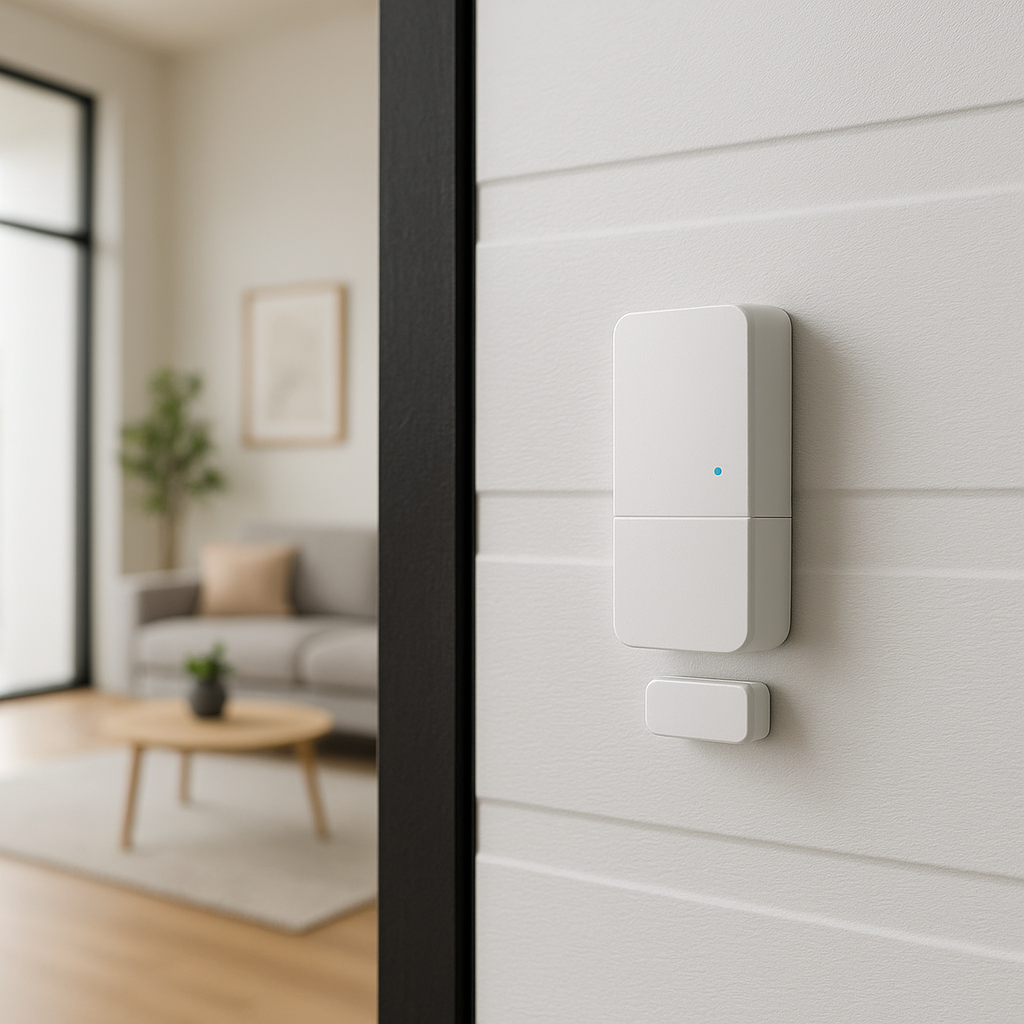
- Entry + porch combo: A door sensor or indoor PIR turns on hallway lights, while a porch camera’s person detection boosts outdoor lights to full brightness.
Buying Guide: What to Look For in a Motion Sensor for Smart Lights
Key specs: detection distance, angle, latency, and minimum movement
When comparing products, look beyond just “motion detected”:
- Detection distance: Match range to room size; too much range can cause through-wall detection with mmWave.
- Field of view: Wider angles cover more area but may pick up unwanted motion (doorways, neighboring spaces).
- Latency: Faster reporting means less delay between walking in and lights turning on.
- Minimum detectable movement: Especially crucial for mmWave; it defines how well it picks up micro-movements.
Integration: Matter, Zigbee, Z-Wave, Wi-Fi, and platform support
Make sure your sensor speaks the same language as your smart home:
- Zigbee / Z-Wave: Great for low-power, mesh-based sensors that work well with hubs.
- Wi‑Fi: Easy setup, but higher power usage and more load on your router.
- Matter / Thread: Newer standard aiming for easier cross-platform compatibility; still maturing but worth considering for future-proofing.
- Platform integrations: Check support for Home Assistant, SmartThings, Apple Home, Google Home, or Amazon Alexa depending on what you use.
Firmware updates, vendor ecosystem, and long-term support
Good sensors get better over time with firmware updates that improve detection logic, add features, or fix bugs. Before buying, check:
- How often the manufacturer updates firmware.
- Whether updates happen automatically or require manual steps.
- Community feedback on reliability and long-term support.
- Whether the sensor is part of a broader ecosystem (switches, bulbs, hubs) you might also use.
Conclusion: Choosing the Right Motion Sensor for Reliable Smart Lighting
Summary of PIR vs mmWave vs camera strengths and weaknesses
PIR sensors are affordable, simple, and great for walk-through areas and basic lighting, but they struggle with people sitting still and can have blind spots.
mmWave sensors excel at presence detection and micro-movements, making them ideal for offices, living rooms, and primary bathrooms, at the cost of higher price and more tuning.
Camera-based motion offers rich context and smart detection, especially outdoors, but adds privacy, power, and network complexity that often isn’t necessary for indoor lighting alone.
Simple decision flow: which sensor is best for your top rooms
A quick rule of thumb:
- If people mostly pass through (hallways, stairs, entries): Start with PIR.
- If people sit or lie still (offices, living rooms, main bathrooms, bedrooms): Use mmWave if you can; otherwise, PIR with longer timeouts.
- If you care about security + lighting outdoors: Use camera-based motion, optionally backed up with PIR.
- If privacy is a major concern: Prefer PIR and mmWave; avoid indoor cameras unless truly needed.
Next steps: testing, tuning, and expanding your smart sensor setup
Start with the rooms that frustrate you the most today – often the main bathroom, your office, or a dark hallway. Install the sensor type that best fits the room, then spend a week tweaking:
- Timeouts for turning lights off.
- Sensor angles and mounting height.
- Sensitivity and detection zones (where supported).
Once those rooms feel effortless, you can expand to other spaces and experiment with mixed setups (PIR + mmWave, cameras for outdoor security) to create a lighting system that feels responsive, reliable, and respectful of your privacy.
FAQ
Is mmWave always better than PIR for smart lights?
No. mmWave is better for presence and subtle movement, but PIR is cheaper, simpler, and often perfectly adequate for hallways, closets, and entryways. Many homes use PIR in most places and reserve mmWave for a few key rooms.
Will mmWave sensors detect through walls?
They can sometimes detect motion through thin walls, doors, or glass, depending on power and frequency. Proper placement and sensitivity tuning are essential to avoid false presence from adjacent rooms.
Are camera-based motion sensors safe to use in bedrooms?
From a technical standpoint, yes, but from a privacy standpoint, many people prefer not to. If you do use them, limit recording, use local processing where possible, and point them away from beds and private areas.
Can I use multiple motion sensors in the same room?
Yes, and it’s often beneficial. You can combine PIR for quick triggers with mmWave for sustained presence, or add a door sensor to further refine when lights should turn on or off.
Do I need a smart hub for motion-based lighting?
Not always. Some sensors pair directly with smart bulbs or Wi‑Fi switches. However, a hub or local platform like Home Assistant gives you far more flexibility to combine PIR, mmWave, and cameras into robust, room-aware automations.