Buying a home battery or portable power station is a big purchase. The challenge is knowing how much capacity you actually need. Too small and your lights go out halfway through an outage. Too big and you overpay for storage you’ll rarely use.
Smart energy monitors and smart plugs give you real numbers instead of guesses. With a few weeks of data, you can see which devices matter during an outage, how much energy they use per day, and how large a battery you truly need for comfort and safety.
This guide walks through how to use smart plugs and whole-home monitors to measure your loads, convert those readings into battery size, and decide whether a home battery or portable power station is really worth it for your home.
Why You Should Use Energy Monitors Before Buying a Home Battery
Common mistakes people make when sizing home batteries
Most people size batteries based on rough guesses or marketing claims, not measured data. That leads to common mistakes:
- Assuming you need to back up the entire house. In most outages, you only need a subset of loads: fridge, internet, a few lights, maybe a small AC or space heater.
- Ignoring peak power (W) and only thinking about capacity (kWh). A battery might have plenty of energy, but if the inverter can’t handle your peak load, it will shut down.
- Forgetting about surge loads. Refrigerators, well pumps, and compressors can draw 2–6x their running watts for a few seconds at startup.
- Overestimating how much you actually use during an outage. People size for “normal life” instead of “essential-only mode,” which inflates battery size and cost.
- Trusting a single day’s usage. Seasonal changes, weekends vs weekdays, and heat waves can all change your load profile.
Energy monitors replace guesswork with real measurements so you can avoid these pitfalls.
How smart plugs and whole‑home monitors reduce guesswork
Smart plugs and whole-home monitors give you two different perspectives on your power use:
- Smart plugs show exactly how much power an individual device or outlet uses (both watts in real time and kWh per day).
- Whole-home monitors show your total household consumption, peak demand, and how usage changes over time.
By combining both, you can:
- Measure the devices you’ll treat as critical loads during an outage.
- See your baseline usage when you’re at home vs away.
- Identify energy hogs that you can turn off during backup mode.
- Estimate how long a given battery size will actually last with your habits.
When a home battery or power station actually makes financial sense
Home batteries are not only for outages. They can also help you:
- Save on time-of-use (TOU) electricity rates by charging off-peak and discharging during expensive hours.
- Store your solar energy to use at night instead of selling it back cheaply.
- Avoid or reduce demand charges by shaving peaks (more common for small businesses or some utilities).
However, the financial payback depends heavily on your actual load profile and rate plan. An energy monitor lets you simulate how often you’d be cycling the battery, how much grid power you’d avoid during peak pricing, and whether the annual savings justify the upfront cost. In some homes, a portable power station for outages plus a smaller bill may be smarter than a full whole-home battery system.
Smart Energy Monitors vs Smart Plugs: Which Data Do You Need?
Whole‑home energy monitors for overall load and peak demand
Whole-home energy monitors typically install in your main electrical panel and use current transformers (CT clamps) to measure total power usage. Examples include the Emporia Vue 2, Sense, and Wiser Energy by Schneider Electric.
These devices are best for:
- Tracking total daily kWh so you know how much energy your home uses on an average day.
- Capturing peak demand (W or kW) to see how high your load spikes when multiple appliances run together.
- Watching trends over time – weekdays vs weekends, summer vs winter, vacation vs normal life.
- Spotting large loads you may want to exclude or manage during backup mode.
If you plan to install a whole-home battery, this monitor is the foundation. It tells you how much of your normal load you can realistically cover and what kind of inverter output you’ll need.
Smart plugs for appliance‑level usage and critical loads
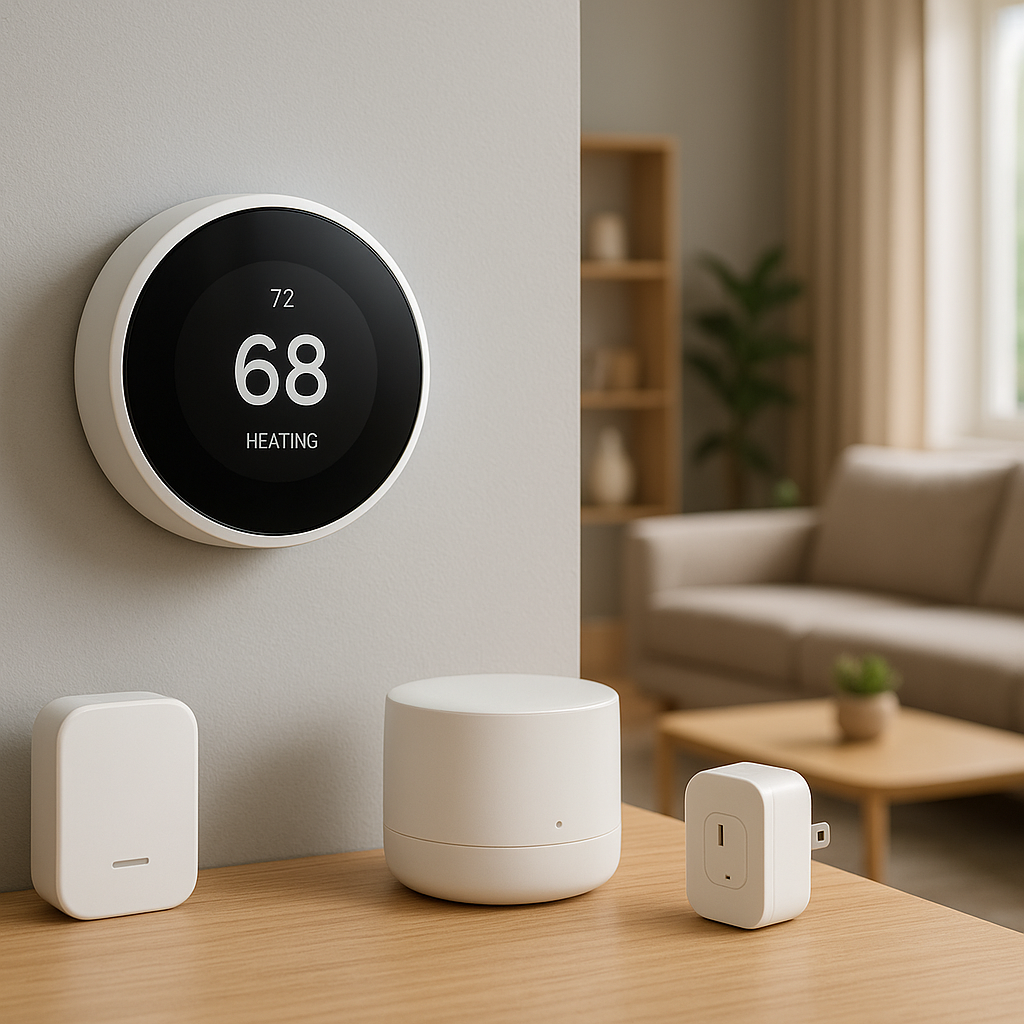
Smart plugs (such as TP-Link Kasa, TP-Link Tapo, or Aqara smart plugs with energy monitoring) sit between the wall outlet and your device. They measure:
- Instant power (W) – helpful to see real-time usage.
- Daily, weekly, and monthly energy (kWh) – crucial for sizing a battery.
They’re especially useful for devices likely to be on your “must run” list, such as:
- Refrigerator and freezer
- Internet modem/router and mesh nodes
- Home office gear (PC, monitor, NAS)
- Bedroom or office window AC, fans, or space heaters
- Medical devices
With smart plugs, you don’t have to guess how much each device uses; you can measure it over several days under real living conditions.
Combining both to see your true backup power requirements
Used together, whole-home monitors and smart plugs give you a clear picture:
- Whole-home monitor: your total consumption and peaks.
- Smart plugs: your critical loads and how much you can shave by turning off non-essentials.
This lets you answer key questions:
- How much of my daily kWh is from must-run devices vs nice-to-have?
- What’s my peak demand if I only run critical loads?
- Could I get by with a smaller battery if I manage loads smarter?
That level of detail is what turns an expensive guess into a confident purchase.
Step‑by‑Step: Using Smart Plugs to Measure Critical Loads
Identify which devices you want to run on battery during an outage
Start by making a simple list of what you’d want powered during a typical outage. Focus on safety, comfort, and keeping food and work going:
- Refrigerator and possibly a freezer
- Internet + Wi-Fi
- Phone and laptop chargers
- Some lights (LED bulbs use very little power)
- Home office essentials if you work from home
- Climate control: a small space heater, window AC, or fan
- Medical devices or other essentials
These are your candidate “critical loads.” Each one should either be measured with a smart plug or estimated using its nameplate data if a plug can’t handle it (e.g., large appliances).
Logging power draw (W) and daily energy use (kWh) for each device
Next, plug each critical device into a smart plug with energy monitoring for at least a few days (a full week is better):
- Record running watts. Open the smart plug app and note typical power draw when the device is on.
- Record daily kWh. Most apps show daily energy use; note the average across several days.
- Account for duty cycles. For devices like fridges that cycle on and off, daily kWh is more useful than instantaneous watts.
Keep a small table (notebook or spreadsheet) with columns for device name, running watts, and daily kWh.
Accounting for surge power on fridges, pumps, and AC units
Some devices have a short surge when they start up. Smart plugs may or may not capture the true peak, but you can use safe estimates:
- Refrigerators and freezers: assume 2–3x the running watts for surge.
- Well pumps and sump pumps: often 3–6x running watts for a brief surge.
- Small window AC units: 2–3x running watts.
Check the manufacturer’s data sheet if possible. Many modern inverters and power stations list a continuous output (e.g., 2,000 W) and a higher surge rating (e.g., 4,000 W for a few seconds). Make sure your critical loads stay below both numbers.
Creating a “must‑run loads” list with total watts and kWh per day
After a week of data collection, build your final “must-run loads” list:
- List each device, its typical running watts, and average daily kWh.
- Add up all running watts to estimate your maximum continuous load with all critical devices on.
- Add up all daily kWh to see how much energy per day you’ll need from a battery.
This list is your core input for sizing a battery or power station. You’ll use it alongside whole-home monitor data to fine-tune your decision.
Step‑by‑Step: Using a Whole‑Home Energy Monitor to Track Peaks
Installing and setting up a smart energy monitor safely
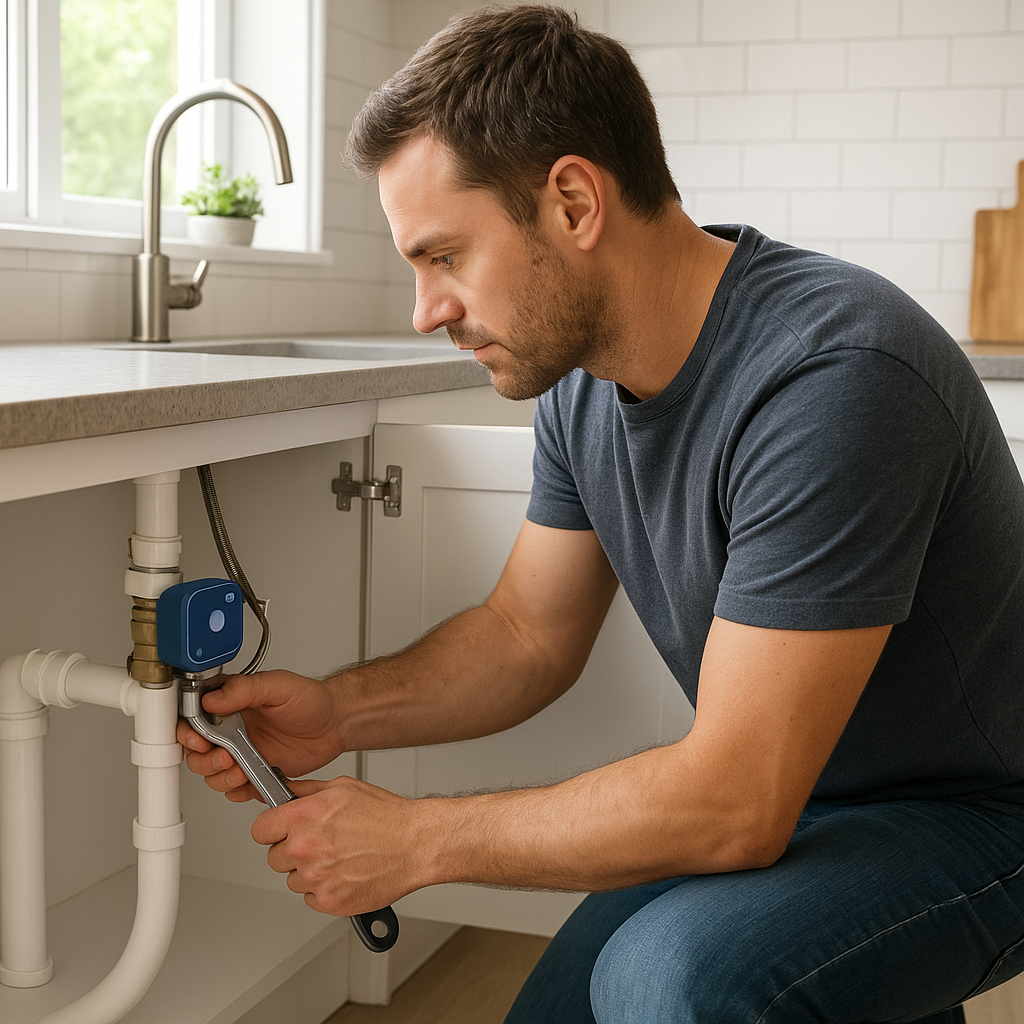
Most whole-home monitors require opening your main electrical panel and installing CT clamps around your main service wires. Because this involves live electrical equipment, using a licensed electrician is strongly recommended unless you’re very experienced.
Typical steps include:
- Powering down the panel (where possible) and installing CT clamps around the main feeds.
- Connecting the monitor to a breaker for power.
- Connecting Wi‑Fi or Ethernet and pairing the app.
- Configuring your utility rate plan in the app for accurate cost estimates.
Manufacturers such as Emporia provide clear installation guides and app walkthroughs; for example, see the Emporia Vue 2 Home Energy Monitor documentation for a good reference.
Monitoring baseline load, peak demand, and daily kWh
Once your monitor is installed, let it run for at least a few weeks before making decisions. Key metrics to watch in the app:
- Baseline load: the power draw when “nothing is on” (often 100–500 W of always-on devices).
- Peak demand: the highest power draw in watts or kW across the day.
- Daily kWh: total energy used each day.
These values tell you how large an inverter you would need for full-house backup and how much energy a whole-home battery would need to cover a day or more of normal usage.
Identifying loads you can safely turn off during backup mode
Scroll through the power graph in your monitor’s app and look for large spikes or blocks of usage. These are often:
- Electric ovens and ranges
- Central AC or heat pumps
- Electric water heaters
- EV chargers
Decide which of these you can turn off or limit during a power outage. Many homes can cut total load dramatically by:
- Pausing EV charging.
- Avoiding oven or dryer use during outages.
- Relying on smaller backup cooling/heating instead of whole-house systems.
Once you know what can be turned off, your true backup load is closer to the “must-run” list you built with smart plugs, plus a small baseline for always-on systems.
Using historical data (seasonal and weekend vs weekday)
Most monitors store months or years of data. Use this to see:
- Seasonal peaks: How much higher is your usage on the hottest or coldest days?
- Weekday vs weekend: Are you home more and using more power on certain days?
- Special events: Parties, guests, or holidays may temporarily push usage up.
For backup sizing, focus on realistic but challenging scenarios: a hot summer evening, a winter cold snap, or typical work-from-home weekdays. Size the battery for how you’ll actually live during an outage, not just your mildest days.
Converting Your Energy Monitor Data Into Battery Size
How to translate W and kWh readings into required battery capacity
To size a battery, you need two main numbers:
- Continuous power (W): from your must-run list, add up the watts of all devices likely to run at the same time. That must be below the battery or inverter’s continuous output rating.
- Daily energy (kWh): from your smart plugs and monitor, add up the kWh of must-run loads plus a bit of baseline usage.
Then ask: how many days or hours of backup do I want? For example, if your critical loads use 4 kWh per day and you want 1 day of backup, you need at least 4 kWh of usable battery capacity.
Factoring in inverter efficiency and depth of discharge
Real batteries can’t use 100% of their labeled capacity. Two main losses apply:
- Depth of discharge (DoD): many systems are rated for 80–90% usable capacity to preserve battery life.
- Inverter efficiency: converting DC battery power to AC for your home typically loses 5–10%.
As a rough rule, multiply the battery’s nameplate capacity by about 0.8 to estimate usable AC energy. For example, a 10 kWh battery may provide ~8 kWh of usable energy to your loads once you account for DoD and inverter losses.
How many hours or days of backup do you really need?
Look at your outage history:
- If most outages last under 4 hours, a small power station (1–2 kWh) may be enough.
- If you see 8–24 hour outages a few times a year, you may want 1 full day of critical loads covered.
- If multi-day outages are common, you either need a larger system, solar recharging, or a hybrid with a generator.
You can also adapt behavior. Many people are comfortable with 1 day of critical backup and would switch to ultra-frugal mode if an outage stretches to day two or three.
Worked example: from smart plug readings to a 5 kWh vs 10 kWh battery decision
Imagine your smart plug and monitor data show:
- Fridge: 1.2 kWh/day
- Internet + Wi‑Fi: 0.3 kWh/day
- Home office (PC + monitor): 0.8 kWh/day
- Bedroom window AC (evening use only): 1.5 kWh/day
- Lights + chargers + misc.: 0.7 kWh/day
Total critical loads: 4.5 kWh per day. You want at least 24 hours of backup.
If you buy a 5 kWh battery, usable energy might be ~4 kWh AC. That’s slightly under your 4.5 kWh/day target, meaning you would need to:
- Shorten AC run time, or
- Turn off the home office earlier, or
- Add solar or generator support.
A 10 kWh battery with ~8 kWh usable would comfortably cover 1 full day and give headroom for a second day on reduced loads. Whether the extra cost is worth it depends on your outage risk and budget, but your decision is now based on measured numbers, not guesswork.
Deciding Between a Home Battery and a Portable Power Station
When a whole‑home battery system makes sense
A permanently installed home battery (often tied into your main panel and possibly solar) makes sense if:
- You have frequent or long outages and want seamless automatic backup.
- You plan to pair with rooftop solar to ride through extended outages.
- Your utility offers strong TOU or demand charge savings.
- You want to back up multiple circuits or a large portion of your home.
These systems require professional installation but integrate tightly with your home’s wiring and often work automatically when the grid fails.
When a portable power station is enough (or better)
Portable power stations (Jackery, EcoFlow, Bluetti, etc.) are typically plug-and-play devices with built-in inverters and outlets. They’re ideal if:
- Your outages are rare or short.
- You mainly need to power a few critical devices, not the entire home.
- You’re in a rental or apartment where you can’t modify the electrical panel.
- You also want portable power for camping, outdoor work, or EV charging emergencies.
Your energy monitor data tells you whether a 1–2 kWh power station is enough or if you should look at larger 3–5 kWh units or modular systems you can expand later.
Matching your monitored loads to product specs (AC output, surge, kWh)
When comparing products, line up your data with the specs:
- Continuous AC output: must exceed your maximum simultaneous watts from the must-run list.
- Surge/peak output: must cover combined startup surges.
- Battery capacity (Wh or kWh): should cover your planned hours or days of backup at your measured daily kWh.
- Number of outlets and circuits: ensure you can connect the devices you measured.
For whole-home batteries, this matching is done at the circuit level; for power stations, it’s done device-by-device.
Safety, installation, and code considerations for each option
Home batteries are usually installed by licensed electricians and must comply with electrical code, local permitting, and often fire-safety rules about where you can place them. They may require:
- A dedicated location (garage, exterior wall, or utility room).
- Proper disconnects, labeling, and sometimes clearances from windows/doors.
- Coordination with your utility if connected to solar or grid export.
Portable power stations don’t typically require permits, but you still need to:
- Avoid backfeeding the home through an outlet without a proper transfer switch.
- Keep ventilation clear and avoid covering the unit.
- Use appropriately rated extension cords and avoid overloading outlets.
In both cases, follow manufacturer instructions carefully and consult a professional if you plan to integrate with your home’s wiring.
Calculating Payback: Is a Home Battery Worth It for You?
Using energy monitor data to estimate bill savings and TOU arbitrage
If your utility uses TOU pricing, your monitor can help you simulate “buy low, use high” behavior. Identify:
- Average kWh you use during peak hours.
- Off-peak vs on-peak rates from your bill or utility website.
You can then estimate annual savings by shifting a portion of that peak usage to battery power. To understand TOU more deeply, see the overview of time-of-use electricity pricing for how different rate structures work.
How outage frequency and duration affect ROI
Energy monitors can’t predict storms, but your own history can. Combine:
- Average hours of outage per year.
- The value you place on avoiding each hour without power (food spoilage, lost work, comfort).
Financially, a home battery may not “pay for itself” purely on TOU arbitrage, but the combination of bill savings and avoided outage costs can justify it for many households, especially in areas with fragile grids.
Non‑financial benefits: comfort, safety, and resilience
Some benefits are hard to price but matter a lot:
- Maintaining internet and communication during emergencies.
- Keeping medications refrigerated and medical devices running.
- Preventing pipes from freezing or homes from overheating.
- Reducing stress for kids, pets, and anyone working from home.
Your energy monitor data lets you achieve these benefits with the smallest system that still protects what you care about.
Simple spreadsheet approach to compare different battery sizes
Use a basic spreadsheet to compare options:
- List daily critical-load kWh from your smart plug data.
- Estimate usable capacity for each battery option (e.g., 80% of nameplate).
- Estimate how many days or hours each option can cover your critical loads.
- Add expected annual TOU savings (from your monitor data) for each size.
- Include purchase and installation cost.
This makes it easier to see where the “sweet spot” is: often a mid-sized system that covers your realistic needs without overspending.
Reducing Battery Size With Smart Energy Management
Using smart plugs to automatically shed non‑critical loads
Once you know your critical and non-critical loads, you can use smart plugs to cut usage automatically when on battery:
- Create a “Backup Mode” scene that turns off TVs, game consoles, and non-essential lights.
- Plug secondary fridges or freezers into smart plugs so you can cycle them on and off to save energy while still preserving food.
- Use plugs to delay charging for devices like robot vacuums until the grid returns.
This kind of automation can shrink your required battery size by trimming away waste during outages.
Time‑of‑use automation with smart thermostats and energy monitors
Smart thermostats and some whole-home monitors can help shift energy use away from peak times:
- Pre-cool or pre-heat your home during off-peak hours.
- Limit HVAC run time during peak periods when you plan to use the battery.
- Use schedule-based or occupancy-based control to avoid heating/cooling empty rooms.
By reducing peak loads, you can get more value from a smaller battery because it doesn’t have to cover as many high-power events.
Creating scenes so your home enters “backup mode” automatically
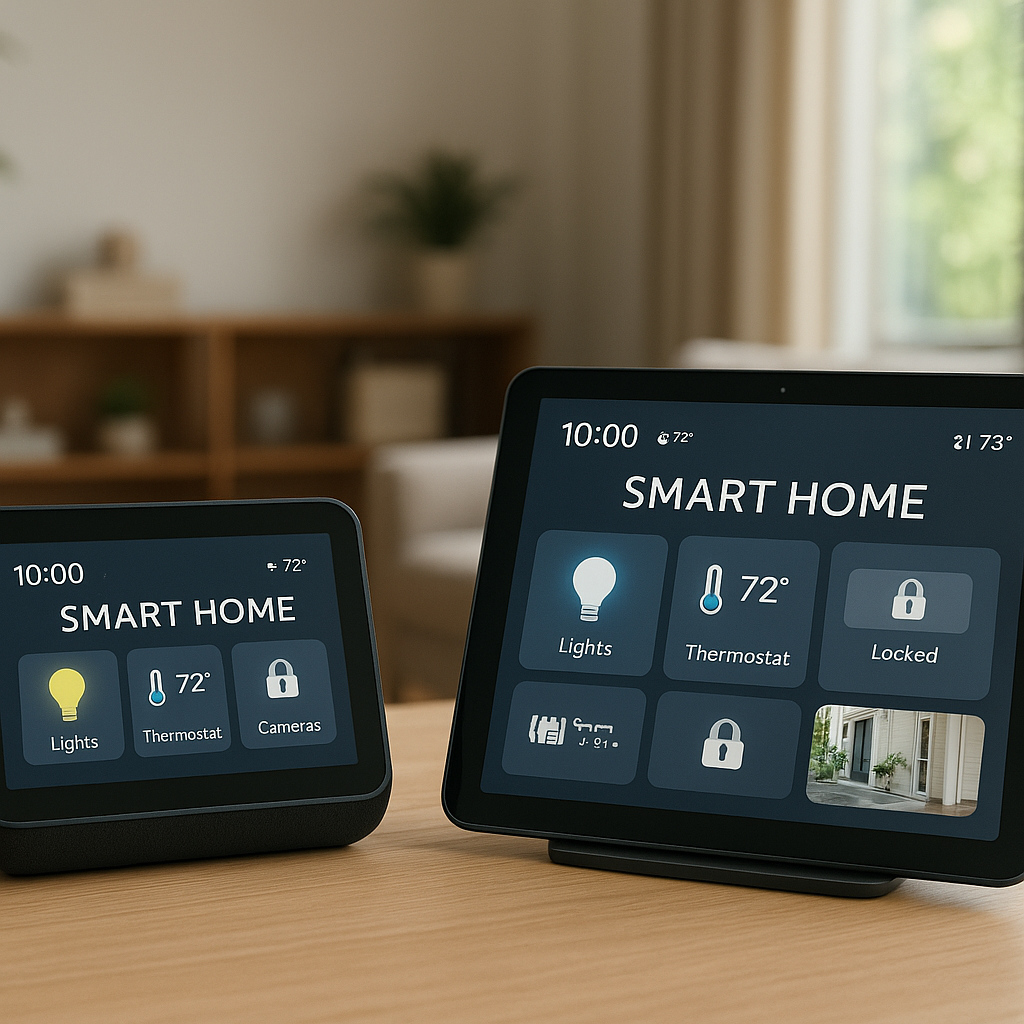
Many smart home platforms (Home Assistant, SmartThings, Apple Home, etc.) allow you to create scenes or automations triggered by events. If your inverter or power station exposes its status, you can:
- Trigger a “Backup Mode” scene when grid power is lost or the battery starts discharging.
- Automatically turn off non-critical circuits via smart plugs and smart switches.
- Dim or turn off decorative lighting, leaving only essential lights on.
- Send a notification to your phone with estimated remaining runtime based on current loads.
These automations stretch your battery capacity further without you having to run around flipping switches in the dark.
Practical Setup Examples for Different Home Types
Small apartment: right‑sizing a compact power station
In a one-bedroom apartment with electric baseboard heat and no control over the main panel, a whole-home battery usually doesn’t make sense. Instead:
- Use smart plugs to measure the fridge, Wi‑Fi, and a few LED lamps.
- Confirm that your critical loads are under ~400–600 W continuous.
- Choose a 1–2 kWh portable power station that can handle that load plus some surge.
- Plan to avoid using electric heaters during outages; consider blankets and low-power heating pads instead.
This setup keeps food cold and internet running for many hours without a major investment.
Suburban home: partial‑backup battery using smart load control
For a typical suburban home with gas heating and electric AC:
- Install a whole-home monitor to understand peak loads and daily kWh.
- Use smart plugs to measure fridge, Wi‑Fi, office, and bedroom AC.
- Work with an electrician to create a critical loads subpanel for lighting, fridge, outlets, and maybe a small mini-split.
- Size a 5–10 kWh battery to cover 1–2 days of critical usage, based on your measured data.
During outages, the battery feeds only the critical loads subpanel, keeping costs and required capacity lower than a full whole-home backup system.
Home office: protecting internet, work gear, and key appliances
If you work from home, your priority might be uninterrupted work rather than whole-house comfort:
- Measure your PC, monitors, networking gear, and printer with smart plugs.
- Size a small dedicated power station or UPS to cover at least a full workday for your desk setup.
- Use a second, larger power station or home battery to cover fridge and some room lighting.
Energy monitor data helps you separate “business-critical” loads from nice-to-have home loads, so you can allocate your backup budget where it matters most.
Tools, Apps, and Settings to Track Your Results Over Time
Recommended smart plugs, energy monitors, and app features to look for
When choosing hardware, look for:
- Smart plugs: energy monitoring, reliable Wi‑Fi, clear kWh history, and integration with your preferred platform (e.g., Kasa, Tapo, Aqara).
- Whole-home monitors: circuit-level monitoring options, TOU rate support, mobile app with good graphs, and data export if you like spreadsheets.
- Apps: daily/weekly/monthly reports, peak demand tracking, and the ability to tag or group devices as “critical.”
Setting alerts for unusual power spikes and high consumption days
Most energy apps can send push notifications for unusual events. Set alerts for:
- High daily kWh compared to your average.
- Unusual peaks that might indicate a failing appliance.
- Devices that run longer than usual, such as a fridge drawing more power, which could hint at maintenance issues.
These alerts not only help reduce your bill but also keep your backup plan accurate as your home changes.
Periodically revisiting your data as habits and appliances change
Appliances age, families grow, work situations shift. Re-measure your critical loads when:
- You replace major appliances like a fridge, HVAC system, or water heater.
- You add new always-on devices like servers, security systems, or EV chargers.
- Your work-from-home pattern changes significantly.
Every 6–12 months, glance at your monitor data to confirm that your battery size still makes sense or whether a configuration change would improve resilience.
Summary: From Energy Monitoring to a Confident Battery Purchase
Checklist: data to collect before buying a battery or power station
Before spending money, gather these numbers:
- List of critical devices you want running during an outage.
- Running watts and daily kWh for each critical device (via smart plugs).
- Total daily kWh and peak demand from a whole-home monitor.
- Typical outage duration in your area.
- Your utility’s TOU or peak/off-peak rates if applicable.
With this data, you can match your needs to specific battery sizes and inverter outputs rather than guessing.
Common pitfalls and how to avoid oversizing or undersizing
To land on the right system size:
- Don’t size for full-house comfort unless you truly need it; focus on essentials first.
- Don’t ignore surge power – check your fridge, pumps, and AC units carefully.
- Avoid assuming perfect behavior changes. If you say you’ll never use the oven during outages, be realistic about whether that will hold up.
- Don’t forget losses. Apply a buffer for inverter efficiency and depth of discharge.
- Test your plan. Run a “simulated outage” by turning off breakers and seeing how you cope with only the loads you plan to back up.
Using smart plugs and whole-home monitors, you can turn a complicated decision into a data-driven one and choose a home battery or power station that fits your life, not just the spec sheet.
FAQ
How long do I need to monitor my energy use before sizing a battery?
A minimum of one to two weeks of data is workable for basic sizing, but a full month is better. If your climate has strong seasons, revisit your data during peak summer or winter to confirm your design.
Can I size a battery without a whole‑home energy monitor?
You can get close using only smart plugs and your utility bill. Smart plugs will cover critical loads, and your bill gives you average daily kWh. A whole-home monitor just makes it easier to see peaks and patterns and to spot big loads you might want to exclude.
Are smart plugs accurate enough for battery sizing?
Most reputable smart plugs are accurate within a few percent, which is plenty for planning. The important part is logging several days of typical use so you capture real behavior, not just a quick spot reading.
Do I need solar panels to benefit from a home battery?
No. You can still use a battery for outage backup and to shift grid usage from peak to off-peak times. Solar mainly adds the ability to recharge during extended outages and increase long-term savings.
Where can I learn more about how batteries and inverters work?
If you want a deeper technical background, the article on battery storage power stations provides a good overview of how large systems work, and many of the concepts apply to residential batteries as well.