Subscription-free smart security is finally practical. Modern cameras, hubs, and sensors can record everything locally, send smart alerts, and keep working even if your internet connection goes down – all without locking you into a monthly plan.
This guide walks through how local storage systems work, what features to look for, and specific types of setups that fit different homes. If you’re trying to choose the best no subscription smart security system for your space, you’ll find clear examples and decision points to help you build a reliable, private setup that doesn’t nickel-and-dime you every month.
Why Choose a No-Subscription Smart Security System with Local Storage?
The problem with cloud-only, subscription-based security systems
Cloud-only security systems are convenient, but they come with trade-offs:
- Ongoing monthly costs: Many popular brands charge per camera for recording history and advanced alerts. That can quickly exceed the cost of the hardware itself.
- Limited access without a plan: Some systems only store a few seconds of clips or offer no history at all unless you pay.
- Dependence on internet: If your internet goes down, your cloud-only cameras may stop recording or sending alerts.
- Privacy concerns: Your footage is stored on someone else’s servers, often processed by cloud AI, and can be subject to breaches or data mining.
A local-storage, no-subscription system flips this around: you pay more up front for capable hardware, then avoid ongoing fees while staying in control of your footage.
Key benefits of local storage: no monthly fees, privacy, and offline reliability
A well-designed local-first security setup offers several advantages:
- No recurring fees: You buy cameras, a hub or NVR, storage (SD cards, hard drives, or NAS), and that’s it. Your running costs are near zero aside from power and the occasional storage upgrade.
- More control over privacy: Footage stays on your property. You decide who can access it and how long to keep it.
- Offline resilience: Many local systems keep recording and logging events even if Wi‑Fi or internet is down. You might temporarily lose remote access, but you won’t lose the evidence.
- Less vendor lock‑in: Systems that support open standards (RTSP, ONVIF, Zigbee, Z-Wave, Matter) let you mix and match gear and change apps later.
Who a subscription-free smart security setup is (and isn’t) right for
A local, no-subscription system is a strong fit if you:
- Prefer paying once for quality gear rather than ongoing fees.
- Care a lot about privacy and data ownership.
- Are comfortable doing some setup and basic network configuration.
- Don’t need professional monitoring or emergency dispatch bundled in.
It may not be ideal if you:
- Want a fully managed, set‑and‑forget system with professional monitoring and automatic police dispatch.
- Live somewhere with very unreliable power and no backup options.
- Don’t want to manage storage, updates, or occasional troubleshooting.
For many homeowners and renters, the balance of cost savings, privacy, and flexibility makes local storage systems the best no subscription smart security system option available.
How Local Storage in Smart Security Systems Works
MicroSD cards, NVRs, and hub-based storage explained
Local storage usually falls into three buckets:
- MicroSD cards in the camera: Common in brands like Reolink, Eufy, and Wyze. Each camera records to its own card. This is simple and cheap, but you manage storage camera by camera.
- NVR (Network Video Recorder): A dedicated box with one or more hard drives that records all your cameras over the network. Many PoE (Power over Ethernet) camera kits use this model. See the Network video recorder article for a technical overview.
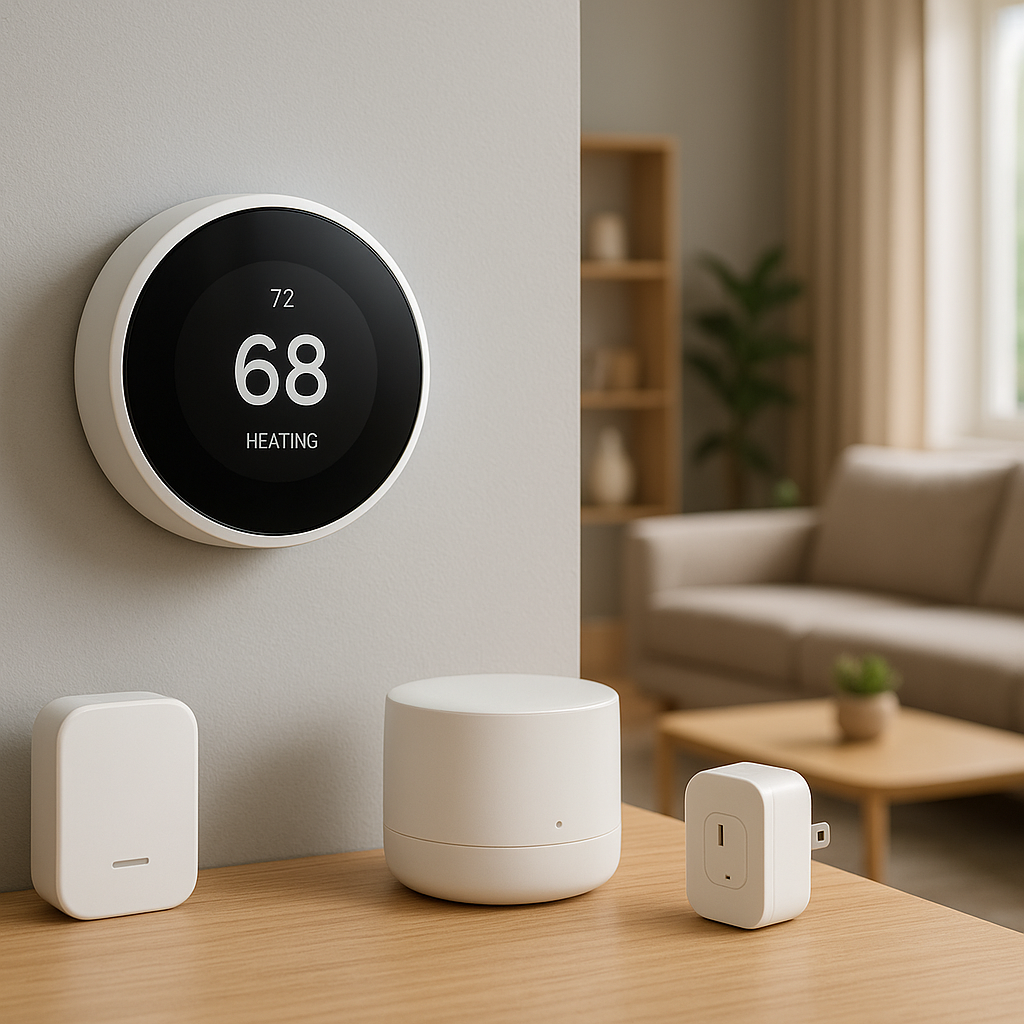
- Hub or base station: Some ecosystems (e.g., Eufy HomeBase, Aqara hubs) store footage from multiple cameras and sensors on a single hub, often using a built-in drive or connected USB storage.
Which one you choose depends on how many cameras you need, how comfortable you are with networking gear, and whether you want a single point of storage or distributed storage across devices.
On-device AI vs cloud AI for motion detection and person alerts
Cloud-based systems often do their smart detection (people, packages, vehicles) in the cloud. Local systems increasingly use on-device AI:
- On-device AI: The camera or hub has a small processor that analyzes video locally to distinguish people vs. general motion. This allows smart alerts without sending footage to the cloud.
- Hybrid systems: Some cameras offer basic on-device detection for free and extra cloud-based features (like rich object recognition) if you pay. You can ignore the cloud add‑ons and still get the basics.
For a subscription-free setup, look for wording like “on-device AI,” “edge detection,” or “local smart detection” in the specs.
What happens if the power or internet goes out?
Power and internet outages affect systems differently:
- Power outage: Unless you use battery-powered cameras and/or a UPS (uninterruptible power supply) for your hub/NVR and router, most systems will stop recording. If power resilience matters, add at least a small UPS for your key components.
- Internet outage, power still on: Local systems typically continue to record to SD cards or the NVR. You may lose live view and push notifications away from home, but footage is still captured.
- Cellular backup: A few hubs offer cellular backup with a paid plan. If you want to stay 100% subscription-free, you’ll usually rely on your primary internet plus local recording.
Key Features to Look For in the Best No-Subscription Smart Security System
Local recording options: SD card, USB drive, NAS, or hub/NVR
Make sure your chosen system clearly supports local recording without a paid plan. Common options include:
- MicroSD card slots in each camera.
- USB drive plugged into a hub or base station.
- Built-in drives in an NVR or hub.
- Recording to a NAS (Network Attached Storage) using RTSP/ONVIF.
Check whether local recording is available out of the box or requires special firmware or a separate app.
Video quality, night vision, and field of view
Local storage doesn’t help if your video is unusable. Look for:
- Resolution: 1080p is the baseline; 2K or 4K provides more detail for faces and license plates.
- Night vision: Infrared (IR) for general visibility and optional color night vision with built-in spotlights.
- Field of view: Wider isn’t always better. A 110–130° field often balances coverage with detail.
Smart detection: people, packages, pets, and vehicles without a cloud plan
For subscription-free systems, prioritize cameras and hubs that offer:
- Person detection without a subscription.
- Configurable motion zones to ignore streets or sidewalks.
- Optional pet or vehicle detection that still runs locally.
Many newer devices advertise “AI detection” broadly. Double-check the fine print to confirm which features work without a cloud subscription.
Integration with smart home platforms (Alexa, Google Home, HomeKit, local systems)
Integration determines how well your security setup plays with the rest of your smart home:
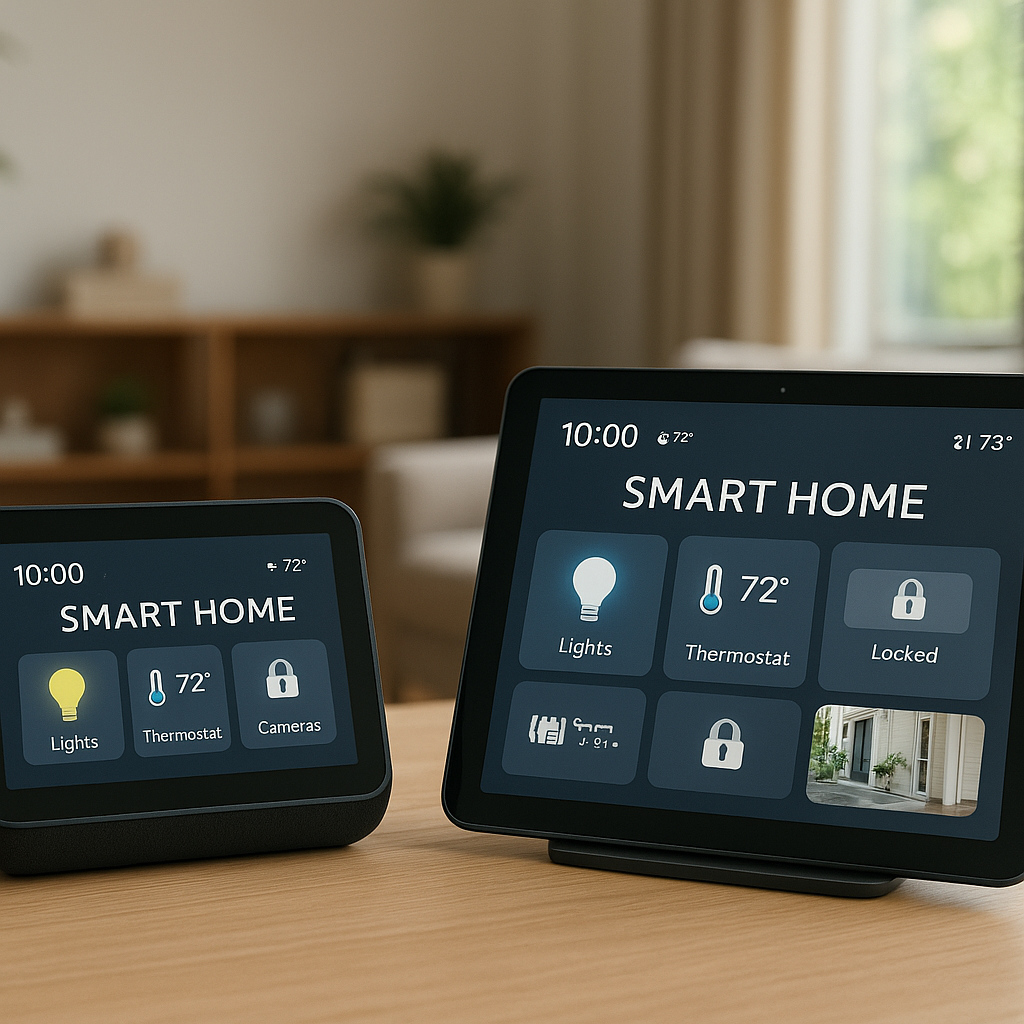
- Voice assistants: Alexa and Google Home integration allow you to pull live feeds to smart displays or arm/disarm via voice (with PIN protection).
- Apple HomeKit: Helpful for iPhone/iPad users; some cameras support HomeKit Secure Video but may require iCloud storage if you use Apple’s recording.
- Local-first systems: Hubs like Hubitat or software like Home Assistant focus on local control and work well with no-subscription ecosystems.
Data security: encryption, user accounts, and secure remote access
Even without the cloud, security matters:
- Ensure video streams use encryption (HTTPS, TLS) for remote access.
- Look for support for two-factor authentication (2FA) on accounts.
- Avoid exposing camera web interfaces directly to the internet; use the official app or a secured VPN.
Expandability: adding extra cameras, door/window sensors, and sirens over time
Think ahead a bit. A strong local system should allow you to:
- Add more cameras without replacing the hub or NVR right away.
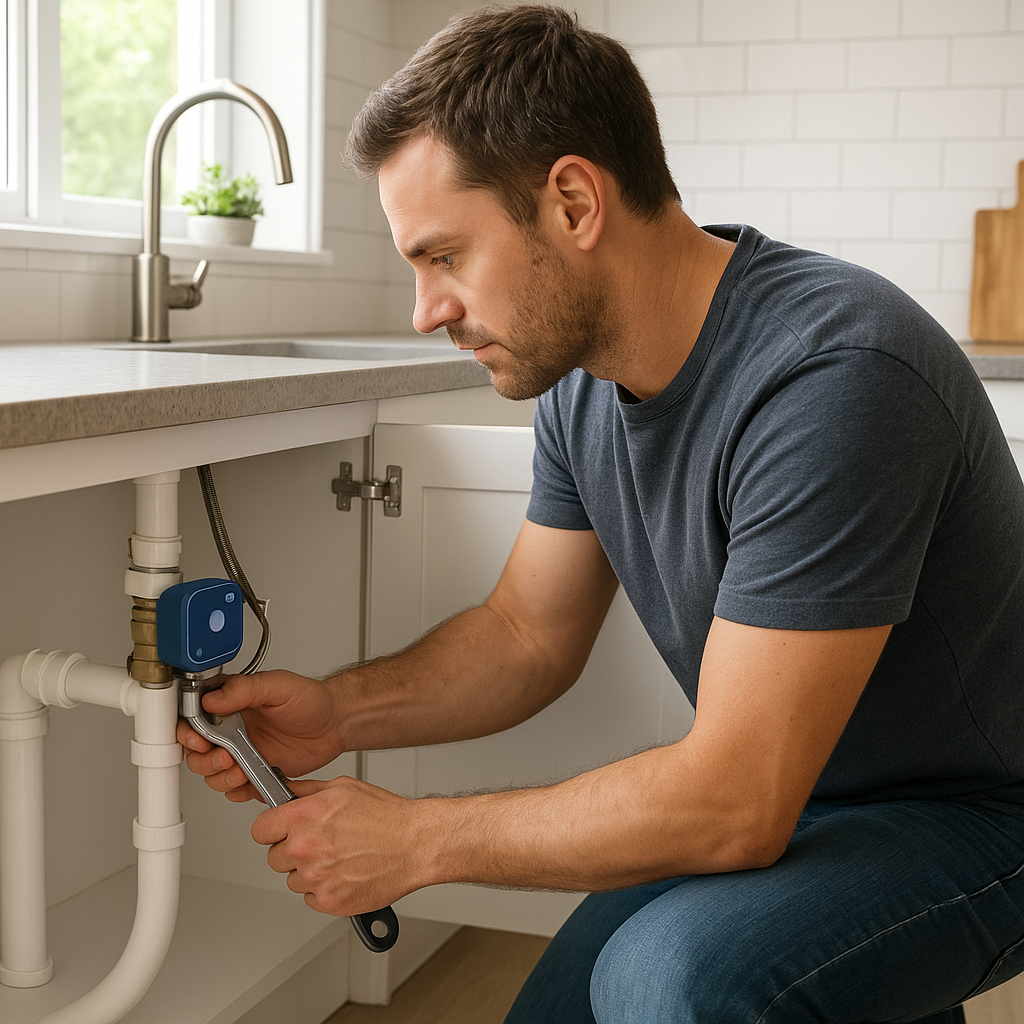
- Pair door/window sensors, motion sensors, and sirens to the same hub.
- Create simple automations (e.g., camera records at higher bitrate when the system is armed).
Best No-Subscription Smart Security System Bundles (Cameras + Hub + Sensors)
System 1: Local hub-based kit for whole-home protection
A hub-based kit suits a typical single-family home that needs mixed indoor and outdoor coverage plus door/window sensors. Look for:
- A main hub with built-in storage or USB/SSD support.
- 2–4 outdoor-rated cameras with 2K or better resolution.
- A few indoor cameras for hallways or common areas.
- Door/window sensors for main entry points.
- Optional keypad and siren.
In this setup, the hub coordinates everything and stores recordings centrally. You control and arm/disarm the system via the hub’s app and can often integrate with Alexa or Google Home.
System 2: Camera-centered kit with optional sensors and lights
Some brands build around “smart cameras first,” adding extras later:
- Smart floodlight cameras that cover driveways and backyards.
- Indoor cameras that double as intercoms or baby monitors.
- Optional wireless sensors and battery-powered sirens linked to the same app.
This works well if your main goal is strong video coverage with occasional door/window sensors or motion sensors for extra context.
System 3: DIY-friendly, Wi-Fi–only kit for renters and apartments
Renters often need a fully wireless, easily removable system:
- Peel-and-stick battery door/window sensors.
- Battery or plug-in Wi‑Fi cameras with microSD slots.
- A compact hub or chime unit as the central brain.
- No drilling or hardwiring required.
This kind of kit is easy to take when you move. Local storage on the cameras or a small hub avoids relying on the landlord’s infrastructure.
Comparison table: storage type, max cameras, detection features, and price
As you evaluate bundles, compare:
- Storage type: SD-only vs. hub/NVR vs. NAS compatibility.
- Max cameras supported: Some hubs cap out at 4–8 cameras; NVRs often support 8–16 or more.
- Detection features: Which AI features work locally and without a subscription.
- Approximate price tiers: Budget (one or two cameras and a basic hub), midrange (4–6 cameras and sensors), and higher-end (8+ cameras, 4K, robust NVR).
Best Individual No-Subscription Security Cameras with Local Storage
Indoor cameras with microSD and on-device motion detection
For indoors, focus on:
- MicroSD card support and easy playback in the app.
- On-device motion and person detection.
- Privacy shutter or tilt-down options when you’re home.
Examples (from multiple brands) include compact 1080p/2K cubes or pan/tilt cameras that can track motion locally without requiring cloud uploads.
Outdoor and weatherproof cameras with local recording
Outdoor cameras need to handle rain, sun, and possibly snow:
- Weather rating (IP65 or better).
- Local recording either to SD card or to an NVR/hub.
- Good night vision and strong Wi‑Fi or wired connections.
Many PoE cameras are designed specifically for NVR recording and support ONVIF/RTSP, making them easy to integrate into fully local systems.
Battery-powered cameras that still record locally when Wi‑Fi drops
Battery cameras are ideal for spots without power outlets:
- Look for cameras that buffer to internal storage or SD cards during Wi‑Fi outages.
- Check battery life estimates for typical usage (motion frequency, temperature, resolution).
- Prefer models with removable batteries or solar panels for easier maintenance.
Video doorbells that support local storage and no monthly fees
Video doorbells are often subscription-heavy, but some support local-only recording:
- Doorbells that record to a base station or microSD card in the chime unit.
- On-device human detection to reduce false alerts from cars and trees.
- Compatibility with existing chimes or wireless chime accessories.
Hubs, NVRs, and Base Stations for Local-Only Security
When a dedicated hub or NVR makes more sense than SD cards
SD cards are fine for one or two cameras, but a hub or NVR is usually better if you:
- Need more than 3–4 cameras.
- Want centralized management of recordings and settings.
- Prefer a single point to back up footage.
NVRs pair best with wired PoE cameras, while hubs/base stations shine with wireless cameras and sensors.
Managing footage: retention time, overwriting, and backups
Local storage means you control retention. Plan for:
- Retention time: Higher resolution and continuous recording use more space. Event-only recording stretches storage further.
- Overwriting behavior: Most systems loop and overwrite the oldest footage automatically.
- Backups: For important clips, regularly export footage to a computer, external drive, or NAS.
Accessing local recordings remotely without a subscription
Most systems offer free remote access through their apps by securely relaying your connection back home. Others support:
- VPN connections into your home network for direct access.
- Third-party apps that read RTSP streams from your cameras.
Regardless of approach, enable strong passwords and 2FA wherever available to protect remote access.
Adding Sensors, Sirens, and Smart Automations Without a Subscription
Door and window sensors that work with local-first systems
Door/window sensors are your first line of intrusion detection. Many Zigbee, Z-Wave, and Matter sensors can pair with local hubs and still trigger alerts and automations with no fees. Look for:
- Long battery life (often 2–5 years).
- Compact form factors that work on sliding doors and casement windows.
- Clear open/close history in the app.
Motion sensors, glass-break sensors, and indoor sirens
Additional sensors increase coverage:
- Motion sensors: Place in hallways and main living areas.
- Glass-break sensors: Useful near large windows or sliding doors.
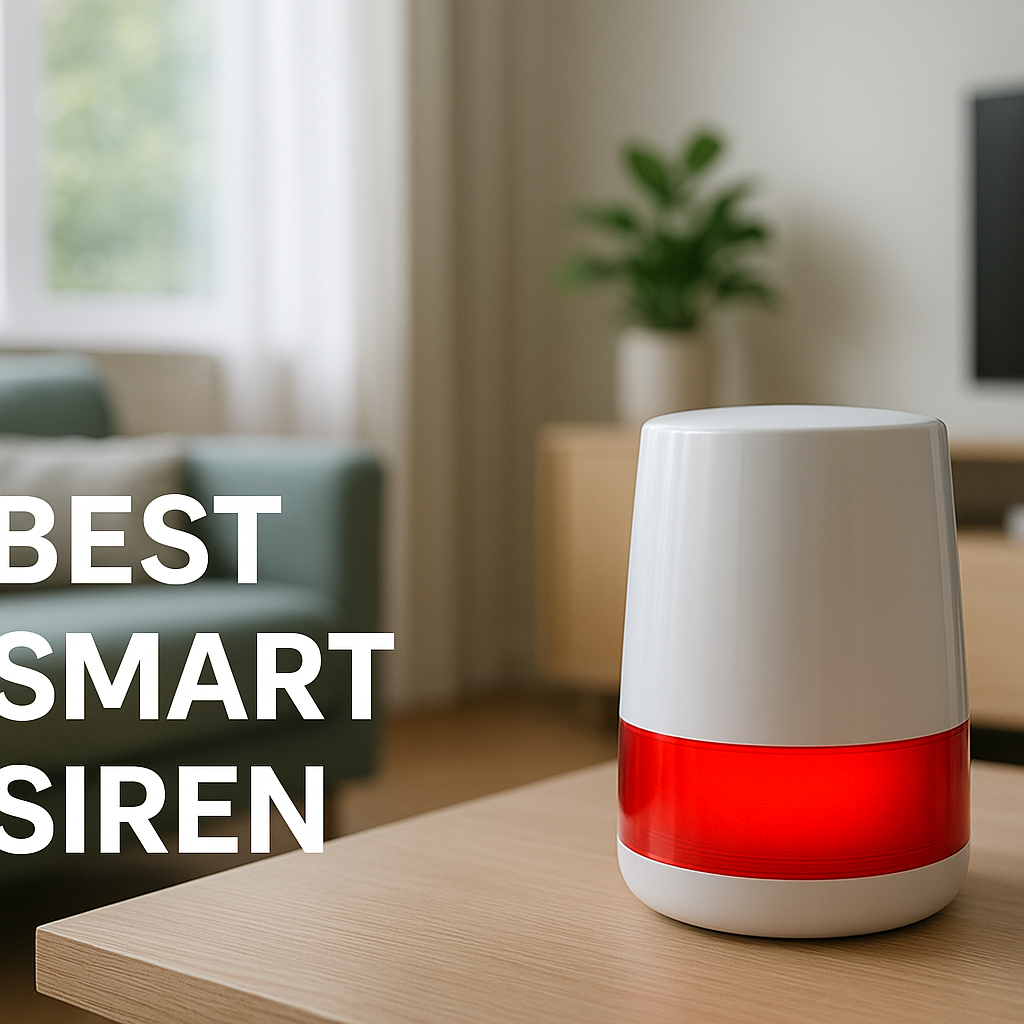
- Indoor sirens: Battery-backed sirens or plug-in units that trigger based on sensor events.
Automations: lights on when motion is detected, siren when a door opens
Local hubs can tie everything together. Common automations include:
- Turn on porch lights and start recording when the front motion sensor triggers at night.
- Sound a siren and push a notification if a door opens while the system is armed.
- Start recording indoors only when everyone has left (based on presence detection).
Using smart plugs and smart bulbs to simulate occupancy while away
Smart plugs and bulbs are simple but powerful for deterrence:
- Randomize light schedules in living rooms and bedrooms while you’re away.
- Turn on a TV or radio via a smart plug in the evening.
- Use motion or door events to trigger lights as if someone just walked in.
Privacy and Security Considerations with Local-Only Setups
Keeping your footage on-site vs the cloud: pros and cons
On-site storage offers privacy and control, but:
- Pros: No third-party access to your footage by default, lower risk from large-scale cloud breaches, and more predictable costs.
- Cons: If someone steals or destroys your hub or NVR, you may lose recordings unless you’ve backed them up elsewhere.
Many people choose a hybrid approach: local recording plus occasional, encrypted backups of important clips to a personal cloud drive.
How to secure your home network and router for remote access
Your router is part of your security system. To keep it safe:
- Change default admin usernames and passwords.
- Use WPA2 or WPA3 Wi‑Fi security and a strong passphrase. The Wi‑Fi Protected Access standard explains these modes in more detail.
- Keep router and camera firmware up to date.
- Disable UPnP if you don’t need it, and avoid manual port forwarding for cameras when possible.
User management: sharing access with family without risking leaks
Most systems let you create multiple users:
- Give family members their own logins instead of sharing one account.
- Use role-based access where available (e.g., viewing-only vs. admin).
- Remove access quickly when someone moves out or no longer needs it.
Installation and Setup Tips for Subscription-Free Smart Security
Planning camera and sensor placement for full coverage
Before mounting anything, sketch your home layout and mark:
- All entry points (doors, ground-level windows, garage).
- High-traffic interior paths (hallways, stairs).
- Areas where valuables are stored.
Place cameras to watch approaches to doors and driveways rather than trying to cover every square foot. Put sensors on all main doors and a few critical windows.
Choosing between wired, PoE, and wireless cameras
Your power and network situation largely decide this:
- PoE (Power over Ethernet): Most reliable; one cable provides power and data. Best for permanent installs and NVRs.
- Plug-in Wi‑Fi: Easier to install, but you need outlets near cameras.
- Battery-powered: Most flexible placement, but require recharging or solar panels.
Managing storage: card sizes, formatting, and recording modes
For SD cards:
- Use high-endurance cards (often marketed for dashcams or surveillance).
- Format cards in the camera or app for compatibility.
- Choose event-based recording for longer retention on small cards.
For NVRs and hubs, start with a drive size that gives at least 7–14 days of history at your chosen resolution, then adjust.
Testing notifications and automations before relying on the system
Before you depend on your setup:
- Trigger each camera and sensor and confirm notifications arrive on all phones.
- Test automations at different times of day (day/night modes).
- Check that recordings are accessible, clear, and timestamped correctly.
Budgeting and Total Cost of Ownership vs Subscription Systems
Upfront costs of hardware vs ongoing monthly fees
With subscription systems, lower initial hardware cost is offset by fees over time. With local systems, expect:
- Higher upfront costs for better cameras, hubs, and storage.
- Minimal ongoing costs, typically limited to power and occasional storage replacement.
Over 3–5 years, a no-subscription setup often ends up cheaper than paying monthly per camera.
Estimating storage needs based on number of cameras and quality
Storage needs depend on:
- Number of cameras (indoor vs outdoor).
- Resolution (1080p vs 2K vs 4K).
- Recording mode (continuous vs motion-only).
Most NVR brands provide calculators; as a rough rule, 1TB can store about a week of 24/7 1080p footage for 4 cameras, more if you use motion-only recording.
When a hybrid model (some local, some cloud) can make sense
Hybrid setups can be useful for:
- Keeping critical exterior cameras fully local while using a simple cloud camera indoors.
- Storing everything locally but backing up only high-priority clips to a personal cloud drive.
- Using a vendor’s free limited cloud (e.g., 24 hours of clips) as a backup to your main local storage.
Example No-Subscription Smart Security Setups (Real-World Scenarios)
Small apartment: 2 cameras and a few sensors with SD card storage
For a one-bedroom apartment:
- One indoor camera watching the main living area and front door.
- One video doorbell (if allowed) or a second indoor camera near the entrance.
- Door sensor on the front door, maybe one extra on a balcony door.
- MicroSD cards in each camera for event-based recording.
No hub or NVR is strictly needed. This is a low-cost way to get meaningful coverage with local storage.
Single-family home: hub-based system with mixed indoor/outdoor cameras
For a typical house:
- Hub with built-in storage or USB drive.
- Two outdoor cameras (front and back) and 2–3 indoor cameras.
- Door/window sensors on all ground-floor doors and key windows.
- Indoor siren and keypad near the main entry.
The hub acts as the central brain, making this an excellent candidate for the best no subscription smart security system in a family setting.
Home office or small business: NVR-centric system for multiple cameras
For a home office, workshop, or small retail space:
- PoE NVR with at least 1–2TB of storage.
- 4–8 wired cameras covering entrances, parking, and interior.
- Optional separate smart alarm hub for sensors and sirens.
This setup prioritizes reliable video retention and often runs continuously for compliance or liability reasons.
How to Future-Proof Your Local-Storage Smart Security System
Picking gear with firmware updates and strong vendor support
Future-proofing starts with choosing manufacturers that:
- Regularly release firmware updates and security patches.
- Document features clearly, including local storage options.
- Provide multi-year support for older devices.
Ensuring expandability for additional cameras and smart devices
Before you buy, check:
- Maximum supported cameras or sensors per hub/NVR.
- Support for open standards (RTSP, ONVIF, Zigbee, Z-Wave, Matter).
- Whether you can mix wired and wireless cameras in one system.
Keeping your setup flexible if you later add cloud or monitoring
You may decide later to add limited cloud features or professional monitoring. To stay flexible:
- Favor systems that offer optional plans rather than requiring them.
- Keep local storage enabled even if you turn on some cloud features.
- Document your network and device layout so you can migrate easily.
Conclusion: Choosing the Best No-Subscription Smart Security System for Your Home
Quick checklist to narrow down your ideal local-storage setup
As you choose your system, run through this checklist:
- How many cameras do you need now and in 2–3 years?
- Do you prefer SD cards, a hub/base station, an NVR, or a NAS?
- Which smart assistants or hubs do you already use?
- Do the cameras offer on-device person/motion detection without a plan?
- Is video quality (day and night) good enough for identification?
- Can you install and maintain the system yourself?
When to prioritize privacy, cost savings, or advanced features
If privacy and cost control are your top priorities, lean heavily into local recording, on-device AI, and hubs or NVRs that don’t depend on cloud services. If you care more about advanced cloud analytics or professional monitoring, you might mix a local-first video system with a separate monitored alarm. Either way, understanding how local storage works puts you in a stronger position to build the best no subscription smart security system for your home.
FAQ
Do I lose all features if I never pay for a subscription?
Not necessarily. Many brands now offer full-resolution local recording, live view, and basic smart detection for free. Subscriptions usually add extended cloud history, advanced analytics, or rich notifications. Check what’s clearly listed as “included without a plan.”
Can I use local storage and cloud recording at the same time?
Yes. Many systems can record locally while also uploading selected clips or low-res copies to the cloud. This hybrid approach gives you privacy and redundancy, but you can stay fully local if you prefer.
Is an NVR better than cameras with SD cards?
For one or two cameras, SD cards are cheap and simple. For larger systems, an NVR or hub simplifies management, backups, and access to recordings. It also reduces the chance of losing footage if a single camera is stolen or damaged.
Do local-only systems still work if my internet connection is slow?
Yes. Recording happens on-site, so video quality isn’t limited by your upload speed. A slow connection mainly affects how quickly you can view live feeds or recordings when you’re away from home.
How often do I need to replace SD cards or hard drives?
High-endurance SD cards used in continuous recording may last a few years, depending on quality and usage. Hard drives in NVRs are typically rated for 24/7 operation and can last several years as well. Periodically check health indicators and replace drives proactively for critical systems.