Smart locks and video doorbells are two of the most popular upgrades for a modern front door. A newer category combines both into one device: a smart door lock with a built‑in camera.
These video‑enabled smart locks replace your existing lock hardware and add keyless entry, live video, motion alerts, and doorbell functionality in a single unit. They can reduce clutter around your door, simplify installation, and make it easier to see and control who comes and goes.
This guide explains why you might want an all‑in‑one video door lock, which features actually matter, and how a few leading models differ. You’ll also see where a separate smart lock and video doorbell still make more sense, plus tips for installation, automations, privacy, and troubleshooting.
Why Choose a Smart Door Lock with a Built-In Camera?
One device for keys, camera, and doorbell
A smart door lock with a camera combines three functions in one:
- Smart lock: keypads, apps, or fingerprints instead of physical keys.
- Video doorbell: live view, two‑way audio, and doorbell notifications.
- Security camera: motion‑activated recording and event history.
This is especially helpful when you have limited space around the door or want to avoid drilling for separate devices. For example, an all‑in‑one lock like the eufy Video Smart Lock or Lockly Vision Elite lets guests punch in a code while you watch them on live video, talk through the built‑in speaker, and unlock or lock the door from the same app.
Fewer devices also means fewer power sources and fewer apps to manage. For many households, that translates into a front door that’s easier to control and easier to explain to guests or family members.
How video door locks improve security vs. standard smart locks
A standard smart lock gives you convenient access control but doesn’t show you what’s happening at the door. A video‑enabled smart lock adds important context:
- Visual verification: Check who’s at the door before you unlock it, even if they already have a code.
- Recorded evidence: Motion and doorbell events can be saved as clips, which can be useful after package theft or attempted break‑ins.
- Detection of suspicious behavior: See if someone is loitering, trying multiple codes, or testing the handle.
- Better event history: Instead of just seeing “Door unlocked by Code 3,” you can view the video clip of that exact moment.
Some locks also offer tamper detection that triggers a siren, records video, and sends an alert if someone forces the lock or removes the device.
When a separate doorbell camera is still the better choice
A combined device is not always ideal. In some situations, a separate doorbell camera plus a regular smart lock is still the better route:
- Unusual door placement: If your door is recessed, has side windows, or is at an awkward angle, you may get a better view by mounting a dedicated video doorbell slightly offset from the lock.
- Already wired doorbell: If you have a wired chime and traditional doorbell wiring, a hardwired video doorbell can offer continuous power and recording without worrying about lock batteries.
- Multi‑unit buildings: In some apartment and condo setups, you can’t modify the main entry door but can install a peephole or doorbell camera that doesn’t touch the lock at all.
- Redundancy: Two separate devices mean if one fails, you still have the other (more on this later).
If you’re starting from scratch and want the cleanest look with the fewest devices, an all‑in‑one video smart lock is appealing. If you already own a good video doorbell, adding a separate smart lock is usually more cost‑effective.
Key Features to Look For in the Best Smart Door Lock with Camera
Video quality, field of view, and night vision
Camera specs matter because your front door is a high‑traffic area. Look for:
- Resolution: 2K (around 2560 x 1440) is ideal; 1080p is acceptable if the image is clear and compressed efficiently.
- Field of view (FOV): Wider horizontal FOV (150–170°) helps you see from edge to edge of your porch. A taller vertical FOV lets you see packages at the doorstep.
- Night vision: Infrared (black‑and‑white) is common; some models add color night vision using low‑light sensors or small LEDs.
- HDR: Helps balance bright sunlight and dark porch shadows so faces aren’t washed out or too dark.
If your door faces direct sunlight or bright streetlights, prioritize HDR and strong low‑light performance to avoid blown‑out faces or noisy images.
Lock security: deadbolt type, certifications, and tamper alerts
The “lock” part still needs to be a solid, physical security device. Key factors include:
- Lock type: Most video locks replace an existing deadbolt. Look for a full deadbolt replacement rather than a latch‑only solution.
- Grade and certifications: In North America, ANSI/BHMA Grade 1 is the strongest, followed by Grade 2. Check the packaging or manufacturer’s specs. You can learn more about deadbolts and their operation on resources like the deadbolt entry on Wikipedia.
- Tamper detection: Some locks detect forced entry attempts, lock picking, or device removal and trigger alarms and push notifications.
- Auto‑lock and door‑ajar alerts: Helpful safety features that reduce the chance of accidentally leaving the door unlocked.
A strong digital feature set doesn’t compensate for a weak mechanical lock. Treat the rated security of the hardware as a must‑have, not an optional bonus.
Smart access options: codes, apps, fingerprints, and backup keys
Access flexibility is one of the main reasons to upgrade. The best smart door lock with camera typically offers several options:
- PIN codes: Create unique codes for family members, guests, or cleaners. Look for time‑limited or recurring codes (e.g., weekdays 9 am–5 pm).
- App control: Lock/unlock remotely, manage codes, and view activity logs. Make sure the app is available for both iOS and Android.
- Fingerprint reader: Found on some models (like Lockly Vision Elite). This gives quick, key‑free entry for trusted users.
- Backup key cylinder: A physical key override is still useful during total power or network failures.
- Proximity/NFC: A few locks support phone tap or NFC tags for very fast unlocking.
Think about who uses the door: kids, older relatives, tenants, or cleaners. Choose a lock that offers access methods they’ll actually be comfortable using.
Power and reliability: battery life, low-battery alerts, and offline access
Because the lock powers both motorized hardware and a camera, power management is critical.
- Battery type: Many models use standard AA cells or a rechargeable pack. Rechargeable packs are convenient, but AA batteries are easier to swap quickly.
- Battery life: Aim for several months under typical use. Video recording and frequent live‑view checks will shorten this.
- Low‑battery alerts: You should get app notifications and often a lock beeping pattern well before full shutdown.
- Emergency power: Some locks offer a 9V contact or USB‑C port you can briefly power with a power bank to unlock when the batteries are fully dead.
- Offline operation: Keypads and mechanical keys should still work without Wi‑Fi or cloud access.
Plan where you’ll keep spare batteries or a power bank so you’re never locked out due to a dead pack.
Smart home compatibility: Alexa, Google Assistant, HomeKit, and routines
Integration with the rest of your smart home makes your front door more than just a standalone gadget. Common integrations include:
- Alexa and Google Assistant: Voice commands such as “lock the front door” or “show me the front door camera” on a smart display.
- Apple HomeKit: Less common with video locks, but very convenient if you’re in the Apple ecosystem. Check support carefully if this matters to you.
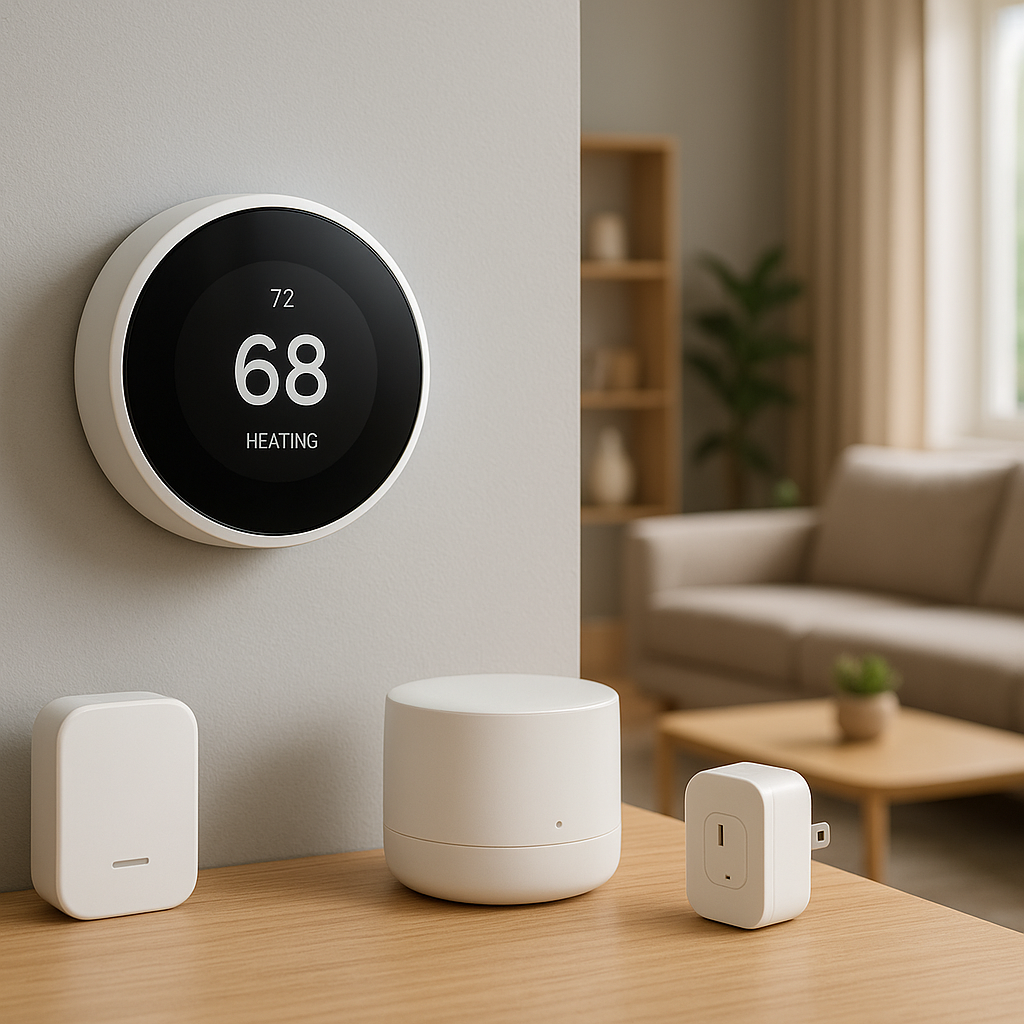
- SmartThings and other hubs: Useful for tying the lock into more advanced automations and security systems.
- IFTTT or similar: For custom workflows like logging entries to a spreadsheet or sending special alerts.
Also look at how the device connects: Wi‑Fi built into the lock is simplest, but some brands rely on a separate bridge. A bridge can improve reliability and range but adds another device and outlet.
Privacy controls, local storage, and cloud subscription costs
Video adds privacy considerations and ongoing costs:
- Local storage: Some locks include local storage (often via built‑in memory or microSD). This lets you record clips without a monthly fee and keeps footage in your home.
- Cloud subscriptions: Many brands charge monthly for extended video history, advanced detection (person/package), and rich notifications. Factor this cost over 3–5 years.
- Privacy zones: The ability to blur or block areas (like a neighbor’s window) from recording.
- Video encryption: Look for end‑to‑end encryption and two‑factor authentication for your account.
If you’re privacy‑sensitive, prioritize devices that offer robust local storage options and transparent, optional cloud plans. You can also read more general background about how smart locks work on resources like the smart lock article on Wikipedia.
Best Smart Door Locks with Built-In Cameras (Quick Comparison)
Side-by-side specs: resolution, power, connectivity, and integrations
Here’s a quick overview of how some notable models typically compare. Exact specs vary by region and revision, so always confirm before buying.
- eufy Security Video Smart Lock (e.g., E330):
- Resolution: 2K
- Power: Rechargeable battery pack (often using your doorbell wiring as a trickle charger on some versions)
- Connectivity: Built‑in Wi‑Fi (sometimes with a bundled hub)
- Integrations: Alexa, Google Assistant; strong local‑storage focus
- Lockly Vision Elite:
- Resolution: 1080p
- Power: Rechargeable battery plus optional solar panel on the doorbell unit
- Connectivity: Wi‑Fi via included hub
- Integrations: Alexa, Google Assistant; fingerprint sensor and patented keypad layout
- Altro Smart Lock (Model X and similar):
- Resolution: Typically 1080p
- Power: Rechargeable battery
- Connectivity: Wi‑Fi
- Integrations: Alexa, Google Assistant; designed as an all‑in‑one smart lock + video doorbell
All three combine keyless entry and video, but differ in video resolution, local storage options, and how they connect to your network.
Pros, cons, and best use case for each recommended model
eufy Security Video Smart Lock
- Pros: High‑resolution 2K video, strong emphasis on local storage, no mandatory subscription, good AI detection (people, packages), solid app experience.
- Cons: Slightly bulkier design than a traditional deadbolt, HomeKit support is limited or absent depending on model.
- Best for: Homeowners who want high‑quality video and are wary of ongoing subscription costs.
Lockly Vision Elite
- Pros: Fingerprint reader, unique keypad that obscures PIN entry, integrated video doorbell with solar trickle charging, strong focus on access control.
- Cons: More complex installation, higher upfront cost, relies on a hub for connectivity.
- Best for: Households that prioritize advanced access features (fingerprints and PIN privacy) and don’t mind a higher price tag.
Altro Smart Lock
- Pros: Clean all‑in‑one design, straightforward app, typically easier setup for basic use, good for apartments where one device is preferred.
- Cons: Less widely supported than bigger brands, fewer advanced AI and integration features, may require careful checking for door compatibility.
- Best for: Users who want a simple, integrated lock + camera with essential features at a competitive price.
Top Pick: Best Overall Smart Door Lock with Camera
Standout security and video features
For most homeowners, a model like the eufy Security Video Smart Lock often hits the best balance of video quality, security, and usability.
- 2K resolution with a wide field of view to see faces and packages clearly.
- Local storage for video clips, reducing reliance on cloud subscriptions.
- Reliable deadbolt hardware with tamper alerts and auto‑lock options.
- AI motion detection to distinguish people from general movement.
This mix of features gives you strong security plus clear footage without locking you into high ongoing fees.
Installation experience and build quality
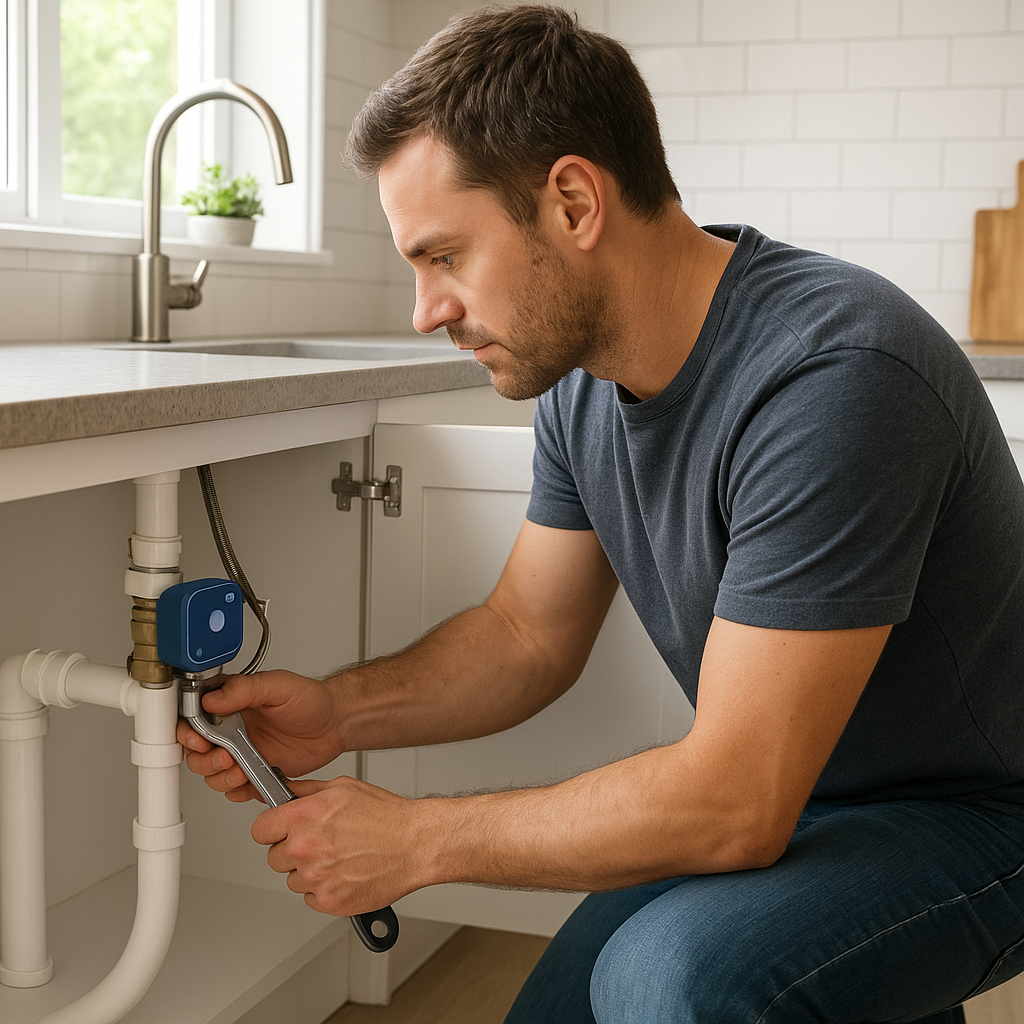
Most full‑replacement video smart locks, including our top‑pick style, install with basic tools:
- Remove the existing deadbolt (interior and exterior parts).
- Install the new deadbolt, strike plate, and exterior camera/lock assembly.
- Attach the interior housing, connect cables, and insert the battery.
Build quality tends to be solid metal on the exterior with weather‑resistant seals. A well‑designed unit feels sturdy when you turn the thumb‑turn and doesn’t wobble when the door is closed.
App experience, alerts, and everyday usability
The app should be simple enough to use daily without confusion:
- Clear live‑view and timeline screens to see who came and when.
- Easy controls to add/delete PIN codes, set schedules, and enable auto‑lock.
- Configurable alerts so you get notified when the door is unlocked, the doorbell is pressed, or motion is detected.
- Support for multiple users with separate logins and permissions.
In daily use, you should be able to walk up, enter a code or use a fingerprint (on compatible models), hear the motor engage, and be inside in seconds—without digging for keys or your phone.
Who this lock is ideal for (households, renters, small offices)
A high‑quality video smart lock like this is best for:
- Single‑family homes and townhouses: Where you control the door hardware and want one device that covers both lock and doorbell.
- Busy households: Families with kids, roommates, or regular visitors who need their own access codes.
- Small offices or studios: Where you want a simple way to see visitors and grant access without a receptionist.
Renters can benefit too, but may need to consider landlord rules and choose a more reversible installation, as covered next.
Best Smart Door Lock with Camera for Renters and Apartments
No-drill or minimal modification options
Renters often face restrictions on changing door hardware. Options for apartments include:
- Locks that reuse existing holes: Many smart deadbolts use the same 2 1/8″ bore and standard backset as typical locks. If your lease allows you to swap hardware (and put the old one back later), this can be reversible.
- Combined peephole camera + smart lock approach: If a full video smart lock isn’t allowed, consider a standard smart lock plus a peephole or adhesive camera that doesn’t require drilling.
- Smaller all‑in‑one designs: Some integrated locks are more compact and less visually intrusive, which landlords may prefer.
Keep all original hardware labeled and stored so you can restore the door exactly to its previous state when you move out.
How to handle landlord rules and building access systems
Before buying anything, check:
- Lease clauses: Look for rules about altering locks, keys, or door hardware.
- Building access: In some buildings, the main entrance uses a fob or intercom system. Your smart lock will only affect your unit door, not the building entrance.
- Key duplication: Landlords may require a master key. Choose a lock that still supports a traditional key cylinder or coordinate with them on key management.
Bring your landlord the product documentation and explain how the lock works and how it can be reversed. Many are open to upgrades if they don’t increase their workload.
Managing guest and delivery access securely
In apartments, packages and guests may arrive at shared entryways and hallways. A video smart lock on your unit door helps by:
- Letting you verify guests visually before unlocking remotely.
- Providing temporary codes for cleaners, pet sitters, or visiting family.
- Recording who accesses your door and when.
If deliveries can’t reach your door directly, pair the lock with building‑level procedures: for example, meeting drivers at the main entrance or using package lockers. Avoid giving permanent codes to delivery drivers.
Best Budget Smart Door Lock with Camera
Which features you can safely compromise on
To save money while still getting a reliable device, you can often compromise on:
- Resolution: 1080p is acceptable if the image is sharp and the lens is decent.
- Advanced AI: Basic motion and person detection are usually enough; you can skip premium features like package or pet detection.
- Fancy materials: A plastic interior housing is fine as long as the mechanical lock is strong.
- Deep smart home integrations: If you don’t use HomeKit or advanced routines, simpler Alexa/Google support is adequate.
Where budget models cut corners (and when that matters)
Cheaper video door locks often save costs in areas that may affect long‑term satisfaction:
- Battery life: Less efficient components can mean more frequent charging or battery swaps.
- Build quality: Flimsier keypads or covers that might wear out sooner.
- Software polish: Clunky apps, slower notifications, or fewer updates over time.
- Support and warranty: Shorter warranties and limited customer support hours.
If your front door sees heavy daily use, investing in a mid‑range or higher‑end device often pays off in reliability and fewer frustrations.
Tips to boost security on cheaper video door locks
If your budget pushes you toward an entry‑level model, you can still enhance security by:
- Reinforcing the door frame with a stronger strike plate and longer screws.
- Adding a separate, inexpensive sensor that confirms the door is closed.
- Using strong, unique PIN codes and changing them periodically.
- Keeping firmware updated to patch security issues.
Even a budget lock can be effective when paired with good physical security and smart usage habits.
Smart Door Lock with Camera vs. Separate Smart Lock + Video Doorbell
Cost comparison over 3–5 years including subscriptions
At first glance, one integrated device can seem cheaper than buying a separate smart lock and video doorbell. Over several years, the picture depends heavily on subscriptions.
- All‑in‑one locks: May include some local storage and short free cloud history. If you avoid subscriptions, they can be cost‑efficient.
- Separate devices: Many mainstream video doorbells rely on monthly fees for extended video storage and AI features. Smart locks themselves usually don’t require a subscription.
Run the math: add device cost + expected subscription fees over 3–5 years. If you expect to pay for cloud storage anyway, the price gap between the two setups might be smaller than it appears.
Wiring, Wi‑Fi, and installation complexity
An all‑in‑one lock is usually battery‑powered, so you don’t have to touch existing doorbell wiring. Separate devices may involve:
- Replacing a wired doorbell and handling transformer compatibility.
- Finding a mounting location that gives a good camera angle.
- Ensuring both the lock and doorbell have solid Wi‑Fi coverage.
If you’re comfortable doing basic wiring or hiring an installer, separate devices offer more flexibility. If you want a simpler DIY path, a battery‑powered video smart lock is attractive.
Redundancy and failure scenarios (what if one device dies?)
Redundancy is where separate devices win:
- All‑in‑one failure: If the integrated device’s electronics fail, you may lose both video and smart access functions until it’s repaired. Ideally, you still have a mechanical key as a backup.
- Separate devices: If the doorbell dies, the smart lock still works; if the lock has issues, you can still see and talk to visitors.
Think about how critical video is at your specific door. If you rely heavily on seeing visitors, having at least one backup camera in the area (such as a porch or driveway camera) can provide coverage if your primary door device goes down.
Installation Tips for Video-Enabled Smart Door Locks
Checking door compatibility, backset, and Wi‑Fi strength
Before buying, check:
- Door thickness: Most locks support standard residential thickness (around 1 3/8″ to 2″). Check if your door falls outside this range.
- Backset: Measure from the edge of the door to the center of the existing deadbolt hole (commonly 2 3/8″ or 2 3/4″).
- Door swing and clearance: Confirm there’s enough space for the interior module and that it won’t hit walls or storm doors.
- Wi‑Fi signal: Stand at your door with your phone and run a speed test. If signal is weak, consider a Wi‑Fi extender or mesh node nearby.
Power options: batteries, wired power, and using existing doorbell wiring
Video locks are usually battery‑powered, but some can use wiring:
- Battery‑only: Easiest install. Just be ready for periodic recharging or battery replacement.
- Battery + trickle charge: Some models connect to existing doorbell wires to help keep the battery topped up.
- Fully wired (rare): These are less common and typically require more involved installation.
Decide whether you’re willing to work with low‑voltage wiring. If not, focus on battery‑only models and good battery management.
Positioning the camera for the best view and motion detection
Because the camera sits where the lock is, positioning is largely fixed, but you can still optimize:
- Mount the lock level and centered in the existing hole so the image isn’t tilted.
- If your door has a deep recess, consider how much of the porch will be visible and whether you might need a secondary camera.
- Use the app’s motion‑zone tools to focus detection on your walkway or porch, not the street.
After installation, test the view at different times of day to see how sunlight and shadows affect visibility.
Common installation mistakes to avoid
A few avoidable mistakes can cause big headaches:
- Over‑tightening screws and warping the lock housing, which can cause jamming.
- Skipping the calibration step where the lock learns door swing and bolt travel.
- Failing to update firmware before putting the lock into daily use.
- Not testing all access methods (codes, keys, app, fingerprint) before closing the door.
Take your time, follow the manufacturer’s instructions closely, and test thoroughly with the door open before trusting the lock.
How to Set Up Automations with a Smart Door Lock and Camera
Automations with smart lights for safer arrivals at night
Simple automations can make your entryway feel much safer:
- Turn on porch and hallway lights when the door is unlocked after sunset.
- Flash exterior lights briefly when the doorbell is pressed at night.
- Turn off entryway lights a few minutes after the door is locked.
These scenes can usually be built in Alexa, Google Home, or your smart home hub using lock state or doorbell events as triggers.
Using smart speakers and displays for doorbell announcements
If your lock supports it, tie doorbell presses and motion events to announcements:
- Have Alexa or Google Assistant say “Someone is at the front door.”
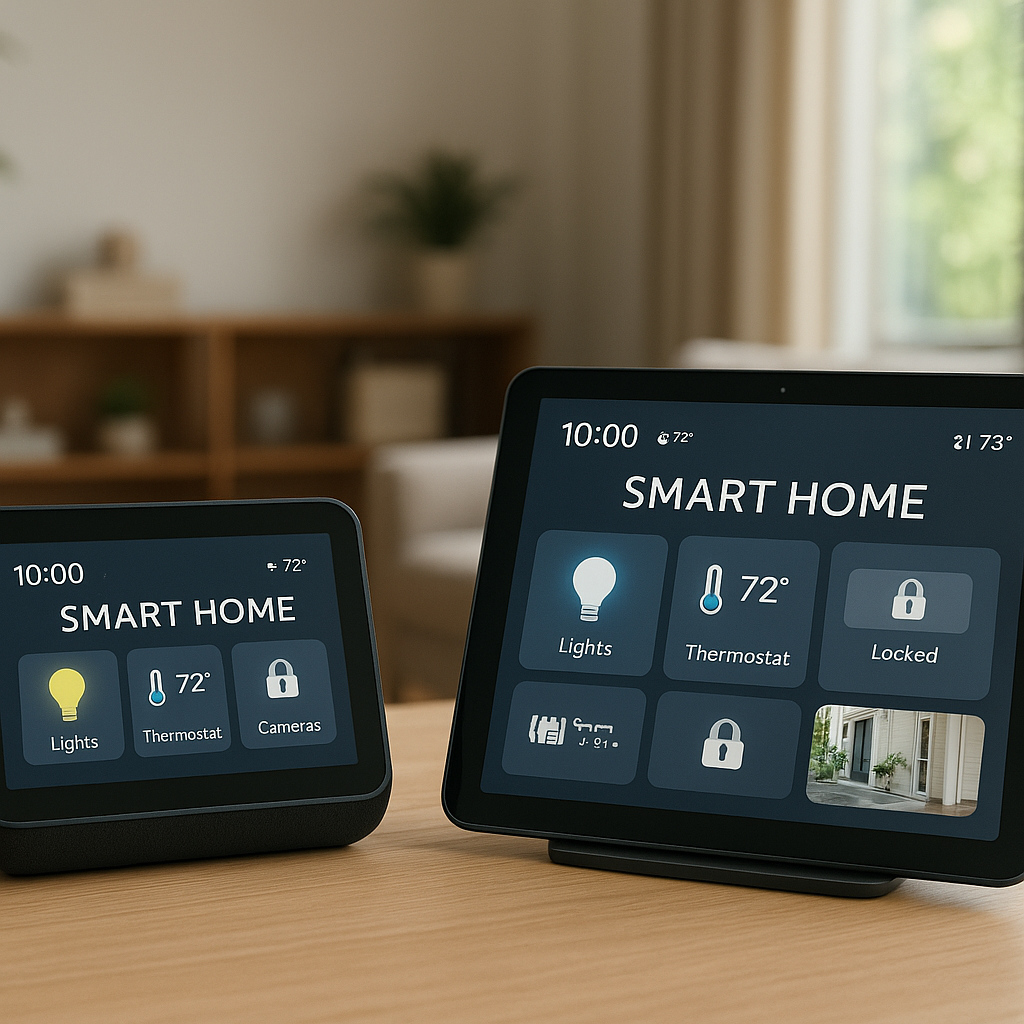
- Auto‑show the camera feed on smart displays like Echo Show or Nest Hub.
- Play a subtle chime in rooms where you don’t have a mechanical doorbell.
This is particularly handy in larger homes or if you often wear headphones and miss knocks.
Creating routines for deliveries, cleaners, and guests
Video smart locks shine when managing occasional visitors:
- Create one‑time or time‑limited codes for cleaners, dog walkers, or contractors.
- Set up a routine that sends you a snapshot or short clip whenever a specific code is used.
- During trips, get notifications and video whenever the door is unlocked, so you can monitor house sitters and deliveries.
Some platforms let you combine location and time rules—for example, alert only when a specific code is used while you’re away.
Privacy and Security Best Practices
Securing your Wi‑Fi, accounts, and video footage
Your lock and camera are only as secure as your network and accounts:
- Use strong, unique passwords for your Wi‑Fi and smart home accounts.
- Enable two‑factor authentication (2FA) wherever offered.
- Keep your router firmware and lock firmware up to date.
- Limit admin access to only those who truly need it.
Regularly review login activity in your lock’s app, if available, to spot anything unusual.
Choosing local vs. cloud storage and managing video history
Decide how much video history you actually need:
- Local storage: Great for privacy and lower long‑term costs, but you’re responsible for backing up or exporting important clips.
- Cloud storage: Convenient access from anywhere and easier clip sharing, but recurring fees and data stored on a provider’s servers.
For many households, a hybrid approach works best: use local storage by default and only enable cloud plans when you want longer history or advanced analytics.
Setting up activity zones and smart notifications to reduce spam alerts
To avoid notification fatigue:
- Define activity zones that include your porch and steps but exclude the street.
- Use people‑only detection if available, so passing cars or tree branches don’t trigger alerts.
- Set quiet hours or reduce sensitivity during times when traffic is high.
Well‑tuned alerts ensure that when your phone buzzes, you’re likely to see something that actually matters.
Troubleshooting Common Issues with Smart Door Locks with Cameras
Fixing delayed notifications and live-view lag
If alerts or live‑view take too long to load:
- Check Wi‑Fi strength at the door and move your router or add a mesh node if needed.
- Limit other heavy network usage (like 4K streaming) when troubleshooting.
- Update your lock’s firmware and app to the latest versions.
- In app settings, lower video quality slightly to improve responsiveness.
Solving Wi‑Fi drops, video glitches, and audio problems
For recurring connectivity problems:
- Reboot the lock (or its hub) and your router in that order.
- Ensure the 2.4 GHz Wi‑Fi band is enabled; many smart devices prefer it over 5 GHz.
- Avoid placing the interior module near large metal objects or dense walls that block signal.
- Check for interference from other wireless devices (baby monitors, older cordless phones).
For audio echo or low volume, adjust microphone/speaker levels in the app if possible and test calls from different phones.
What to do if the smart lock or app stops responding
If the app can’t control the lock:
- Try locking/unlocking using the keypad or physical key to confirm the mechanism works.
- Replace or recharge the batteries if they’re low.
- Power‑cycle the lock by removing the battery for 10–15 seconds.
- Log out and back into the app, or reinstall it if issues persist.
- As a last resort, perform a factory reset and re‑add the device to your account.
Always make sure you have at least one non‑digital way to unlock the door (key, landlord access, or another entrance) before aggressive troubleshooting steps.
Is a Smart Door Lock with Built-In Camera Right for You?
Quick checklist: home type, budget, and privacy comfort level
Use this quick checklist to decide:
- Home type: Do you control your front door hardware, or do landlord rules limit changes?
- Budget: Are you comfortable with the higher upfront cost of an all‑in‑one device, and possibly subscription fees?
- Smart home usage: Will you take advantage of integrations with Alexa/Google, routines, and automations?
- Privacy comfort: Are you okay with continuous or motion‑based recording at your front door, and where that footage is stored?
- Existing devices: Do you already own a smart lock or video doorbell that works well?
If you want a clean, single‑device solution and don’t already have a doorbell camera, a smart door lock with a built‑in camera is a strong option. If you’re happy with your current smart lock or doorbell, adding the missing counterpart may be more sensible than replacing both.
When to upgrade, and when your current setup is good enough
Consider upgrading to an integrated video smart lock if:
- Your existing front‑door hardware is old, unreliable, or needs replacement anyway.
- You want better visibility at the door without adding multiple gadgets.
- You’re ready to expand into automations and smarter access control.
Your current setup is probably fine if:
- You already have a solid smart lock and a reliable video doorbell that cover your needs.
- You rarely use advanced smart home features and just want basic remote lock control or notifications.
- Budget or building rules make a full hardware change difficult right now.
Ultimately, the best smart door lock with camera is the one that fits your home, habits, and comfort with connected devices—while still doing the basics of securing your door very well.
Conclusion
Smart door locks with built‑in cameras bring together locking, video, and doorbell features into one tidy package. They can simplify your entryway, add valuable context to every unlock event, and open up convenient automations around lighting, announcements, and guest access.
By focusing on lock quality, video performance, power reliability, and privacy controls, you can choose a model that keeps your door secure without adding complexity. Whether you go all‑in on an integrated device or pair separate components, the key is building a setup you and your household will actually use every day.
FAQ
Do smart door locks with cameras work during power or internet outages?
Most video locks are battery‑powered, so they continue to function as long as the battery isn’t drained. You may lose remote access and video uploads during an internet outage, but local keypad codes or keys typically still work.
Will a smart lock with a camera fit my existing door?
Most models are designed for standard residential doors and deadbolt holes. Measure door thickness and backset and compare them with the manufacturer’s compatibility chart before buying.
Can I use a smart door lock with camera in a rental?
Often yes, but you must check your lease and landlord’s rules. Choose a model that uses existing holes and can be removed without visible damage, and keep the original hardware to reinstall later.
Do I need a subscription for a smart lock with built‑in camera?
Not always. Some devices offer local storage and basic features without fees. Subscriptions are usually needed for extended video history, advanced AI detection, or cloud backups.
How often will I need to change or recharge the batteries?
Battery life varies by model and usage. With moderate traffic and motion recording, expect anywhere from a couple of months to around a year per charge or set of batteries. Frequent live‑view checks and high‑traffic locations will shorten that time.