Renters often get stuck paying high electric bills without much control over the building’s wiring or electrical panel. That doesn’t mean you’re powerless. Plug‑in energy monitors (usually built into smart plugs and smart power strips) let you track exactly how much electricity individual devices use — no tools, no landlord approval, and no permanent changes.
This guide walks through the best plug in energy monitor for renters in different situations, how these devices actually help you save money, and how to turn a few smart plugs into a simple, rental‑friendly energy monitoring setup.
Why Plug‑In Energy Monitors Are Perfect for Renters
The challenges renters face with traditional whole‑home energy monitors
Most whole‑home energy monitors sit inside or near your electrical panel, clamp onto the service wires, and track usage for the entire home. They’re powerful tools, but they’re not renter‑friendly for a few reasons:
- No panel access: Many renters are not allowed to open or modify the electrical panel at all.
- Landlord approval required: Installing clamp‑on sensors or CTs can violate lease terms if you don’t have written permission.
- Electrician costs: Some panel‑based systems require professional installation, which you probably don’t want to pay for in a place you don’t own.
- Permanent or semi‑permanent: Even if the system is technically removable, it’s not as simple as unplugging a device and packing it in a box when you move.
For most renters, a traditional whole‑home monitor is overkill and too invasive. That’s where plug‑in monitors come in.
Benefits of plug‑in monitors: no electrician, no panel access, instant setup
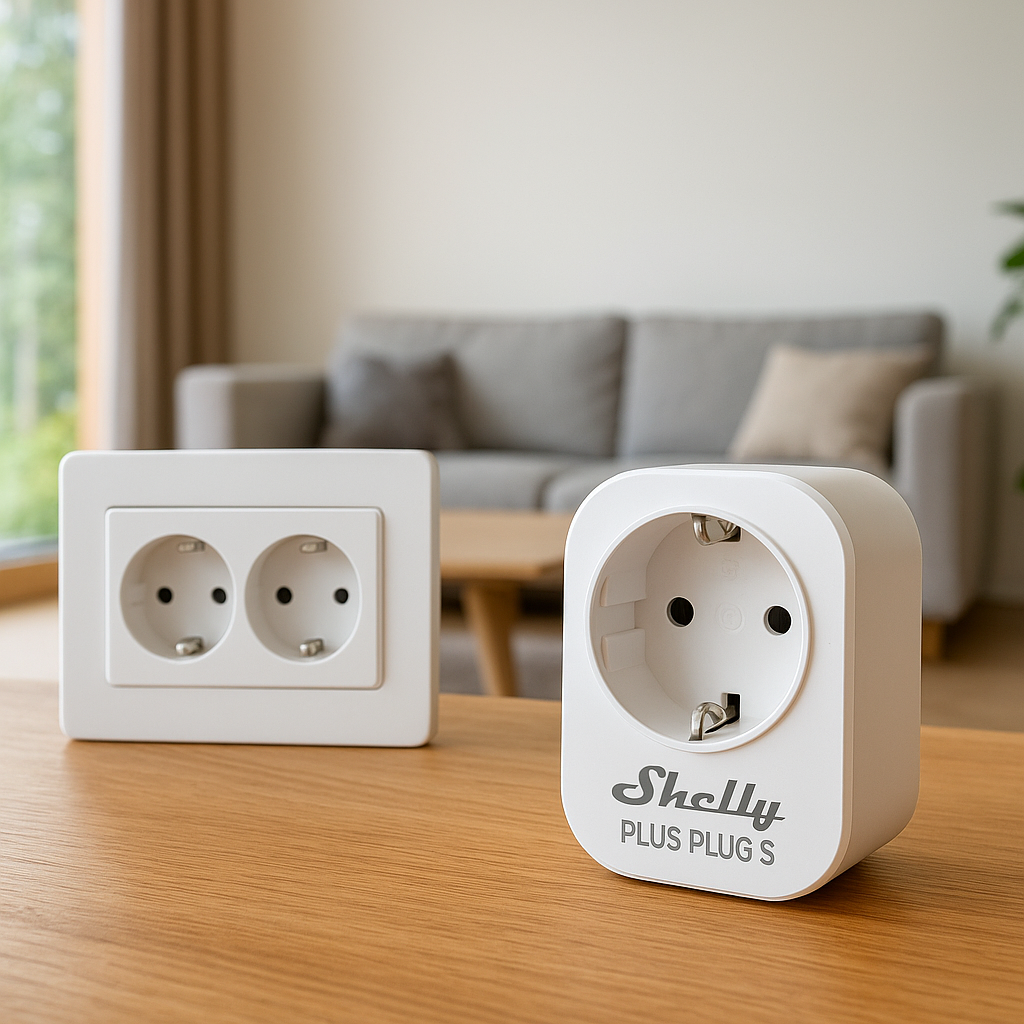
Plug‑in energy monitors look and work like standard smart plugs or power strips, but they track power usage for whatever is plugged into them. The advantages for renters are big:
- No tools, no wiring: You plug them into a wall outlet, connect to Wi‑Fi, and you’re done.
- No landlord involvement: They don’t modify the building’s wiring or panel, so they’re generally allowed under most leases.
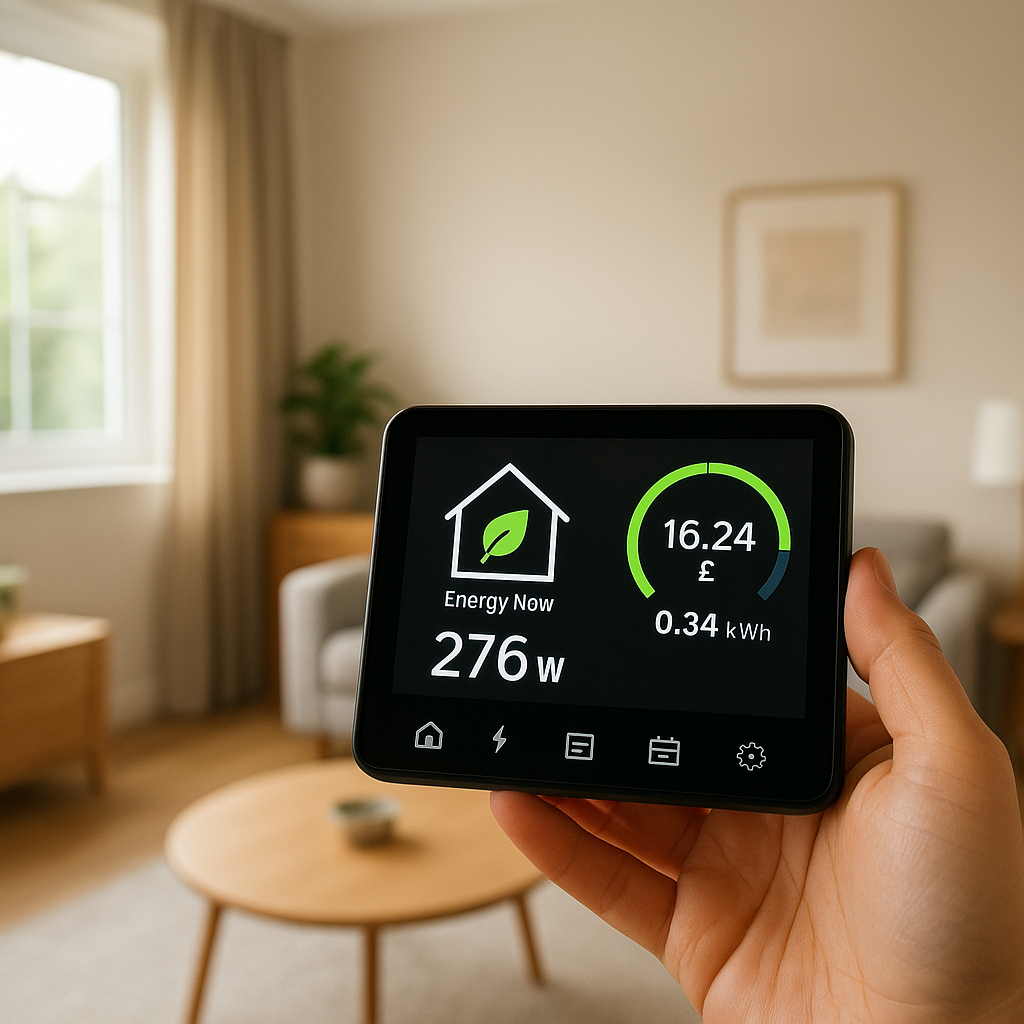
- Instant feedback: You can see how much power a device is using in real time and over time, usually inside a mobile app.
- Built‑in control: Because they’re smart plugs, you can also turn devices on/off remotely, set schedules, and integrate with voice assistants.
- Portable: When you move out, you just unplug them and take them to your next place.
What plug‑in energy monitors can and can’t do compared to panel‑based systems
A plug‑in monitor gives you detailed data on specific devices, but it doesn’t replace a full whole‑home system. Here’s how they compare:
- What they do well:
- Measure real‑time and cumulative energy use (kWh) for individual appliances.
- Help you find energy hogs like space heaters, portable ACs, and gaming PCs.
- Automate on/off schedules to cut waste when you’re away or asleep.
- Provide easy, visual proof of how changes (like new bulbs or a new TV) affect usage.
- What they can’t do:
- Show a full picture of your entire apartment’s usage in one dashboard (unless you monitor nearly everything).
- Track built‑in loads you can’t plug into a smart plug, like ceiling lights on wall switches or central HVAC.
- Identify mysterious spikes on a specific circuit the way some panel‑based systems can.
For renters, that trade‑off is usually worth it. You get highly actionable data about the devices you can actually control, with almost no setup effort.
Key Features to Look For in a Plug‑In Energy Monitor
Real‑time power usage vs. historical tracking
Most smart energy plugs show a live wattage reading, but not all handle historical data well. Look for:
- Real‑time power (W): Lets you see how usage changes as you adjust settings. For example, switching a space heater from high to medium.
- Energy over time (kWh): Daily, weekly, and monthly totals help you connect usage to your electric bill.
- Cost estimates: Some apps let you enter your electricity rate so they can show an estimated cost per day or month.
If the app only shows a live wattage number with no history, it’s nice for experimentation but less helpful for tracking long‑term savings.
App quality, alerts, and data export options
The hardware is only half the story. A great app makes energy data easy to understand and act on:
- Clear graphs: Simple daily and monthly charts are easier to work with than raw numbers.
- Custom alerts: For example, get a notification if your dehumidifier runs longer than four hours, or if a device turns on unexpectedly.
- Data export: Some brands, like Emporia or TP‑Link’s Kasa line, allow CSV exports for deeper analysis.
- Remote control reliability: The app should connect quickly and reliably, even over cellular data when you’re away from home.
Scanning recent user reviews in your app store is a quick way to see if the app is well‑maintained.
Smart home integrations (Alexa, Google Home, HomeKit, IFTTT)
Integrations matter if you want to automate based on energy usage rather than just schedule things by time:
- Alexa & Google Home: Common on Kasa, Wyze, Meross, and many budget plugs. Good for voice control and basic routines.
- Apple HomeKit: Less common, but key for iPhone/iPad users. Products like Eve Energy are strong here.
- IFTTT or local APIs: Helpful if you want more complex rules (like turning off a device when power rises above a certain threshold).
If you’re already invested in one ecosystem, prioritize plug‑in monitors that support it natively to avoid juggling multiple apps.
Safety, surge protection, and overload alerts
Safety matters, especially in older rentals with questionable wiring.
- Max load rating: Most smart plugs are rated for 10–15A (around 1,200–1,800W at 120V). Always check before plugging in heaters or window ACs.
- Overload protection: Some plugs shut off automatically if a device draws too much current.
- Surge protection: Smart power strips often add surge suppression to protect your TV, console, and PC.
- Certifications: Look for UL or ETL listings for extra peace of mind.
If you’re uncertain about safe wattage limits, the U.S. Department of Energy’s guidance on appliance energy use is a helpful reference: Estimating Appliance and Home Electronic Energy Use.
Privacy considerations and data ownership for renters
Energy data might seem harmless, but it can reveal patterns about when you’re home, when you sleep, and what devices you use:
- Account control: Make sure the account is in your name, not your landlord’s.
- Cloud vs. local: Some systems store data only in the cloud, while others (like Eve Energy with HomeKit) can work mostly locally.
- Data export and deletion: Check whether you can delete your data or your account if you move or switch brands.
Reading the privacy section of the product’s documentation before you buy is worth the few extra minutes.
Best Plug‑In Energy Monitors for Renters (Top Picks)
Best overall smart plug energy monitor for most renters
TP‑Link Kasa Smart Plug with Energy Monitoring (e.g., EP25/HS110 series)
Kasa smart plugs are widely available, well‑reviewed, and offer solid energy monitoring features at a reasonable price. They’re a good default choice for most renters because:
- The Kasa app has clear real‑time power and historical usage graphs.
- They work with Alexa, Google Home, and often IFTTT for automation.
- Setup is simple, and reliability is generally high.
They’re ideal for monitoring things like entertainment centers, coffee makers, and desktop computers.
Best budget plug‑in energy monitor under $25
Wyze Plug with Energy Monitoring (latest model)
If you’re price‑sensitive but still want decent data, Wyze often comes in under $25 per plug (and even cheaper in multi‑packs). Benefits include:
- Energy monitoring for key devices without a big upfront cost.
- A unified app if you already use Wyze cameras or sensors.
- Alexa and Google Assistant support for basic routines.
This is a good starting point if you want to test whether plug‑in monitoring will actually change your habits before investing in more plugs.
Best energy monitoring smart strip for home offices and media centers
Kasa Smart Wi‑Fi Power Strip with Energy Monitoring
A smart power strip with built‑in monitoring can track and control several devices at once — perfect for TVs, game consoles, streaming boxes, speakers, or a full home office setup.
- Individual outlet control lets you turn off accessories (like printers or speakers) while leaving core devices (like your PC) on.
- Surge protection helps protect sensitive electronics.
- Energy data shows how much your entire workstation or media center really costs to run.
Using one strip on your TV setup and another on your desk can give you quick, high‑impact insight into your biggest plug‑in loads.
Best option for Apple HomeKit and advanced automations
Eve Energy (HomeKit smart plug with energy monitoring)
Eve Energy is designed for Apple users who want strong HomeKit integration and privacy‑focused design:
- Works natively with the Apple Home app and Siri.
- Stores data locally with Thread or Bluetooth, with optional iCloud sync.
- Can be used in advanced HomeKit automations based on power usage.
If your smart home is mostly Apple‑centric, Eve Energy is a natural fit, and it avoids the need for yet another third‑party cloud login.
Best heavy‑duty plug‑in monitor for space heaters and window ACs
Heavy‑duty smart plugs from brands like BN‑Link or Meross (check for 15A rating and explicit heater/AC support)
Monitoring higher‑draw devices like space heaters, portable ACs, and dehumidifiers requires plugs that can safely handle 15A continuous loads at 120V:
- Look for smart plugs specifically rated for heaters or ACs, with clear 15A (or higher) and max wattage labels.
- Choose models with overload protection that cut power automatically if they detect unsafe conditions.
- Use them only in good‑condition outlets, and avoid daisy‑chaining multiple power strips or extension cords.
Always follow the manufacturer’s guidelines and your local electrical code. If in doubt, prioritize safety over monitoring.
Side‑by‑Side Comparison Table
Price, max load, connectivity, app rating, and smart home support
The table below summarizes typical specs for the types of plug‑in energy monitors mentioned above. Always verify exact specs for the specific model you buy.
| Product Type | Approx. Price (USD) | Max Load | Connectivity | Smart Home Support |
|---|---|---|---|---|
| Kasa Energy Monitoring Smart Plug | $15–$25 | 15A / ~1,800W | Wi‑Fi | Alexa, Google, IFTTT (model‑dependent) |
| Wyze Energy Monitoring Plug | $10–$20 | 15A / ~1,800W | Wi‑Fi | Alexa, Google |
| Kasa Smart Power Strip | $40–$80 | 15A total | Wi‑Fi | Alexa, Google |
| Eve Energy (HomeKit) | $30–$50 | Typically 10–15A (region‑dependent) | Bluetooth / Thread | Apple HomeKit |
| Heavy‑Duty Smart Plug (BN‑Link / Meross type) | $18–$30 | 15A / ~1,800W | Wi‑Fi | Alexa, Google |
Which plug‑in monitor is right for apartments, studios, and shared rentals
Your living situation influences which plug‑in monitor will feel most useful:
- Studios: Two or three standard energy‑monitoring smart plugs are usually enough — one for your entertainment center, one for your main workspace, and optionally one for a heater or AC.
- 1–2 bedroom apartments: Add a smart power strip for the TV area or home office, plus a heavy‑duty plug for any big portable devices.
- Shared rentals: Use separate plugs for each roommate’s desk or mini‑fridge so you can split costs fairly and avoid arguments over the power bill.
Start small and expand. You don’t need to monitor every outlet to get meaningful savings.
How to Set Up a Plug‑In Energy Monitor in a Rental (Step‑by‑Step)
Choosing the right outlet and device to monitor first
Begin with a device you suspect is a big energy user and that’s easy to access:
- Space heater or portable AC
- TV + game console setup
- Desktop PC + monitors
- Dehumidifier or air purifier
Avoid heavily loaded power strips at first. Plug the smart plug directly into a wall outlet so you know exactly what you’re measuring.
Pairing with the app and connecting to Wi‑Fi
Most plug‑in monitors follow a similar setup flow:
- Download the brand’s app (Kasa, Wyze, Eve, etc.).
- Plug in the device and wait for its indicator light to start blinking.
- Open the app, tap “Add Device,” and follow the onboarding steps.
- Connect it to your 2.4 GHz Wi‑Fi network (many don’t support 5 GHz).
- Update firmware if prompted.
Once online, you should see the current power usage and a toggle to turn the outlet on or off.
Naming devices and organizing rooms for clear insights
Take a minute to name each plug and assign it to a room:
- Use descriptive names like “Living Room TV,” “Bedroom Heater,” or “Office PC.”
- Group devices by room inside the app to understand where your energy hot spots are.
- Use consistent naming if you connect plugs to Alexa, Google Home, or Apple Home so voice commands are intuitive.
Good naming upfront saves a lot of confusion once you have more than a couple of plugs.
Safety tips for high‑wattage appliances in older rentals
Older apartments may have weaker wiring or worn outlets. To stay safe:
- Never exceed the smart plug’s rated amperage or wattage.
- Don’t plug space heaters into power strips or extension cords; use a wall outlet.
- Stop using an outlet that feels warm or smells like burning.
- Avoid stacking multiple adapters, timers, or additional plugs on top of a smart plug.
For a deeper look at how higher‑wattage devices impact overall consumption, the standby power article also touches on how various electronics behave when active vs. idle.
What to Monitor First to Cut Your Power Bill Fast
High‑impact devices: space heaters, AC units, fridges, and entertainment centers
If your goal is to lower your bill quickly, start with devices that run for many hours or draw a lot of power:
- Space heaters: Often 1,000–1,500W and can double your daily usage if left running.
- Window or portable ACs: Major contributors during summer months.
- Old fridges or mini‑fridges: Continuous cycling adds up, especially in garages or hot rooms.
- Entertainment centers: TVs, consoles, receivers, and soundbars together can rival a small heater.
Measure these first so you know where changes will have the biggest impact.
Finding hidden vampire loads from chargers, routers, and small appliances
Many devices use a small amount of power even when “off” or idle — sometimes called standby or vampire loads. Common culprits include:
- Phone, laptop, and tablet chargers left plugged in
- Routers and modems
- Microwaves, coffee makers, and toasters with digital displays
- Game consoles on standby
Plug them into a smart plug and check their idle power draw. Individually, they may be small, but several watts running 24/7 can add up over a year.
Creating simple schedules and automation rules to reduce waste
Once you know when and how devices use power, set up basic automations:
- Turn off entertainment centers automatically at midnight.
- Shut down space heaters when you usually leave for work.
- Disable coffee makers and kitchen gadgets overnight.
- Cut power to chargers after a few hours so they’re not trickle‑drawing all night.
Even simple time‑based rules can trim a surprising amount of wasted energy with minimal effort.
Using Plug‑In Monitors with Other Smart Home Gear
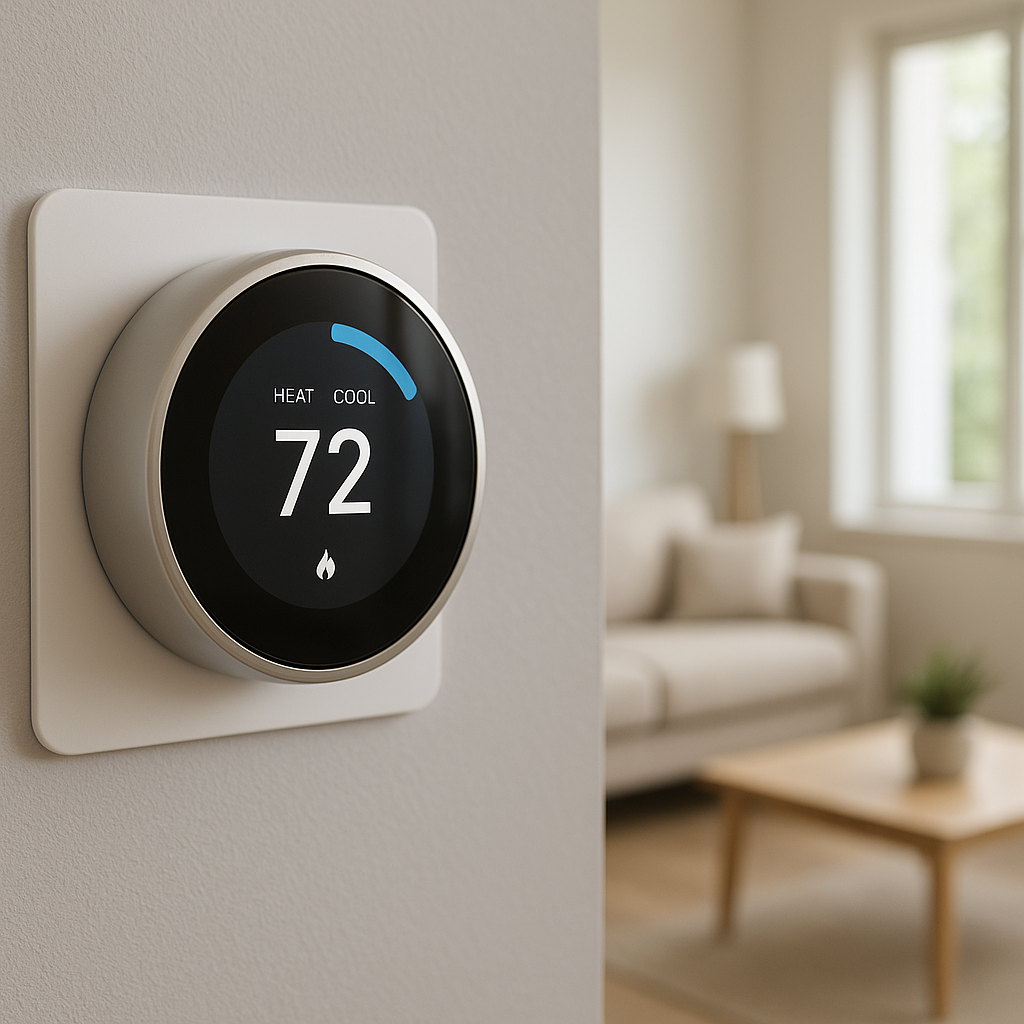
Combining energy monitors with smart thermostats and smart plugs
Plug‑in energy monitors work best as part of a broader smart home plan:
- Use a smart thermostat for central heating/cooling and plug‑in monitors for room‑level devices like heaters and fans.
- Pair standard smart plugs (without monitoring) with monitored ones to extend control where you don’t need detailed data.
- Coordinate schedules so your thermostat’s set‑backs line up with when smart plugs turn off extra equipment.
This layered approach gives you both whole‑home temperature control and detailed insight into plug‑in loads.
Triggering smart scenes based on power usage (e.g., turn off TV at night)
Some platforms let you trigger actions based on power levels. A few examples:
- When TV power drops below a threshold for 30 minutes, dim lights or turn them off.
- If your PC’s power stays high after office hours, send yourself a reminder to shut it down.
- Automatically turn off a space heater if it runs at full power for more than 2 hours.
These rules keep comfort and convenience high while quietly trimming unnecessary usage.
Using energy data to justify upgrades to more efficient appliances
Energy monitoring is also a decision‑making tool:
- Compare your old TV’s energy use with a friend’s or a store display’s specs before upgrading.
- Track how much your mini‑fridge costs to run per month; if it’s high, a newer, efficient model may pay for itself.
- Measure how much less energy an LED lamp uses compared to a halogen or incandescent bulb.
With hard numbers, it’s easier to decide whether a new appliance, bulb, or fan is worth the upfront cost.
Renters’ Rights, Landlord Concerns, and Non‑Invasive Setup
What’s allowed in most leases (and what to avoid)
Every lease is different, but most allow normal use of outlets and plug‑in devices. Generally safe:
- Standard smart plugs and smart strips that plug into wall outlets.
- Apps and cloud services connected to your personal accounts.
- Non‑permanent mounts or cable clips that don’t damage walls.
Things that may be prohibited or require permission:
- Opening or modifying the electrical panel.
- Replacing outlets, switches, or hard‑wired fixtures.
- Running new permanent wiring.
If you’re unsure, ask your landlord in writing and keep their response for your records.
Non‑permanent setups you can remove when you move out
One of the biggest perks of plug‑in monitors is portability. Keep your setup temporary by:
- Using adhesive cable clips instead of screws for cable management.
- Avoiding any drilling or permanent mounting for smart strips.
- Labeling each smart plug so re‑installing in your next place is easy.
At move‑out time, you simply unplug everything, wipe down surfaces, and take your energy‑monitoring kit with you.
How to share energy‑saving reports with your landlord or roommates
Energy data can help you start constructive conversations:
- With roommates: Use app screenshots or exports to show how much shared devices (like the TV or router) use, and agree on fair splits.
- With landlords: Show that your old fridge or window AC is extremely inefficient and suggest they replace it, backed by your actual data.
- With building management: Demonstrate that simple changes (like LED lighting or weatherstripping) could lower bills and improve comfort.
Objective numbers are less emotional and make it easier to reach agreements.
Frequently Asked Questions About Plug‑In Energy Monitors for Renters
Do plug‑in monitors really help lower electric bills?
Yes — if you act on the information they provide. The main savings come from:
- Identifying and reducing use of high‑draw devices (heaters, ACs, dehumidifiers).
- Cutting vampire loads with schedules and auto‑off rules.
- Changing habits once you see how much certain devices cost to run.
Even modest behavior changes can offset the cost of a few smart plugs within a few months.
How accurate are plug‑in energy monitors compared to panel systems?
Most reputable plug‑in monitors are reasonably accurate for everyday use, often within a few percent of true values. Panel‑based systems can offer more sophisticated analysis and cover the entire home, but for individual devices like heaters, TVs, or PCs, a good smart plug is usually accurate enough to guide decisions.
How many plug‑in monitors does a renter actually need?
For most renters, starting with 2–4 plugs is enough:
- One for your biggest suspect (heater, AC, or fridge).
- One for your entertainment center or office setup.
- Optional extras for things like a dehumidifier or kitchen gadgets.
You can always add more later if you find the data useful.
Can you take your plug‑in energy monitors with you when you move?
Yes. They’re designed to be portable. Before you move:
- Rename plugs in the app if their purpose will change in the new place.
- Update Wi‑Fi settings when you get to your new home.
- Re‑evaluate where to deploy them based on the new layout and devices.
Your investment keeps working across multiple rentals.
Final Verdict: Choosing the Best Plug‑In Energy Monitor for Your Rental
Quick recommendations by budget, features, and apartment size
If you want the best plug in energy monitor for renters without overthinking it, use these shortcuts:
- Best overall: A Kasa smart plug with energy monitoring covers most needs with good app support and smart home integrations.
- Best on a tight budget: A Wyze energy‑monitoring plug gets you solid data at a low price.
- Best for Apple households: Eve Energy integrates cleanly with HomeKit and keeps most data local.
- Best for big setups: Kasa smart power strips or similar give you control and monitoring over entire desks or TV centers.
- Best for high‑draw devices: A heavy‑duty, 15A‑rated smart plug from a well‑known brand for heaters and ACs.
Studios can usually start with 2 plugs, small apartments with 3–4, and larger or shared rentals with a mix of plugs and at least one smart power strip.
How to scale from one smart plug to a simple rental‑friendly energy monitoring system
The easiest way to build a system is gradually:
- Start with one plug on your biggest suspected energy hog.
- Add a second or third plug for your entertainment center and home office.
- Introduce a smart power strip where multiple devices share one outlet.
- Layer in automations and schedules once you understand your patterns.
Over time, you’ll have a clear, data‑driven view of where your electricity budget is going — and you’ll be able to cut waste without touching the electrical panel or breaking your lease.